


Smart 3D System Administration: Advance Your SP3D Technical Skills
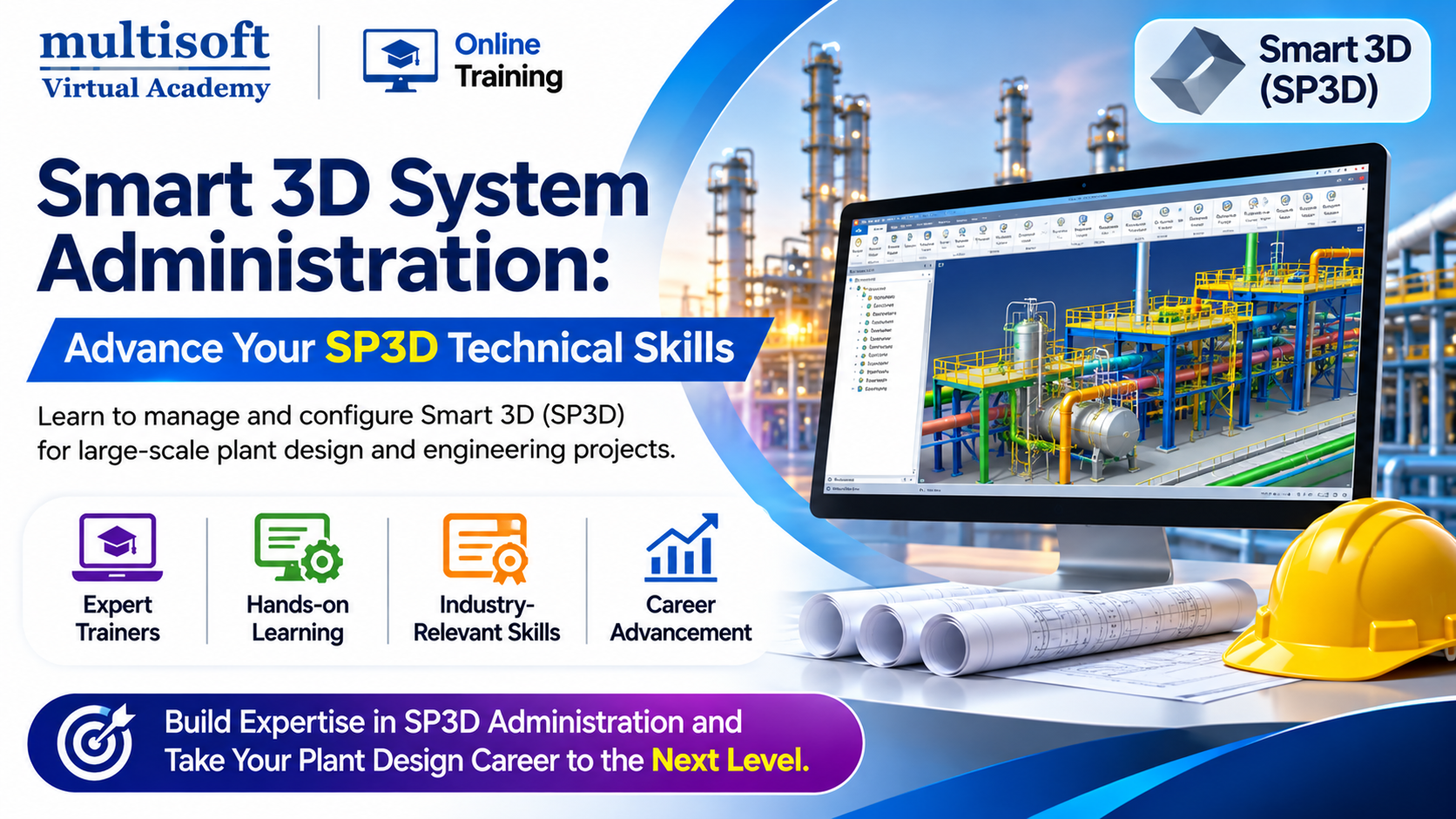
Industrial engineering projects depend on accurate design information, well-managed databases, and reliable software environments. As plant design projects become more complex, engineering organizations need professionals who can manage application configurations, maintain technical resources, and support multidisciplinary design teams.
SmartPlant 3D, widely known as SP3D or Smart 3D, is an intelligent 3D plant design application used in industrial engineering environments. While designers use the software to develop plant models, administrators manage the underlying project environment, databases, catalogs, user permissions, and reference information.
SP3D Admin Training helps professionals develop the knowledge required to manage these administrative responsibilities. It introduces important concepts related to project configuration, database maintenance, catalog management, access control, and technical troubleshooting. This learning can be useful for engineering professionals who want to move beyond basic modeling and understand the system administration side of Smart 3D.
Why Does Smart 3D Need Skilled Administrators?
A large industrial project may involve piping designers, mechanical engineers, structural specialists, electrical professionals, and project coordinators working within a shared engineering environment. Each team depends on accurate project information and properly configured software resources.
An administrator helps maintain this environment by managing databases, controlling user access, organizing reference information, and supporting application operations.
Without proper administration, project teams may experience inconsistent specifications, permission problems, database errors, or difficulties accessing required resources.
A skilled administrator helps organizations maintain a structured working environment and supports the continuity of engineering activities.
What Does an SP3D Administrator Actually Do?
An SP3D administrator handles several technical activities associated with the Smart 3D environment. The responsibilities can differ according to project size, organizational structure, and software implementation.
Common responsibilities include:
- Establishing and configuring project environments.
- Managing site and plant structures.
- Maintaining project databases.
- Configuring users and permission groups.
- Organizing catalogs and engineering specifications.
- Managing reference data.
- Performing database backup and restoration.
- Supporting model data synchronization.
- Investigating application errors.
- Maintaining administrative documentation.
- Supporting engineering teams with technical issues.
These responsibilities require an understanding of both the software environment and the engineering processes that depend on it.
Core Skills Developed Through SP3D Admin Training
A structured SP3D Admin Training Course should provide a combination of technical explanations and practical administrative exercises. The following areas form an important part of Smart 3D administration.
Smart 3D System Architecture
Understanding the application architecture is essential before performing administrative activities.
Learners should become familiar with the Smart 3D environment, its major components, project structure, database concepts, and relationships between different engineering resources.
This knowledge provides a foundation for understanding how the application supports industrial plant design.
Project Environment Setup
Project setup involves preparing the software environment according to engineering requirements.
Training may cover:
- Site creation and configuration.
- Plant creation and setup.
- Project hierarchy management.
- Project configuration settings.
- System and permission group creation.
- Specification assignment.
- Administrative resource management.
Understanding these activities helps professionals prepare project environments for different engineering teams.
Database Operations and Maintenance
Database management is one of the most important responsibilities associated with Smart 3D administration.
Engineering information must remain accessible and consistent throughout the project lifecycle. Administrators therefore need to understand how database resources are maintained and protected.
Important training topics may include:
- Understanding Smart 3D database types.
- Database configuration.
- Database backup procedures.
- Database restoration.
- Restoring a plant as a copy.
- Database integrity verification.
- Reviewing error logs.
- Identifying common database issues.
Practical database exercises help learners understand administrative procedures. Production database operations should always follow approved backup and recovery policies.
User Roles and Access Permissions
Different project participants require different levels of access. An administrator must understand how users interact with project resources and how permissions are assigned.
Training can introduce user creation, permission group management, access control, and troubleshooting of permission-related issues.
This knowledge helps administrators support secure and organized collaboration.
Engineering Catalog Configuration
Catalogs contain information used by engineering teams when creating and managing plant models. Maintaining accurate catalog information is essential for consistent design activities.
A course may introduce:
- Equipment and furnishing reference data.
- Piping material classes.
- Piping catalog part creation.
- Piping specification management.
- Specification rules.
- Structural member reference data.
- Material and member types.
- Bulk loading of engineering information.
These topics help learners understand how administrative resources support different design disciplines.
Reference Data Management
Reference data provides standardized information that engineering teams use across project activities.
Administrators should understand how reference data is organized, maintained, and made available within the project environment.
This may involve reviewing existing records, maintaining catalog information, managing specifications, and supporting updates according to project requirements.
Model Reuse and Data Synchronization
Industrial engineering projects sometimes require existing model information to be reused in new project environments.
Training may introduce model copying, moving, rotating, and reuse operations, along with synchronization between models and catalogs.
Understanding these activities can help professionals support engineering coordination and reduce repetitive data preparation.
External Model Integration
Project teams may need to reference models created using other engineering applications.
Depending on the course syllabus, learners may explore external model attachment, transformation settings, reference model updates, and supported export formats.
This knowledge can be useful in projects where different software applications are used by multidisciplinary teams.
Drawing Management and Reporting
Engineering drawings and reports communicate important project information. Administrative settings may influence how these deliverables are configured and generated.
Training can cover drawing area configuration, border file management, drawing customization, and report-related administration.
The exact functionality available depends on the Smart 3D version and project implementation.
How SP3D Administration Supports Engineering Operations
Smart 3D administration provides technical support to multiple engineering disciplines. Each discipline depends on properly organized project resources.
Piping engineering: Piping designers use specifications, material classes, and catalog components. Administrative support helps maintain the reference information required for these activities.
Mechanical engineering: Equipment catalogs and related reference data help mechanical teams work with consistent component information.
Structural engineering: Structural member definitions, material information, and related reference resources support structural modeling.
Plant design coordination: Project configuration and database management help maintain a consistent environment for teams working across different disciplines.
Engineering documentation: Drawing and reporting configurations support the preparation of project deliverables.
The administrator's contribution is therefore important throughout the engineering project lifecycle.
Industries That Require Smart 3D Administration Knowledge
Smart 3D administration skills can complement technical roles in organizations working on complex industrial facilities.
Oil and Gas
Oil and gas projects involve large facilities with extensive piping networks, equipment, and structural systems. Proper project administration helps maintain organized engineering information.
Petrochemical and Chemical Processing
Chemical plants require coordination between multiple engineering disciplines. Administrators help maintain the software resources and reference information used by project teams.
Power and Energy
Power generation facilities involve detailed plant design requirements. Smart 3D administration knowledge can support engineering software operations and project coordination.
Engineering Procurement and Construction
EPC organizations handle complex projects with multiple engineering teams and project locations. Administrative professionals help maintain software environments that support these activities.
Industrial Manufacturing
Manufacturing organizations may use intelligent plant design tools for facility development, modifications, and expansion projects.
Who Should Consider Learning SP3D Administration?
This training can be relevant to professionals who want to understand the technical management of industrial engineering software.
- CAD administrators: Professionals interested in managing specialized engineering applications.
- SP3D designers: Users who want to expand their knowledge of project configuration and system administration.
- Piping engineers: Professionals interested in catalog and specification administration.
- Mechanical engineers: Learners seeking knowledge of equipment-related reference information.
- Application support engineers: Technical specialists responsible for software maintenance and troubleshooting.
- Database professionals: Individuals interested in database operations within engineering applications.
- Engineering graduates: Fresh graduates looking to develop specialized plant design software skills.
Basic familiarity with CAD tools, engineering drawings, and database concepts can help learners understand the training topics more effectively.
Career Paths After Completing SP3D Admin Training
Professionals who develop Smart 3D administration knowledge may explore opportunities involving engineering software support, database management, and plant design administration.
Possible career roles include:
- SP3D Administrator
- Smart 3D System Administrator
- SP3D Application Support Engineer
- Engineering Software Administrator
- SP3D Database Support Specialist
- CAD Systems Administrator
- Plant Design Application Specialist
- Engineering Data Management Professional
Career opportunities depend on technical ability, academic qualifications, software experience, and practical project exposure. Training can help establish foundational knowledge, while real-world experience is important for handling complex administrative responsibilities.
How to Select a Suitable SP3D Administration Program
Choosing the right training program can influence how effectively you develop administrative skills. Consider these points before making a decision.
Detailed course curriculum: Ensure that the syllabus covers database operations, project configuration, catalogs, permissions, reference data, and troubleshooting.
Practical administrative exercises: Look for guided activities involving project setup, database maintenance, and catalog configuration.
Trainer knowledge: Select a program led by an instructor who understands Smart 3D administration and industrial engineering workflows.
Software availability: Confirm which Smart 3D version is used and whether a practice environment is included.
Training flexibility: Compare instructor-led online sessions, individual training, and other delivery options according to your learning requirements.
Post-training assistance: Check whether learning materials, recorded sessions, and technical guidance are available after the course.
A well-planned training program should help learners understand both the administrative functions and their practical importance in engineering projects.
Frequently Asked Questions
What is SP3D Admin Training?
SP3D Admin Training teaches professionals how to manage the Smart 3D software environment. It covers project configuration, database administration, user permissions, catalog management, reference data, and troubleshooting.
Is SP3D administration different from 3D modeling?
Yes. Modeling focuses on developing and modifying engineering models, while administration focuses on managing the project environment, databases, user access, and engineering resources.
What technical knowledge is useful before joining?
Basic CAD knowledge, familiarity with engineering drawings, and an understanding of database concepts are helpful. The exact prerequisites depend on the course level.
Can I learn SP3D administration online?
Yes. Online instructor-led programs can provide structured learning and guided exercises. Before enrolling, confirm software access and the practical activities included in the curriculum.
Does SP3D Admin Training provide career opportunities?
It can help professionals develop knowledge relevant to engineering software administration and technical support roles. Employment depends on qualifications, practical skills, and employer requirements.
Conclusion
Smart 3D administration is an important part of maintaining reliable engineering environments for complex industrial projects. Knowledge of database operations, project configuration, user permissions, catalog management, and reference data can help professionals support multidisciplinary teams and improve their understanding of plant design software. Consistent practice and exposure to realistic administrative scenarios are essential for developing these capabilities. Multisoft Virtual Academy provides SP3D Admin Training for professionals who want to strengthen their Smart 3D administration knowledge and build technical skills relevant to industrial engineering and plant design projects.
Originally Content Posted at: https://www.multisoftvirtualacademy.com/blog/smart-3d-system-administration-advance-your-sp3d-technical-skills

 English
 Arabic
 French
 Portuguese
 Deutsch
 Turkish
 Dutch
 Italiano
 Russian
 Romaian
 Portuguese (Brazil)
 Greek