


A Complete Guide to Restoring Your Family Tree in Family Tree Maker 2024
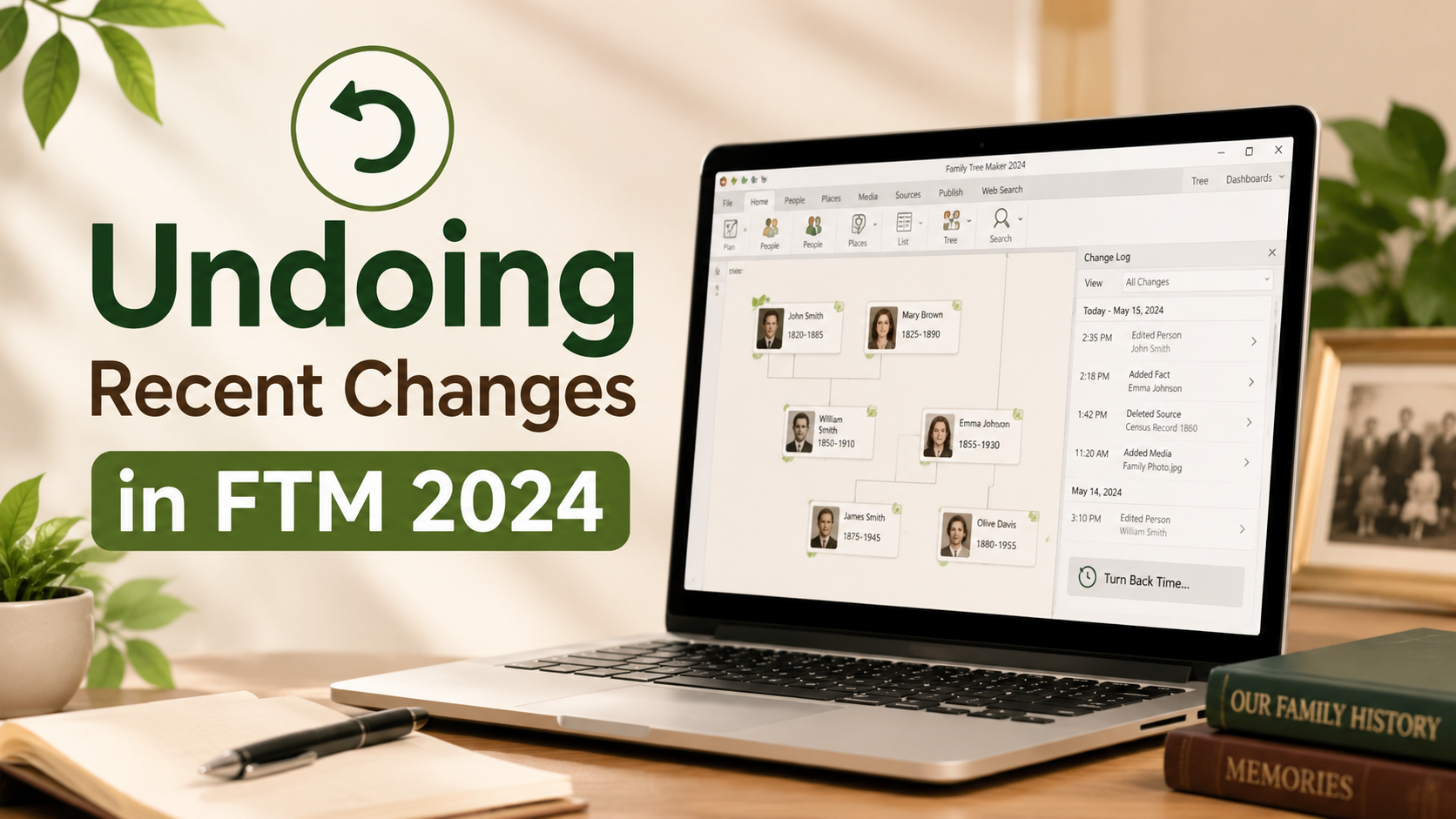
Building a family tree requires patience, research, and careful data entry. However, mistakes can happen even to experienced genealogists. You may accidentally delete a relative, overwrite important information, or merge two individuals incorrectly. Thankfully, Family Tree Maker 2024 provides tools that make it easier to recover from these situations and restore your data.
Why Data Recovery Is Important
Genealogy research often involves years of collecting records, photographs, and historical documents. Losing even a small portion of that information can be frustrating. Recovery features help ensure that accidental edits do not permanently affect your family history project.
Understanding the Turn Back Time Feature
The Turn Back Time feature in Family Tree Maker 2024 is designed to help users return their tree to a previous state. Instead of manually fixing every error, you can choose an earlier version of your tree and restore it quickly. This saves time and reduces the risk of introducing additional mistakes.
Key Benefits
- Recover deleted individuals and records
- Restore incorrect relationship changes
- Reverse accidental edits
- Maintain tree accuracy
- Save valuable research time
Undoing Recent Changes in FTM 2024
Many users appreciate the simplicity of Undoing Recent Changes in FTM 2024. The feature creates recovery points that allow you to review modifications and select the version you want to restore. This is especially useful after large editing sessions where multiple changes were made.
Whether you are updating census records, adding photographs, or editing family relationships, the recovery process helps ensure that your work remains protected.
Steps to Restore Your Tree
To begin, open your tree file and access the restoration tools available within the program. Locate the Turn Back Time option and review the available checkpoints. Select the version that best matches the state of your tree before the unwanted changes occurred. After confirmation, the software will restore the selected version.
The process is straightforward and designed for both beginner and advanced users.
Tips for Safe Tree Management
Regular maintenance is an important part of genealogy research. Creating backups before major edits can help protect your information and provide additional recovery options. It is also helpful to review changes carefully before saving large updates to your tree.
Many experienced users combine backups with the Turn Back Time feature to create a reliable protection strategy.
Conclusion
The Turn Back Time feature in Family Tree Maker 2024 gives users peace of mind while researching and building their family history. By allowing quick recovery from accidental edits, it helps preserve valuable genealogical information. Understanding how to use this feature effectively can save hours of work and keep your family tree accurate for future generations.

 English
 Arabic
 French
 Spanish
 Portuguese
 Turkish
 Dutch
Dutch
 Italiano
 Russian
 Romaian
 Portuguese (Brazil)
 Greek
Greek