


Turning Off Vibration in iPhone with Quick Methods
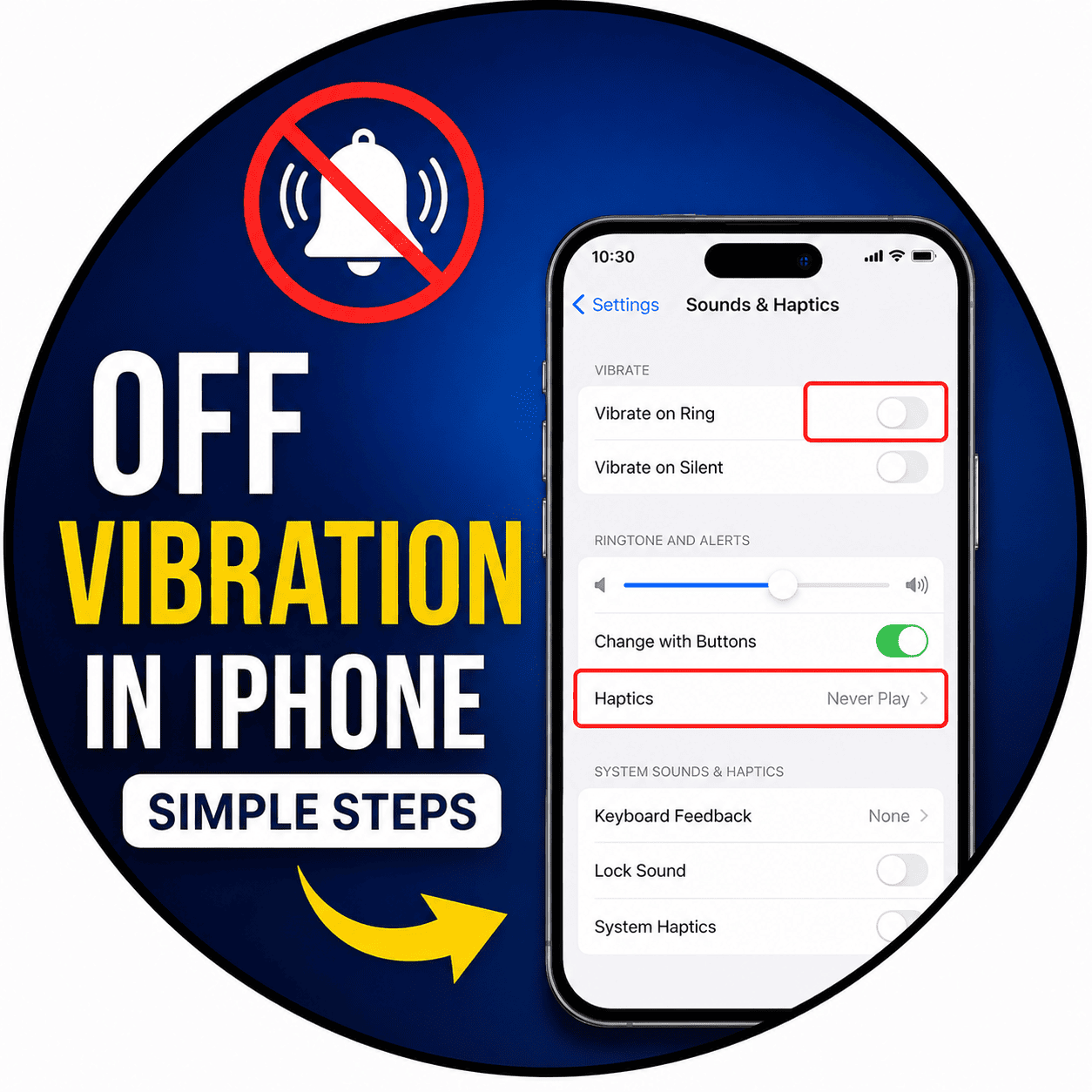
There are lots of methods to change your vibration and notifications settings according to your own preferences for Apple devices. Disabling or off vibrations on my iPhone would be regarded as the most popular action by those users who wish to get their notifications without any disturbances. It could be useful in case you work in the office, study at school or at the university, are in the library or simply need a little bit of peace around you. No need to install any special applications on your iPhone in order to disable the vibrations.
You may disable vibrations for incoming calls, SMS messages, application notifications, emergencies, typing on the keyboard or any other kind of notifications in the Settings menu. You are able to customize your vibration settings for each separate contact or different modes of using your iPhone.

 English
 French
 Spanish
 Portuguese
 Deutsch
 Turkish
 Dutch
Dutch
 Italiano
 Russian
 Romaian
 Portuguese (Brazil)
 Greek
Greek