


Could Bad Placement Undo Everything a Starlink Alignment Tool Does?
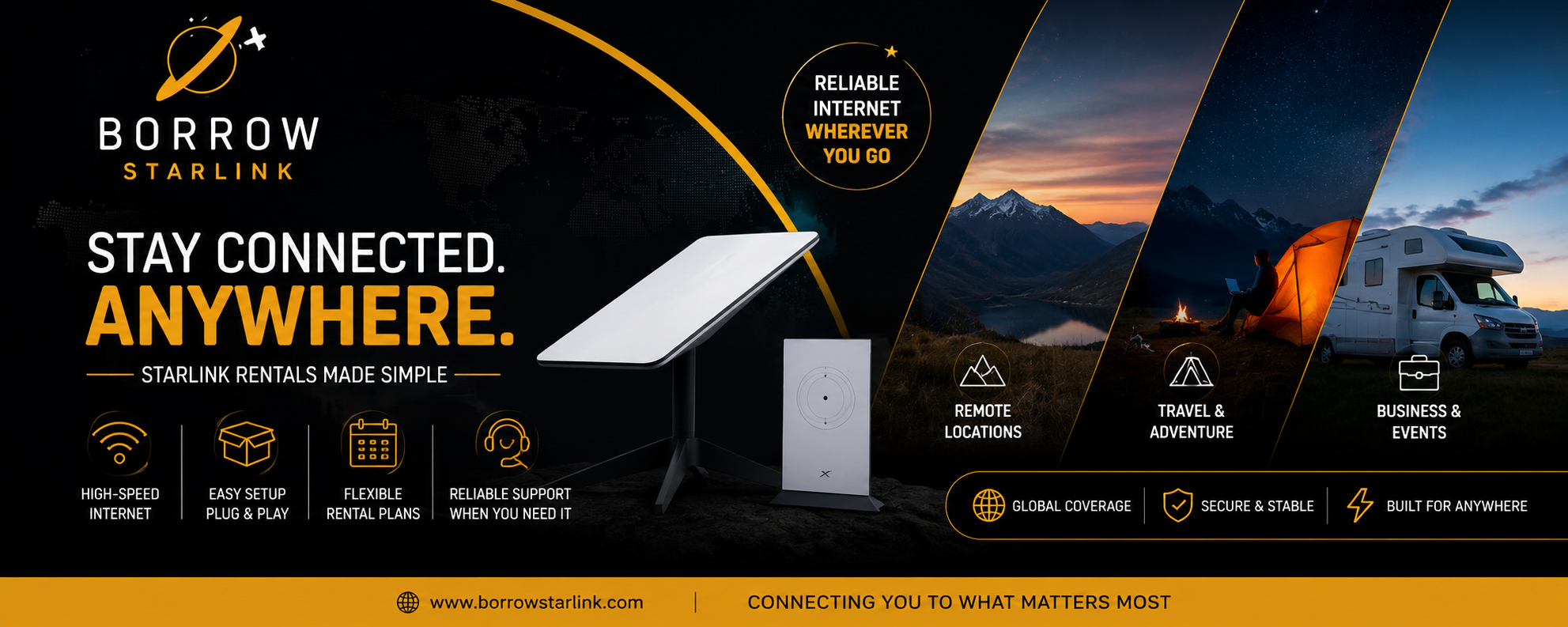
Here's a question that doesn't get asked enough during Starlink setup discussions: could bad placement undo everything a Starlink alignment tool does, no matter how carefully it's used? It's worth asking, because a lot of setup advice focuses entirely on tools and settings while glossing over the one factor that actually determines whether any of that effort pays off.
The short answer is yes, and it happens more often than people expect. Starlink dishes already aim themselves using internal motors and an antenna that steers its signal electronically, so even a perfectly used alignment tool can't compensate for a dish placed somewhere with a genuinely blocked sky view. Aiming and placement are two different problems, and only one of them is something a tool can meaningfully help with.
What "aiming itself" actually covers
Older satellite dishes had to be mechanically locked onto one exact point in the sky and stay there. Starlink works differently because it relies on a phased array antenna, which electronically shifts its signal across a wide field of view instead of staying fixed on a single spot. That design lets it track multiple satellites moving overhead at once instead of depending on just one. The round dish and the newer flat, high-performance versions also include small motors that tilt the unit into a rough starting position the moment it powers on.
During setup, the app has you place the dish somewhere with a reasonably open view of the sky, then it uses your phone's camera to scan for obstructions like trees, roof edges, or nearby buildings before finishing calibration automatically. This part happens the same way regardless of placement quality, which is exactly why placement matters so much more than people initially assume.
Why placement can override everything else
If a dish sits behind a tall tree, close to a rooftop edge, or in a spot where a building blocks a wide section of sky, the phased array can still technically function, but it simply can't see enough satellites to maintain a stable connection. No alignment tool changes that, because the limitation isn't in the dish's tracking ability, it's in what's physically visible from that exact spot. This is the core reason so many "alignment problems" people report online turn out to be placement problems instead.
There are still situations where extra help genuinely matters before placement becomes a problem. If your setup location has a difficult horizon, like a yard boxed in by trees or buildings, or a spot sitting low in a valley, knowing roughly which direction the satellites will mostly be concentrated in beforehand can prevent a bad placement decision in the first place. In the northern hemisphere, that generally means favoring a clear northern and overhead view, and it reverses south of the equator.
For anything semi-permanent, like mounting on an RV roof, a boat, or an off-grid cabin, a basic inclinometer or angle-finder app can help confirm there's enough clearance before the mount goes in permanently, which matters because fixing a bad placement later is far more work than checking beforehand.
What the app can and can't warn you about
The official Starlink app already runs its own obstruction scan using your phone's camera before setup finishes, and once connected, it shows a live signal quality reading along with a record of any downtime. This scan is genuinely good at catching obstructions at the moment of setup, but it can't predict future growth, like a tree that will eventually block more sky, or changes to nearby structures. That's a placement consideration worth thinking through, not something any tool fully solves either.
Why understanding this changes your priorities
Once you accept that placement can undo even the best-used tool, the smarter approach is spending more time evaluating the setup location itself before worrying about gear. Walking the area, looking straight overhead, and slowly scanning the horizon for anything tall nearby, now or in the near future, matters more than any alignment tool purchased in advance. No amount of precision aiming compensates for a fundamentally blocked view.
Does the dish model change how much placement matters?
Not really. The standard round dish, the rectangular high-performance version, and the newer flat panels all rely on the same phased array steering and the same automatic obstruction scanning through the app. The high-performance model has a slightly wider field of view and handles marginal conditions, like light snow or a partially blocked horizon, a bit better, but a genuinely poor placement will still cause problems on any model.
Renting reduces the risk of this happening
If you're renting Starlink equipment rather than buying it, this risk drops significantly, since most providers walk customers through ideal placement ahead of time and will troubleshoot over the phone if a location turns out to be problematic. That outside perspective often catches placement issues before they become a real problem.
Placement checks worth prioritizing over any tool
- Confirm the most open sky view available, accounting for anything nearby that might grow or change over time.
- Favor a clear northern and overhead view in the northern hemisphere, and the opposite south of the equator.
- Elevate the dish above fences, vehicles, or low rooflines whenever possible.
- Run the obstruction scan at the time of day you'll actually be using the internet most.
- Reassess placement periodically, since a spot that worked initially can become obstructed later.
A quick way to test if your spot is at risk
Before committing to a permanent mount, it helps to observe the intended location at a few different points during the day rather than just once. Shadows shift, foliage moves in the wind, and what looks like an open patch of sky at noon can look very different in the early morning or late afternoon when the sun sits lower and nearby obstructions cast longer shadows across the same area. Spending a few extra minutes checking the spot at different times costs nothing and can reveal problems the app's one-time scan might not fully capture if conditions change slightly afterward.
Bottom line
Bad placement genuinely can undo everything a Starlink alignment tool does, since no amount of precise aiming fixes a fundamentally blocked sky view. The dish's own motors and the app's obstruction scanning already handle the technical side of aiming, which means your effort is better spent evaluating the location itself. If you're renting short-term, your provider's setup guidance helps catch placement issues before they start. And for a permanent install, a thorough horizon check will protect your connection far more than any specialized alignment tool ever could.

 English
 Arabic
 French
 Spanish
 Portuguese
 Turkish
 Dutch
Dutch
 Italiano
 Russian
 Romaian
 Portuguese (Brazil)
 Greek
Greek