


Russia eVisa Passport Scan Size Format and Quality Requirements
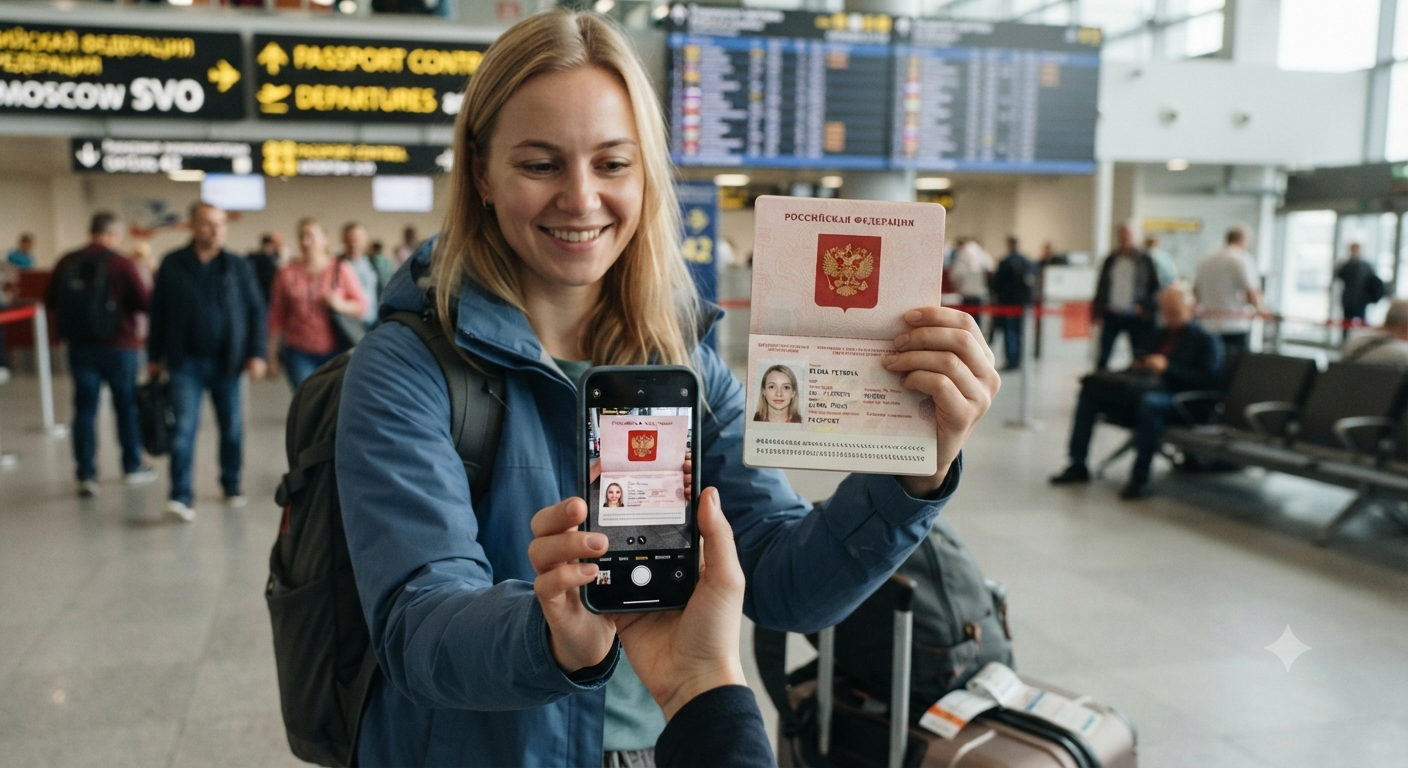
Preparing the correct passport scan is essential for a smooth Russia eVisa application, as the Russia eVisa Passport Scan Requirement covers important digital and visual standards, including file size limits, accepted JPEG or JPG formats, clear resolution, and complete visibility of the passport bio page. A properly scanned document should keep all personal details, photographs, numbers, and borders fully readable and uncropped to help prevent upload errors or application delays.
What Passport Scan Is Required for a Russia eVisa?
For a Russia eVisa, applicants generally need a clear digital copy of the passport bio-data page, with all identity and machine-readable details visible and readable.
- Bio-Data Page: Upload the main passport page showing your personal information and photograph.
- Visible Details: Ensure your name, passport number, date of birth, and expiry date are clearly readable.
- MRZ Visibility: The machine-readable zone should be fully visible and not cropped or blurred.
- Scan Quality: Use a sharp, evenly lit scan without glare, shadows, reflections, or distortion.
- Complete Capture: Make sure the entire required page is included with no cut-off edges.
How Should You Scan Your Passport for a Russia eVisa?
To prepare a clear passport scan for a Russia eVisa, use a high-quality scanning method that keeps the entire required data page sharp, flat, and free from visual obstructions.
- Use 300 DPI: A resolution of at least 300 dpi helps keep passport details readable.
- Keep It Flat: Place the passport page evenly on the scanner glass to avoid distortion.
- Capture the Data Page: Include the complete designated bio-data page without cutting off any edges.
- Avoid Shadows: Use even lighting and avoid flash, glare, or dark areas across the text.
- Check Image Quality: Review the scan before uploading to ensure names, numbers, photograph, and MRZ remain clearly visible.
What Passport Page Must Be Uploaded for a Russia eVisa?
For a Russia eVisa application, applicants should focus on uploading the passport bio-data page containing their primary identity and document information.
- Bio-Data Page: Upload the page displaying your photograph, full name, passport number, date of birth, and other personal details.
- Signature Details: Ensure the signature area, where present, is clearly visible.
- No Stamp Pages: Passport pages containing previous visas, entry stamps, or blank pages are generally not required.
- Complete Page: Keep the entire required page visible without cropping any borders or information.
- Upload Accuracy: Selecting the correct page helps avoid document-validation or submission issues.
Can a Blurry Passport Scan Affect Russia eVisa Approval?
Yes, a blurry passport scan can affect a Russia eVisa application because unclear text, passport numbers, photographs, or MRZ details may prevent the information from being properly verified. Applicants should upload a sharp, well-lit, high-quality scan where all required details are clearly readable and free from glare, shadows, or distortion to reduce the risk of document rejection or processing delays.
How Do Passport Details Need to Match the Russia eVisa Application?
Passport details should match the information entered in the Russia eVisa application exactly, as inconsistencies can create verification issues during processing.
- Full Name: Enter your name exactly as shown on the passport bio-data page.
- Passport Number: Check every letter and number carefully before submission.
- Date of Birth: Ensure the day, month, and year match the passport.
- Nationality: Select the nationality associated with the passport being used.
- Expiry Date: Enter the passport expiration date accurately.
- Document Consistency: The uploaded passport scan should correspond to the same passport details entered in the application.
What Common Passport Scan Mistakes Delay Russia eVisa Applications?
Avoiding common passport scan mistakes can help prevent verification problems and delays when submitting a Russia eVisa application.
- Blurry Image: Unclear text, numbers, or photographs can make passport details difficult to verify.
- Cropped Edges: Cutting off any part of the required bio-data page may result in an invalid upload.
- Glare or Shadows: Reflections and dark areas can hide important information.
- Wrong Page: Uploading a visa, stamp, or blank page instead of the bio-data page can cause submission issues.
- Incorrect Details: Passport information in the application should match the uploaded document exactly.
- Poor File Quality: Excessive compression or an unsupported file format can affect document readability.
Conclusion:
The successful submission of a travel authorization depends heavily on precision, clarity, and strict adherence to digital document guidelines. Taking a few extra moments to verify your file formats, resolution quality, and data accuracy safeguards your travel plans against unnecessary administrative delays and ensures a smooth processing experience from start to finish.

 English
 Arabic
 French
 Spanish
 Portuguese
 Deutsch
 Turkish
 Dutch
Dutch
 Italiano
 Russian
 Romaian
 Greek
Greek