


MacBook Screen Not Turning On but Keyboard Works: What Does It Mean?
Introduction
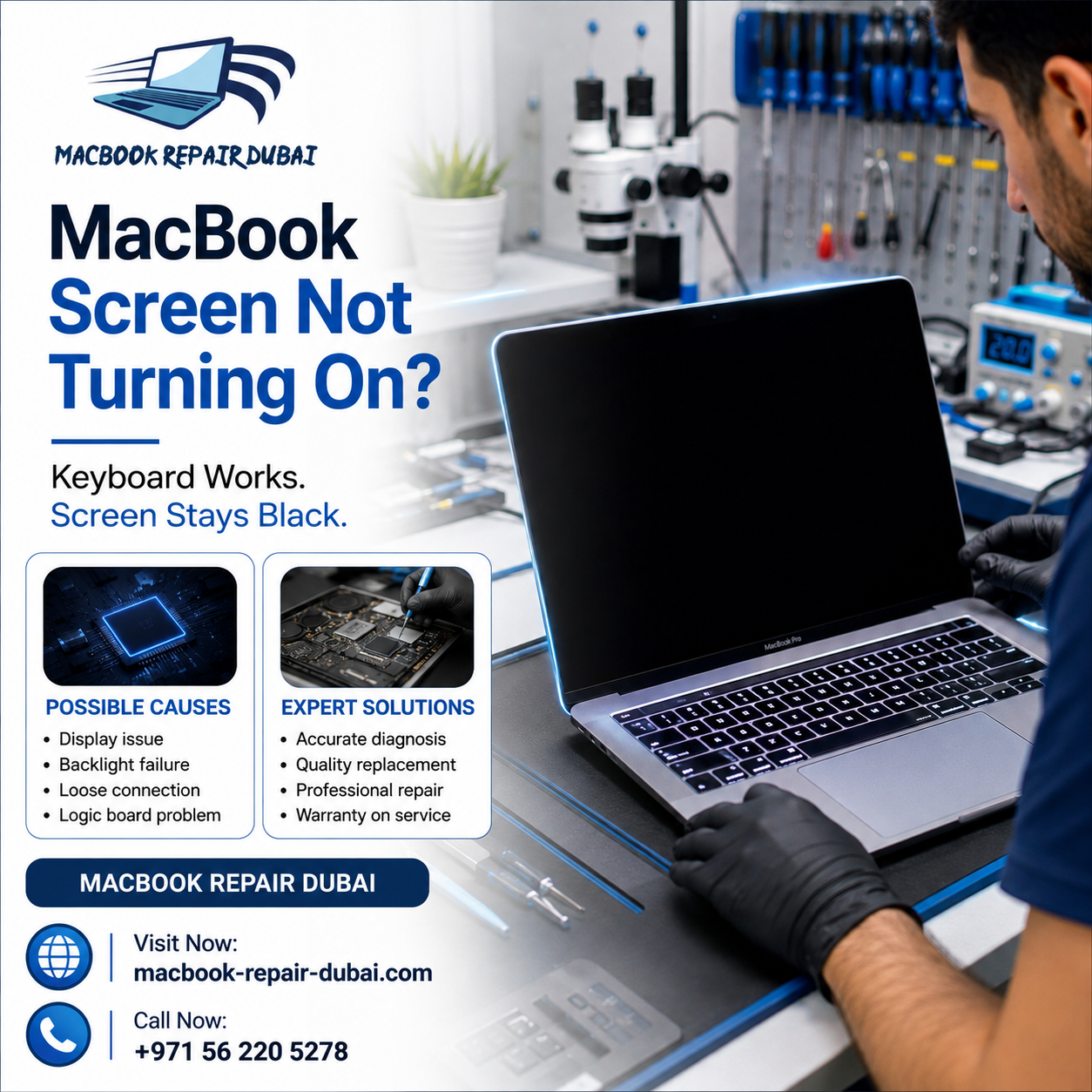
The keyboard lights up, fans spin, you might even hear the chime — but the screen stays completely dark. It's one of the more common issues we deal with at MacBook Repair Dubai, and it looks a lot worse than it usually is. In most cases, this isn't a dead MacBook at all. It's a specific, fixable problem — a cable, a backlight, sometimes the graphics chip — not a machine that needs replacing. Here's what's actually causing it, what's worth trying on your own first, and when it's time to bring it in.
What's Actually Going On When the Screen Won't Light Up
If your keyboard backlight comes on, that tells you the battery, the power circuit, and the logic board are all doing their job. So the problem isn't the whole MacBook — it's narrower than that. It sits somewhere between the logic board and the glass in front of you.
A few things cause this more often than others:
-
Display cables wear out or come loose over time, especially on machines that get opened and closed a lot, or ones that have taken a drop.
-
Backlights die on their own sometimes. The screen is technically running, there's just no light behind it anymore.
-
Older Intel MacBooks have a known issue where the graphics card fails and takes the display down with it.
-
Firmware can glitch after a bad update, which stops the screen from initializing even though everything else is fine.
-
There's also panel damage to consider, pressure cracks you can't always see from the outside, which kill the display while the rest of the MacBook keeps running normally.
None of that is great news exactly, but it does mean there's a decent chance this gets fixed without touching your data or replacing the whole unit.
Quick Ways to Check It's Really the Screen
Before jumping to conclusions, check a few basics. Press Caps Lock — does the light come on? Can you hear the startup chime, or plug in headphones and hear sound at all? Is the fan spinning like it normally would? If most of that checks out, the computer itself is running fine.
One test worth doing: hook it up to an external monitor with HDMI or USB-C. If your desktop shows up there without issue, that pretty much confirms it's the internal display or its connection causing trouble, not the machine as a whole. This is usually the point people start searching for MacBook Repair Dubai, looking for someone who can actually open it up and take a proper look.
What to Try Before You Book an Appointment
A force restart is always worth trying first. Hold the power button down for about 10 seconds, let it shut off completely, then start it back up. If that doesn't help, try an SMC reset next. On Apple Silicon or T2 chip models, shut down fully, then hold Control, Option, Shift, and the power key together for around 10 seconds.
Also check your brightness settings. It sounds minor, but brightness sometimes drops to zero on its own after a crash. Tap the brightness-up key a couple of times before assuming anything worse.
If you've tried all that and the screen's still dark, stop there. Opening the case without the right tools is how a small, cheap fix turns into an expensive one.
When You Actually Need a MacBook Pro Screen Replacement Dubai
This pattern shows up a lot with MacBook Pro models specifically, usually machines that are a few years old. The display cable has finally worn through, or the backlight has burned out after years of use. Once software issues are ruled out and the machine itself checks out fine otherwise, a MacBook Pro Screen Replacement Dubai service becomes the sensible next step instead of continuing to guess.
Here's roughly how a proper diagnosis works:
-
Checking whether the display cable is just loose and reseating it, which sometimes solves things on its own.
-
Running the backlight circuit through proper diagnostic tools rather than assuming.
-
Testing the logic board separately to rule out a graphics fault.
-
Checking around the display connectors for hidden liquid damage, which is more common than people expect.
-
Giving you a real price before anything else gets touched.
Doing this yourself, or handing it to someone who doesn't specialize in Apple hardware, usually ends with a broken clip or a torn ribbon cable, turning one problem into two.
Why People Keep Bringing Their MacBooks Back to Us
-
Parts that actually match your specific model, not generic substitutes
-
Technicians who only work on Apple hardware, so nothing is guesswork
-
Diagnosis and repair under one roof, which cuts down on wait time
-
Warranty coverage on both the part and the labor
-
Upfront pricing, so the quote you get is the price you pay
FAQs
1. Why does my MacBook keyboard light up but the screen stays black?
Usually it means power and the logic board are working fine, and the issue lies with the display cable, backlight, or possibly the graphics card.
2. Can I fix a black MacBook screen on my own?
A force restart or SMC reset is safe to try at home. Anything past that, like opening the case or touching cables, is better left to someone who works on Apple hardware regularly.
3. What does MacBook Pro Screen Replacement Dubai usually cost?
It depends on the model and what's actually broken. Bring it in for a diagnostic, and you'll get a firm number before anything gets touched.
4. Can I still use my MacBook with an external monitor while I wait to get it fixed?
Yes, that's a fine workaround short-term, and it also helps confirm the problem is with the screen itself rather than the whole machine.
5. How long does a screen repair usually take?
Most repairs at MacBook Repair Dubai wrap up the same day, though it can take a bit longer depending on the model and part availability.
Final Thoughts
A black screen paired with a working keyboard looks scarier than it usually is. Most of the time, it comes down to a cable, a backlight, or occasionally a graphics fault, not a computer that needs replacing entirely. At MacBook Repair Dubai, this is something we deal with regularly, and we have what's needed to diagnose it fast, including proper MacBook Pro Screen Replacement Dubai work for Pro owners whose panels have finally given out. If your screen's gone dark, don't leave it sitting in a drawer. Get in touch with MacBook Repair Dubai, and there's a good chance it'll be sorted the same day.

 English
 Arabic
 French
 Spanish
 Portuguese
 Deutsch
 Turkish
 Dutch
Dutch
 Italiano
 Romaian
 Portuguese (Brazil)
 Greek
Greek