


How can a Videocon Service Center help resolve common TV display and sound problems?
Introduction
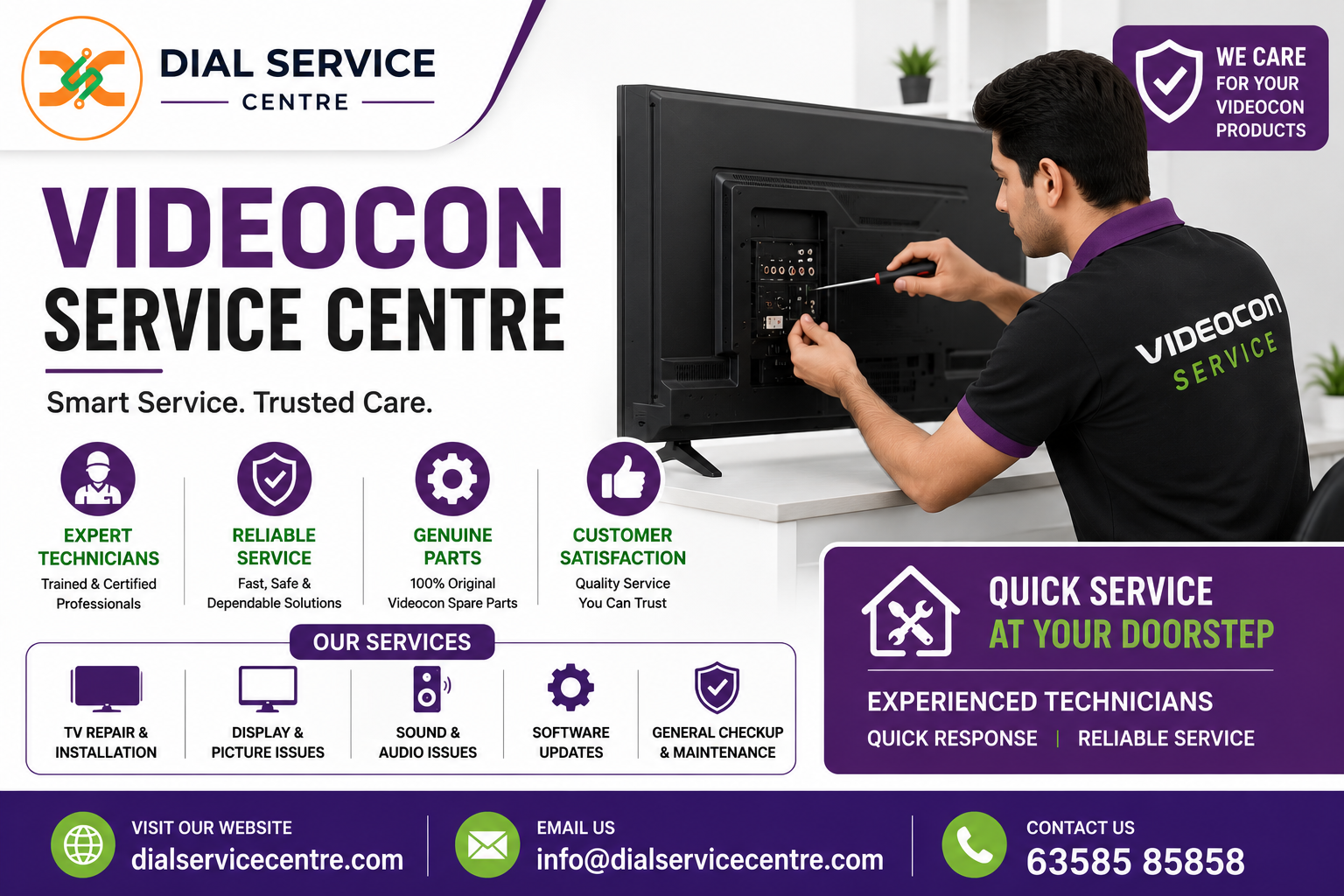
Television display and sound problems can affect everyday entertainment and may become frustrating when the cause is not immediately obvious. A TV may show a black screen, flicker, display lines, produce distorted colours, or suddenly stop producing sound. These symptoms can be caused by settings, external devices, cables, software issues, loose connections, or internal hardware faults. A Videocon Service Center can help diagnose these problems systematically and recommend an appropriate repair solution.
Professional diagnosis is useful because the same symptom can have different causes. For example, a blank screen may result from an incorrect input selection, a backlight issue, a power-related fault, or a problem with the display circuitry. Similarly, missing sound can originate from audio settings, connected devices, speakers, or internal components.
Common Videocon TV Display Problems
Display faults are among the most noticeable television problems. They can range from minor picture abnormalities to a completely blank screen.
Common display complaints include:
- Black or blank screen
- Flickering picture
- Horizontal or vertical lines
- Dim display
- Incorrect colours
- Distorted images
- Intermittent picture
- Picture disappearing after the TV warms up
A technician normally begins by checking the selected input, external devices, cables, power status, and picture settings. If these basic checks do not resolve the issue, internal components may require further inspection.
Diagnosing a Videocon TV With a Black Screen
A black screen does not necessarily mean that the display panel is damaged. The TV may still be receiving power while the backlight, mainboard, power circuit, or display-related connections are affected.
The technician may check whether the standby indicator is working and whether the TV responds to the remote control. Different input sources can also be tested to determine whether the problem is limited to a particular device.
If the television produces sound while the screen remains dark, the backlight and display system may require closer examination. If there is no sound or picture, the power and mainboard sections may need to be checked.
Fixing Flickering, Lines, and Colour Problems
Flickering can result from unstable connections, power-related issues, source-device problems, software behaviour, or internal display components. Persistent lines may also require inspection of the display connections and related circuitry.
Incorrect or unusual colours can sometimes be caused by picture settings or an external source. Testing another input can help establish whether the problem exists within the TV or the connected equipment.
When the issue continues across different sources, professional inspection can help determine whether the fault is associated with the display system, backlight, mainboard, or another component.
Common Videocon TV Sound Problems
Sound problems can make a television difficult to use even when the picture appears normal. Common complaints include no audio, low volume, distorted sound, crackling, intermittent audio, or sound that disappears when changing sources.
The first stage of diagnosis may involve checking volume, mute status, audio settings, connected devices, and output configuration. If external factors are eliminated, the technician can inspect the speakers, audio circuitry, internal connections, and related components.
Diagnosing a TV With No Sound
When a TV suddenly stops producing audio, users should first check whether the mute function is active and whether the volume level has been reduced. External sound systems and HDMI devices should also be checked because incorrect audio-output settings can sometimes create the appearance of an internal fault.
If the TV still produces no sound after these checks, the speaker system or audio-related circuitry may require testing. A technician can determine whether the issue is repairable or whether a compatible component needs replacement.
Resolving Distorted or Intermittent Audio
Distorted audio may be caused by speaker damage, loose connections, audio-processing problems, or an issue with the external source. Intermittent sound can be particularly difficult to diagnose because the TV may appear to function normally for part of the time.
Technicians can test different channels, applications, input sources, and volume levels to reproduce the problem. If the fault remains consistent, internal audio components can be examined.
HDMI and External Device Checks
Although the main concern may be picture or sound, an HDMI device can sometimes be responsible for the problem. A faulty cable, incorrect input selection, incompatible signal, or damaged connector can affect both video and audio.
A professional diagnosis may include:
- Testing different HDMI cables
- Checking multiple HDMI ports
- Testing another external source
- Confirming the selected input
- Reviewing audio and video settings
- Checking signal stability
- Inspecting the relevant internal circuitry
These checks help determine whether the TV itself needs repair or whether the issue originates with an external device.
Smart TV and Software-Related Problems
Some display and sound problems can have a software component. Applications may freeze, the TV may become slow, or certain content may fail to play correctly.
A technician may review system settings, applications, software status, and connected devices. Restarting the TV can sometimes resolve temporary software behaviour. If the problem continues, additional troubleshooting may be required.
Users should avoid performing repeated factory resets without understanding the consequences because a reset can remove stored settings, network information, and application configurations.
Videocon Service Center in Noida Sector 150
Customers searching for a Videocon Service Center in Noida Sector 150 can seek assistance with suitable Videocon television display and sound problems.
The diagnosis may begin with checking power, inputs, cables, picture settings, audio settings, and external devices. If the problem continues, the technician can examine the relevant internal components.
For a black screen, flickering picture, lines, or colour distortion, testing helps determine whether the issue is associated with the display system or another component. Sound complaints can similarly be investigated by checking audio settings, speakers, connections, and internal circuitry.
Videocon Service Center in Anandpuri
Customers looking for a Videocon Service Center in Anandpuri can request troubleshooting and repair assistance for compatible Videocon TV models.
Display problems may include a blank screen, unstable picture, dim brightness, or unusual colours, while sound concerns may involve low volume, no audio, or distorted output. A technician can assess the symptoms and perform appropriate testing before recommending repair work.
Providing the exact TV model and describing when the problem occurs can make the diagnosis more efficient, particularly when the fault is intermittent.
Videocon Service Center in Azad Nagar
Customers seeking the Videocon Service Center in Azad Nagar can seek support for television display and audio concerns.
The repair process can involve checking external connections, settings, input sources, and system behaviour before moving to internal inspection. If a hardware fault is identified, the affected component can be evaluated to determine whether repair or compatible replacement is appropriate.
For televisions experiencing both picture and sound problems, testing the complete system is particularly important because multiple symptoms may have a shared underlying cause.
Why Professional TV Diagnosis Matters
Attempting to replace components without confirming the fault can increase repair expenses. A black screen, for instance, could involve a backlight, power circuit, mainboard, connection, or display panel. Each requires a different approach.
Likewise, no sound does not automatically mean that the speakers need replacement. Audio settings, external devices, wiring, and audio circuitry should be considered before changing components.
A systematic diagnosis helps identify the most likely cause and supports a more practical repair decision.
Safe Checks Before Requesting TV Repair
Customers can safely perform several basic checks without opening the television:
- Confirm that the TV is connected securely to power.
- Test the power outlet with another suitable device.
- Check the remote-control batteries.
- Verify the selected input source.
- Check volume and mute settings.
- Disconnect and reconnect external HDMI devices.
- Try another compatible HDMI cable.
- Restart the TV and connected equipment.
- Note any error messages.
- Observe whether the problem occurs continuously or intermittently.
Avoid opening the television or attempting to repair internal boards. Components inside a TV can present electrical hazards even after the device has been switched off.
Repair or Component Replacement?
After identifying the fault, the technician can explain whether the issue can be resolved through adjustment, servicing, software troubleshooting, component repair, or replacement.
Minor connection and configuration problems may not require replacement parts. Certain board-level or component faults can also be repaired depending on the condition of the hardware.
If a major display component is damaged, replacement may be considered after evaluating the television's age, condition, repair cost, and availability of compatible parts.
Testing After Repair
A proper repair should be followed by functional testing. For display problems, technicians can check brightness, colours, image stability, and different input sources.
For sound repairs, multiple channels, applications, volume levels, and external sources can be tested. If HDMI connectivity contributed to the original complaint, the repaired port or connection should also be tested with a compatible device.
Testing helps confirm that the original symptoms have been addressed before the TV returns to normal use.
Preventive Care for Videocon TVs
Proper maintenance can help reduce avoidable television problems. Keep ventilation areas clear and avoid exposing the TV to excessive heat or moisture.
Handle HDMI and other connectors carefully and never force cables into ports. Use appropriate power protection where needed, especially in areas affected by voltage fluctuations.
Keeping the television's software updated when recommended and addressing unusual picture or sound behaviour early can also help prevent minor issues from becoming more complicated.
Conclusion
A Videocon Service Center can help diagnose and resolve many common TV display and sound problems through systematic inspection and testing. Issues such as black screens, flickering, lines, colour distortion, no sound, distorted audio, and intermittent performance can have several possible causes, making accurate diagnosis important.
Customers in Noida Sector 150, Anandpuri, and Azad Nagar can seek appropriate Videocon TV repair assistance based on their model and specific symptoms. Dial Service Centre can help customers understand reported television faults and identify a suitable servicing or repair approach.
Frequently Asked Questions
1. Can a Videocon Service Center repair a TV with a black screen?
A technician can diagnose the cause of a black screen and determine whether it involves the input source, backlight, power system, mainboard, display connections, or another component.
2. Why does my Videocon TV have no sound?
Possible causes include mute or audio settings, external devices, speakers, connections, or internal audio circuitry. Testing is required to identify the actual cause.
3. Can flickering and lines on a Videocon TV be repaired?
Depending on the cause, flickering or lines may be related to connections, power, source devices, backlight components, display circuitry, or the panel. Professional diagnosis can determine the appropriate solution.
4. Should I replace my Videocon TV if the display stops working?
Not necessarily. The decision should be based on the diagnosed fault, repair cost, television age, overall condition, and availability of suitable components.
5. What should I check before requesting Videocon TV repair?
Check the power supply, input selection, HDMI connections, volume settings, remote batteries, and external devices. Avoid opening the TV or handling internal electrical components.

 English
 Arabic
 French
 Spanish
 Portuguese
 Deutsch
 Turkish
 Dutch
Dutch
 Italiano
 Russian
 Portuguese (Brazil)
 Greek
Greek