


Smart Communication Practices for Successful Online Meetings
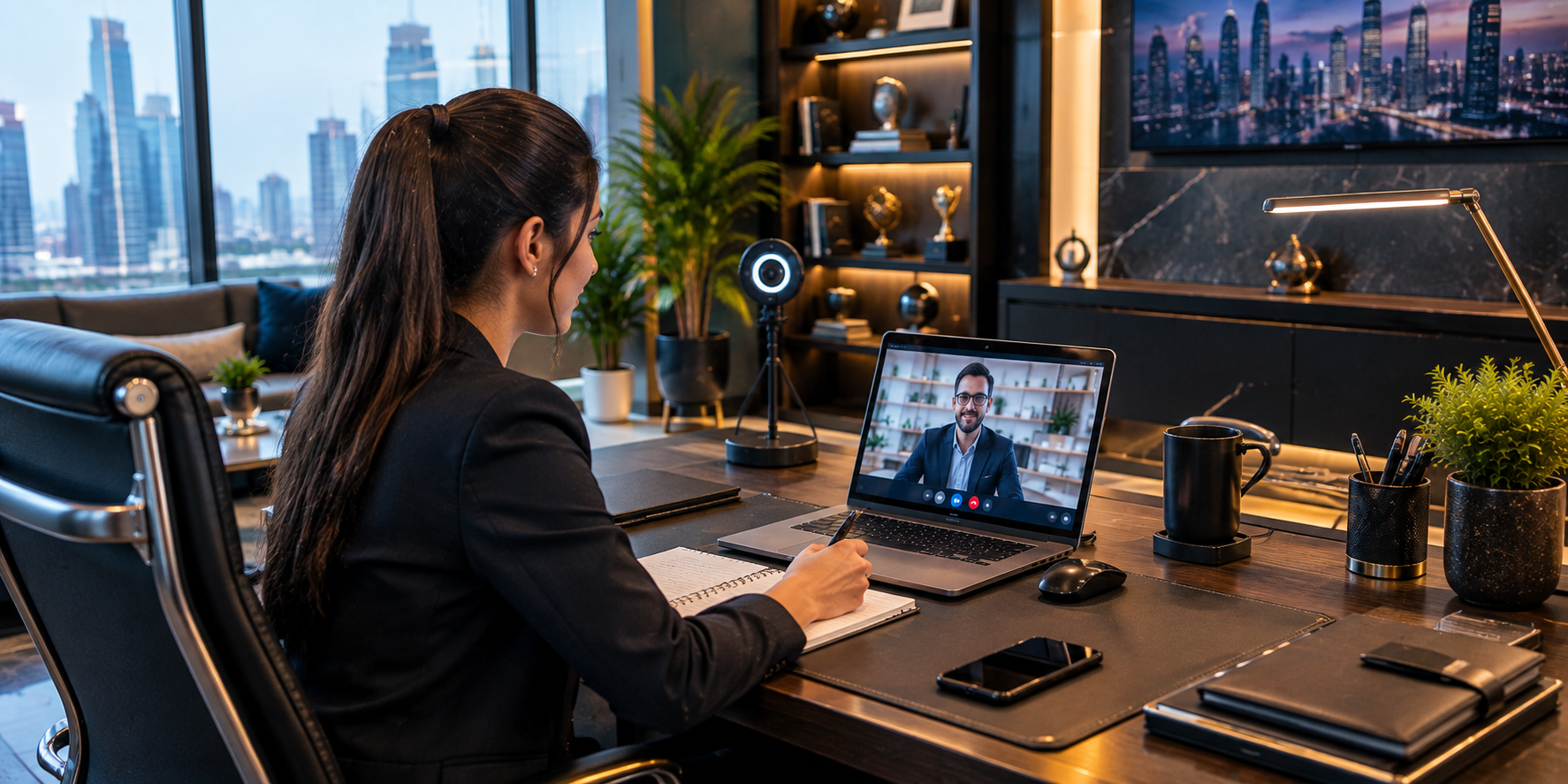
The global transition toward remote and hybrid work models has redefined how organizations collaborate, communicate, and maintain productivity. Video conference platforms now serve as the primary boardroom for business discussions, client presentations, and team synchronization.
As face to face interactions are replaced by digital screens, the subtle social cues and professional norms that once governed office interaction must adapt to virtual environments. Understanding these modern communication dynamics is essential for professionals seeking to maintain impact and credibility in distributed work environments.
Think About Visibility First
The first technical question is whether people can see and hear you clearly. A camera that produces a sharp picture is useful, but complicated equipment is not necessary for most meetings. Etiquette for Virtual Meeting a stable camera at a sensible height can create a clean frame. Your face should be visible without excessive shadows. If a bright window is directly behind you, the camera may struggle to expose your face properly.
Position the Camera at a Natural Angle
Camera placement affects the impression you create. A very low camera angle can feel awkward because viewers are looking upward. A camera positioned too high can make you appear to be looking downward.
Try to place the camera roughly around eye level. This produces a more natural perspective and makes it easier to look toward the lens when making an important point.
Backgrounds Should Support the Conversation
Your background does not need to look like a corporate studio. A tidy area is usually enough. Remove anything that is unusually distracting or likely to draw attention away from you.
Virtual backgrounds can be useful when privacy is a concern, but they can also create visual glitches around hair, glasses, or movement. Use one only when it improves the overall experience.
Audio Management and Microphone Best Practices in Digital Sessions
Audio quality is widely considered the single most critical component of effective virtual communication. Listeners tolerate minor video glitches far more readily than distorted, echo filled, or quiet audio feeds. Investing in a dedicated headset or external microphone drastically reduces background noise, room reverberation, and unexpected audio feedback. Clear audio ensures your message is delivered clearly without forcing colleagues to struggle to hear your key contributions.
Mastering the mute function is an essential courtesy that prevents unwanted background sounds from disrupting the discussion. Adopt the habit of keeping your microphone muted whenever you are not actively speaking, especially in large group gatherings. Background sounds such as keyboard typing, household noises, or ambient room hum can distract speakers and derail the flow of conversation. Promptly unmuting when called upon demonstrates active attention and keeps the meeting momentum moving smoothly.
Clothing and the Meeting Context
Virtual meetings sometimes create a false sense of informality because participants are working from home. A professional appearance should still match the purpose of the meeting. A casual internal check-in may have different expectations from a board discussion, interview, or client presentation. The important point is consistency with context.
Lighting Makes a Bigger Difference Than People Expect
Lighting does not have to be expensive. Natural light from in front of you can be enough. When that is unavailable, a basic lamp placed in front or slightly to the side can improve visibility.
Avoid relying entirely on a bright light directly above your head, because it can create hard shadows.
Agenda Management and Meeting Facilitation Leadership
Effective meeting facilitation begins long before the scheduled start time with the creation and distribution of a clear meeting agenda. Outlining key topics, allocating specific time slots, and designating discussion leaders ensures that the session stays structured and on schedule.
Circulating the agenda at least twenty four hours in advance allows participants to prepare thoughtful contributions and gather necessary data. Clear preparation reduces unnecessary meeting lengths and maximizes productive output.
Eye Contact Works Differently Online
Looking at the camera and looking at the participant's face are not exactly the same thing. When listening, looking at the screen is natural. During an important statement, briefly looking toward the camera can create a stronger sense of direct communication. Do not force constant camera eye contact. Doing so can make your delivery look unnatural.
Your Body Language Still Matters
Even though only part of your body may appear on screen, posture still communicates something. Sitting upright can help you stay engaged. Nodding occasionally shows that you are following the discussion. Avoid exaggerated movements that may become distracting on a small screen. Professional presence is about clarity, not performance.
Why Visual Etiquette Should Support Comfort
Etiquette for Virtual Meeting includes the visual side of digital communication because the meeting environment affects how comfortably people can focus. A clean background, stable camera, suitable lighting, and sensible framing can remove distractions before they become problems.
However, etiquette should not become a reason to judge people for having different home environments. Practical communication is more important than producing a picture-perfect setup.
Avoid Constantly Watching Yourself
Many meeting platforms display a preview of your own camera.
Some participants spend the entire meeting watching themselves. This often causes unnecessary self-consciousness and can lead to constant adjustment.
Once your framing is appropriate, minimize your self-view when possible and focus on the conversation.
Building Team Culture Through Consistent Meeting Standards
Consistent meeting standards play a central role in cultivating a positive, transparent, and high performing team culture. When ground rules are applied uniformly across an organization, psychological safety increases and team members feel comfortable voicing ideas.
Establishing clear expectations around punctuality, video presence, and respectful discourse eliminates uncertainty and levels the playing field for remote workers.
Camera Use Depends on the Meeting
There is no need to treat camera use as identical in every situation. A client presentation may benefit from visible engagement. A long internal working session may be perfectly productive with cameras optional, especially when people need to focus on documents. The purpose of the meeting should determine the level of visual formality.
What Hosts Should Remember
Hosts should avoid making the camera the only measure of participation. Someone may have a weak connection, limited bandwidth, privacy concerns, or an unsuitable location. Turning the camera off does not automatically mean the person is disengaged. Evaluate participation through attention, communication, and contribution rather than appearance alone.
Keep Notifications Out of the Frame
Visual distractions can appear unexpectedly. Desktop notifications, incoming messages, or application pop-ups may become visible while screen sharing. Before a meeting, close unrelated windows and enable a suitable focus mode where available.
Practice Before Important Presentations
If the meeting is important, record a short test. Check how you sound. Look at the camera position. Notice whether the background is distracting. A few minutes of testing can reveal problems that are hard to notice while you are speaking live.
A Professional Look Should Still Feel Human
A meeting becomes uncomfortable when every movement feels rehearsed. You are not filming an advertisement. You are having a professional conversation. Speak naturally, smile when appropriate, and allow your normal personality to remain visible.
Conclusion
A strong on-screen presence is built from simple choices rather than expensive equipment. Good lighting, sensible framing, an appropriate background, suitable clothing, and natural body language can all help. The goal is to create enough visual clarity that people can focus on the conversation instead of the technology. Professionalism online should feel comfortable, not staged.

 English
 Arabic
 French
 Spanish
 Portuguese
 Deutsch
 Turkish
 Dutch
Dutch
 Italiano
 Russian
 Portuguese (Brazil)
 Greek
Greek