


Why Your MacBook Battery Health Can Look Normal While Problems Continue
Introduction
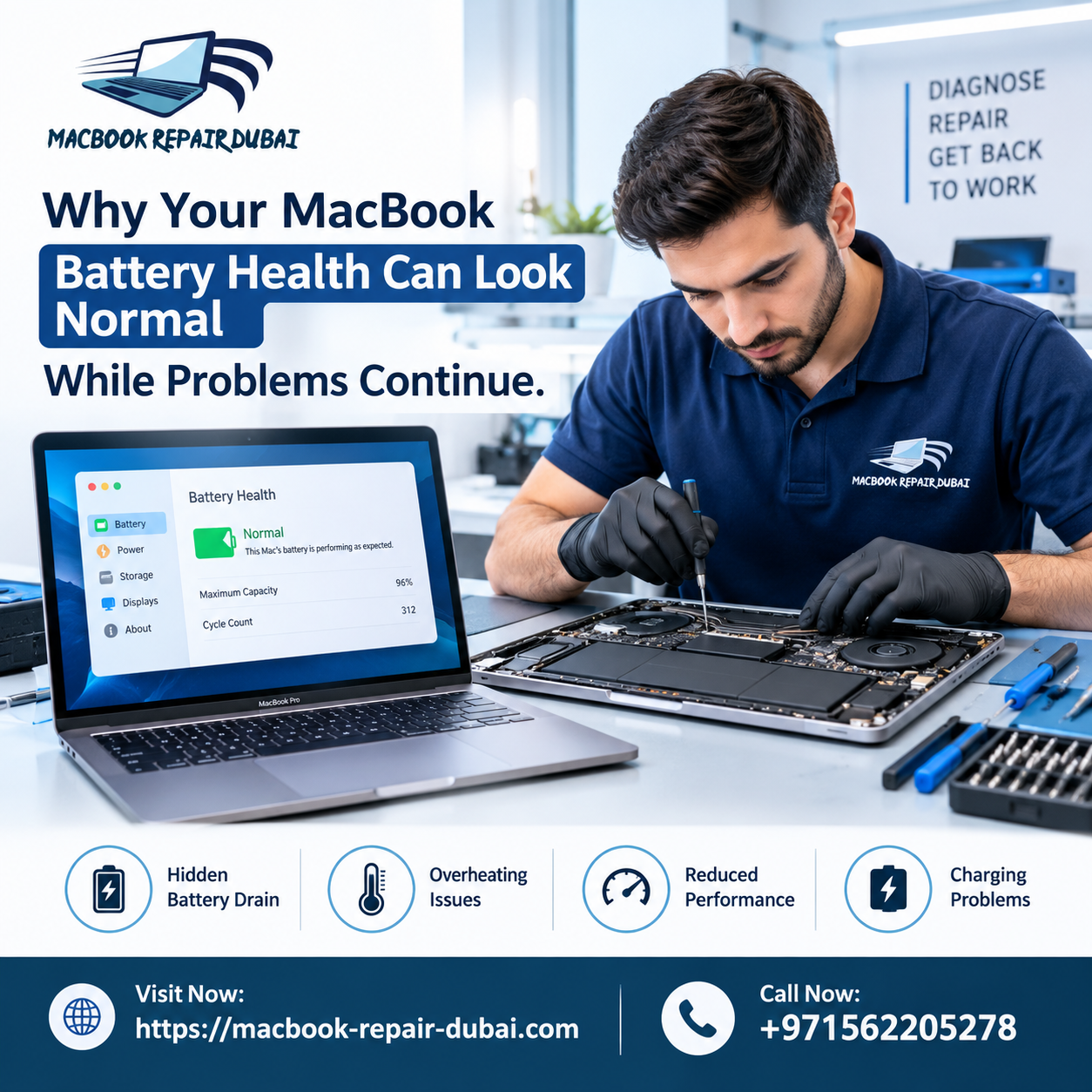
Someone opens System Settings, sees "Battery Health: Normal," and just assumes the battery's fine — so when the shutdowns start, they're stuck looking everywhere else. The MacBook runs during something as basic as a Zoom call. The charge drains way faster than it used to. And through all of it, that green "Normal" tag never budges — which is exactly the problem. It's a mix-up our team at MacBook Repair Dubai runs into all the time, and sorting it out is usually the first step before any real diagnosis can begin. That's because "Normal" is just a narrow reading, not a full health report. Once you know what that percentage does and doesn't account for, the whole picture starts to make a lot more sense.
MacBook Repair Dubai Explains: What "Battery Health: Normal" Actually Means
The number you see is mostly based on maximum capacity compared to cycle count, measured against what the battery could do brand new. That's a decent baseline, sure, but it says nothing about how the battery holds up under heat, sudden power draws, or heavy multitasking. We've seen batteries sitting at 85-90% capacity that still cause random shutdowns or charging hiccups. Capacity and reliability aren't the same thing, even though the software tends to lump them together.
Part of the reason is just how the algorithm was designed. It tracks capacity loss over time — that's it. Swelling, worn-out connectors, firmware quirks, none of that factors in. So a battery can technically be "fine" by Apple's math while something else entirely is causing the trouble you're actually experiencing.
Common Reasons Problems Continue Despite a "Normal" Reading
Battery Swelling You Can't See Yet
Swelling doesn't always show up as a health warning — often it shows up as a trackpad that clicks weird on one side, or a MacBook that rocks slightly when it's sitting flat on a table. Small stuff, easy to brush off. But if it's ignored for too long, that swelling can start pushing against the trackpad or even the logic board, and that's a much bigger repair.
Faulty Battery Sensors or Firmware Glitches
Sometimes the SMC just gets it wrong. A reset can fix the reading temporarily, and for a day or two everything looks normal again. If the same symptoms come back within a week or so, though, that's usually not a fluke — it's pointing to something that needs an actual look, not another reset.
Background Apps Draining Power Silently
Half the time "the battery is dying" cases we look at turn out to be Chrome tabs, sync tools, or antivirus software chewing through power in the background. Worth checking Activity Monitor's Energy tab before assuming the worst — it takes two minutes and rules out a whole category of problems.
Aging Charge Cycles Not Yet Reflected in Software
Cycle counts don't update in real time. A battery that's genuinely near the end of its usable life can still say "Normal" for weeks while performance is already noticeably worse day to day. The software's just slow to catch up with reality.
Physical Damage from Drops or Liquid Exposure
A drop or a small spill can loosen the internal battery connector without leaving a mark anywhere you'd notice. The result is power delivery that cuts in and out — which usually shows up as shutdowns that seem to happen for no reason at all.
When You Should Stop Trusting the Battery Health Percentage Alone
There are a few signs worth paying attention to regardless of what the percentage says. If your MacBook shuts off even though the indicator still shows charge remaining, that's not normal behavior and shouldn't be brushed off as a one-time glitch. A bottom case that feels puffy, or one that no longer sits flush on a flat surface, is another red flag worth taking seriously rather than ignoring for a few more weeks.
Charging that's inconsistent — even when you've already ruled out the cable and adapter — points to something happening internally that a health percentage simply won't reflect. The same goes for performance dips during video exports, calls, or anything else that pushes the machine a bit harder than usual; that kind of slowdown often has more to do with power delivery than raw processing power. And if you've simply noticed that battery life has gotten worse over the past few months, trust that observation. Day-to-day experience tends to catch problems long before the software does.If your battery's been acting up despite looking "healthy" on paper, come by MacBook Battery Replacement Dubai and let's get it sorted.
How Professional Diagnostics Go Beyond the Built-In Indicator
What we do differently at MacBook Repair Dubai is test under actual working conditions instead of just reading idle stats. That means load testing, a physical check for swelling or corrosion, firmware verification, and cross-checking voltage against the numbers macOS reports. It's a bit more thorough than glancing at a settings menu, but it's the only way to catch what the built-in tools miss — and it's usually the difference between fixing the real problem and just patching the symptom for a few weeks.
FAQs
1. Can a MacBook battery show "Normal" health and still need replacement?
Yes — the health percentage doesn't account for connector wear, firmware issues, or early-stage swelling, and any of those can still mean replacement is the right call.
2. How do I know if my MacBook battery is swelling?
Look for a trackpad that clicks unevenly, or a case that rocks or won't close flat anymore. Both are early warning signs worth acting on.
3. Does resetting the SMC fix battery problems permanently?
Sometimes, for a temporary glitch. If the issue returns within days, it's usually a hardware problem the reset just masked for a bit.
4. Is MacBook Battery Replacement Dubai worth it if health is above 80%?
If you're getting shutdowns or inconsistent charging despite a decent health percentage, yes — replacement often resolves issues the number alone doesn't explain.
5. How often should I get my MacBook battery professionally checked?
Roughly once a year for typical use, or sooner if you notice unusual heat, faster drainage, or random shutdowns.
Conclusion
A "Normal" reading feels reassuring, but as you can probably tell by now, it doesn't rule out much. If your MacBook is still shutting down, running hot, or charging unpredictably, that's worth getting checked properly rather than trusting a single number. At MacBook Repair Dubai, we dig past the surface reading to find what's actually going on, so the fix actually holds.
Need help? Contact us .

 English
 Arabic
 French
 Spanish
 Portuguese
 Deutsch
 Turkish
 Italiano
 Russian
 Romaian
 Portuguese (Brazil)
 Greek
Greek