


How to Fix Eufy Camera Offline Issue?: A Quick Guide
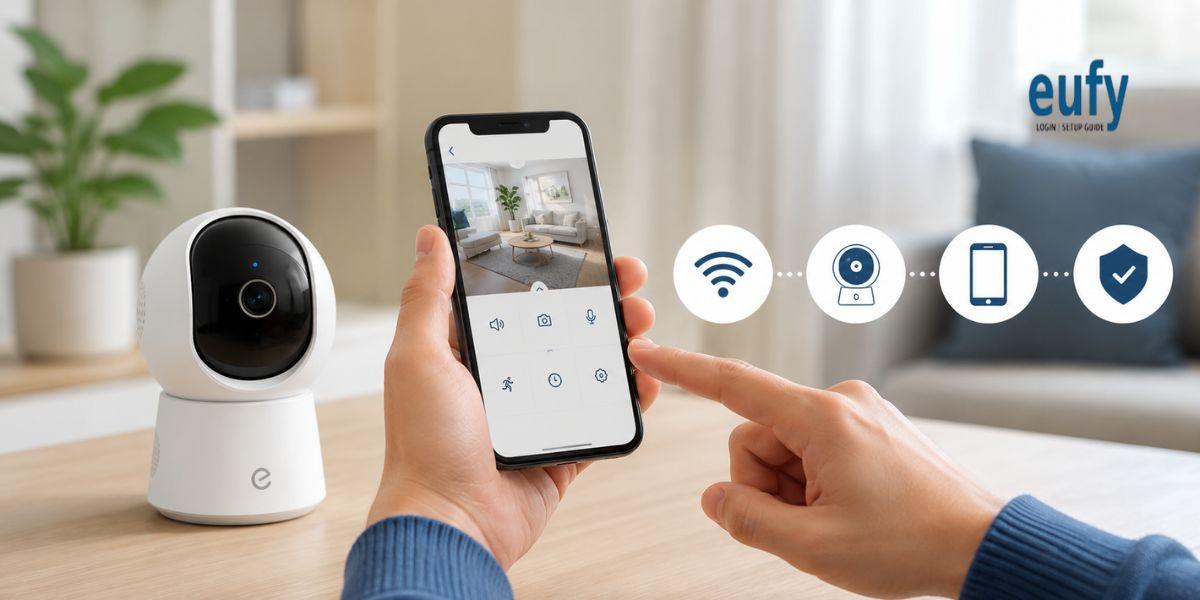
An Eufy camera offline issue can stop your camera from recording or sending alerts. This problem may happen because of weak WiFi signals. Network changes. Power interruptions. Router issues. Firmware problems or camera settings. Follow these simple steps to bring your Eufy camera back online.
Check Your WiFi Connection
First check whether your home WiFi is working correctly. Connect your phone to the same network and open a website. If the internet is slow or unavailable, then restart your router.
-
Turn off your router.
-
Wait for about 30 seconds.
-
Turn it back on.
-
Wait until the WiFi becomes stable.
-
Check your Eufy camera again.
Restart Your Eufy Camera
A simple restart can resolve temporary connection problems. Disconnect the camera from its power source. Wait for around 30 seconds. Connect it again and allow the camera to boot completely.
Open the Eufy Security app after restarting the camera. Check whether the device appears online.
Check WiFi Signal Strength
Your camera may go offline when the WiFi signal is weak. Move the camera closer to your router if possible. Avoid placing the camera behind thick walls or large electronic devices.
If your home has a large coverage area then consider improving WiFi coverage with a compatible extender or mesh system.
Check Your WiFi Settings
If you recently changed your WiFi name or password then your Eufy camera may lose its connection. Open the Eufy Security app and check the camera network settings.
Reconnect the camera to the correct WiFi network using the setup instructions provided for your model.
Update the Eufy Security App
An outdated app can sometimes cause connection or device management problems. Check your phone's app store for an available Eufy Security app update.
After updating the app, open it again and check the camera status.
Update Camera Firmware
Firmware updates can improve device stability and fix known problems. Open the Eufy Security app and check the device settings for available firmware updates.
Keep the camera connected to power during the update process.
Factory Reset Eufy Camera
If other methods fail, you can factory reset Eufy camera. The exact reset method can vary by model. Locate the reset button or reset instructions for your specific camera.
Press and hold the reset button according to the model instructions. After the reset completes, you may need to set up the camera again.
A factory reset can remove existing settings. Therefore, use it only after trying basic troubleshooting steps.
Conclusion
An Eufy camera offline problem can often be fixed by checking your internet connection. Restarting the camera. Improving WiFi coverage. Updating the app or reconnecting the device. If the problem continues then you can factory reset Eufy camera and complete the setup again.
FAQs
Why is my Eufy camera offline?
Common causes include weak WiFi. Router problems. Changed WiFi credentials. Power interruptions or outdated firmware.
How do I reconnect my Eufy camera?
Check your WiFi first. Then open the Eufy Security app and follow the device connection or setup process.
Will a factory reset delete my camera settings?
Yes. A factory reset can restore the camera to its default settings. You may need to configure the device again.
Can weak WiFi make my Eufy camera go offline?
Yes. A weak or unstable WiFi signal can cause frequent disconnections.

 English
 Arabic
 French
 Spanish
 Portuguese
 Deutsch
 Dutch
Dutch
 Italiano
 Russian
 Romaian
 Portuguese (Brazil)
 Greek
Greek