


Construction Company WordPress Theme Features for Showing Project Locations
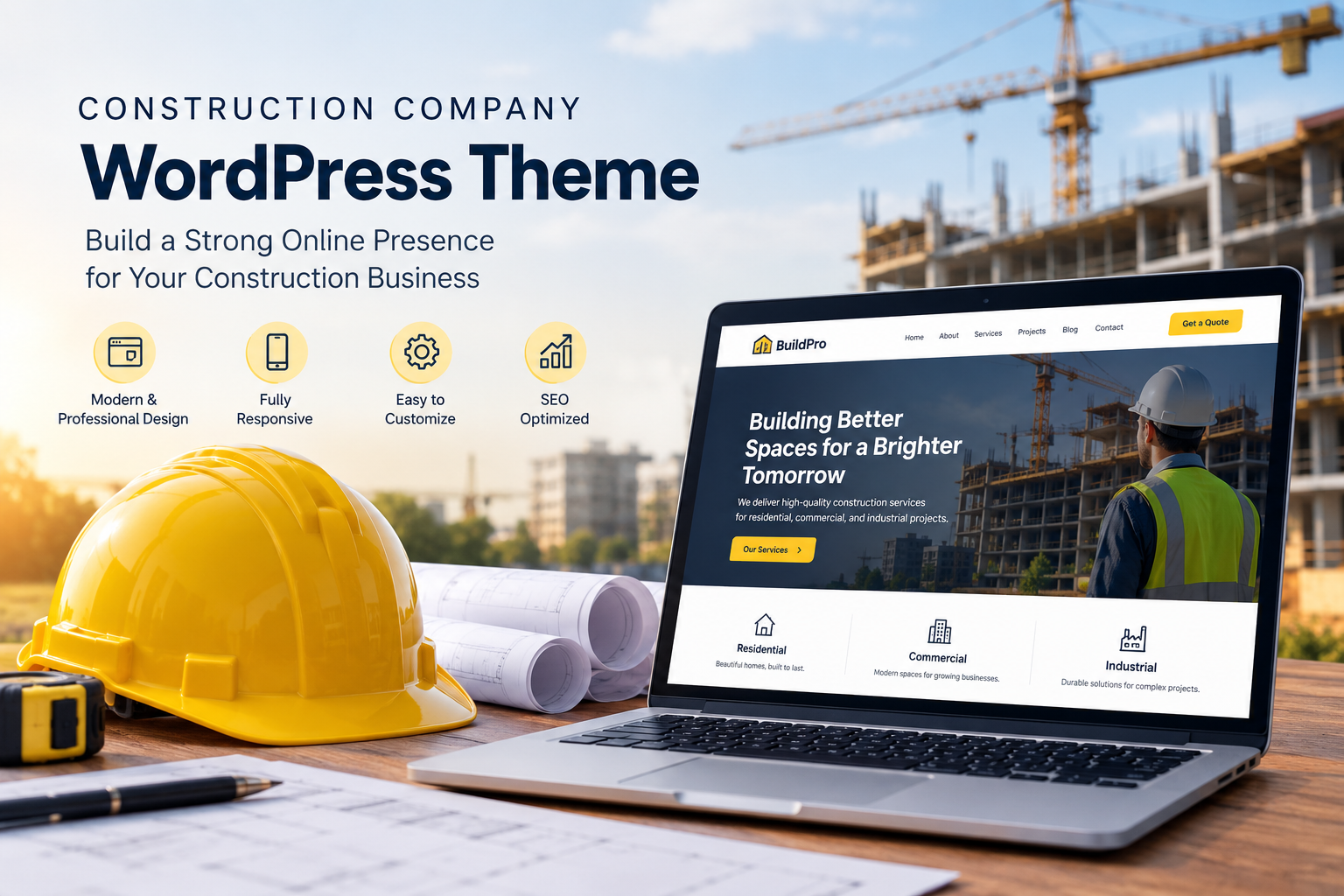
When someone is searching for a construction company, one of the first questions on their mind is usually simple: does this company actually work in my area? A homeowner in one city doesn't want to scroll through project after project from a completely different region, wondering the whole time if the company even serves their neighborhood. A construction company WordPress theme can help showcase project locations clearly, making it easier for visitors to see where a company has completed work. Yet a surprising number of construction websites never clearly show where their projects actually took place.
This is exactly where the right WordPress theme can make a real difference. Showing project locations clearly doesn't just answer a practical question, it also builds local trust and helps potential clients picture the company working right in their own community.
Why Showing Project Locations Matters
Construction is a very local business. People generally want to hire a company that understands their area, from local building codes to weather conditions and neighborhood styles.
Clients Want Proof of Local Experience
Seeing that a company has completed projects nearby reassures potential clients that the team understands local permitting, climate considerations, and community expectations, not just general construction knowledge.
Unclear Service Areas Lead to Wasted Inquiries
If a website doesn't clearly show where a company works, potential clients outside the actual service area may still reach out, only to be told the company doesn't serve their location. This wastes time for everyone involved.
Theme Features That Help Showcase Project Locations
Not every WordPress theme makes it easy to highlight where projects are actually located. Here's what actually helps.
Interactive Project Maps
A good theme can support an interactive map showing pins for completed projects, letting visitors quickly see the company's footprint across different neighborhoods or regions at a glance.
Location Tags on Project Pages
Simple location tags, like a city or neighborhood name attached to each project, help visitors quickly identify relevant work without needing to read through every single project description.
Service Area Pages
For companies working across multiple cities or regions, dedicated service area pages help confirm coverage clearly, often paired with a few relevant local project examples.
Filterable Project Galleries by Location
Some themes support filtering options, allowing visitors to narrow down a portfolio by city or region, making it much easier to find locally relevant work in a larger portfolio.
Local Landmarks or Context in Descriptions
Mentioning nearby landmarks or general area context within a project description, like "this home renovation is just outside downtown," helps visitors quickly connect with the location on a personal level.
Read More: Construction Company HTML Template for Builders & Contractors
Structuring Location Information Well
Having the right theme features matters, but how location information is actually presented plays a big role in building trust and clarity.
Be Clear About the Full Service Area
Rather than assuming visitors will piece it together from scattered project examples, clearly list all cities or regions served, ideally on a dedicated page or prominently within the site navigation.
Pair Locations With Relevant Project Types
If a company has different specialties in different areas, briefly noting this, like more commercial work in one city and residential projects in another, helps set accurate expectations for visitors.
Highlight Recent Local Projects
Showcasing a few recent projects from each service area keeps location information feeling current and relevant, rather than relying on outdated examples from years ago.
Make Contact Easy From Location Pages
After confirming a company serves their area, visitors should be able to easily reach out directly from that same page, without having to search elsewhere on the site for contact details.
Making Location Information Easy to Explore on Mobile
Many potential clients search for local construction companies directly from their phones, often while standing in the space they're hoping to renovate or build.
Mobile-Friendly Map Interactions
Interactive maps need to work smoothly on smaller screens, allowing visitors to zoom and tap on project pins without frustration.
Simple, Fast-Loading Location Filters
Filtering options by city or region should remain easy to use on mobile, without requiring excessive scrolling or awkward menu navigation.
Building Local Trust Through Visible Presence
When a construction company clearly shows its work across different local areas, it reinforces a sense of community presence and reliability. Potential clients tend to trust companies that feel established and active within their specific region, rather than an unfamiliar name with unclear local ties.
Conclusion
Showing project locations clearly helps potential clients quickly confirm service coverage while building genuine local trust in the process. Through interactive maps, location tags, and dedicated service area pages, construction companies can highlight their community presence in a way that feels both practical and reassuring. If you're building or updating your construction company website, it's worth exploring premium WordPress Templates that make it easy to showcase project locations clearly and effectively for every visitor.
Frequently Asked Questions
1. Why is showing project locations important for a construction company website?
It helps potential clients quickly confirm whether the company serves their area, while also building trust through visible local experience.
2. Are interactive maps necessary, or is a simple list of service areas enough?
A simple list can work, but interactive maps often make it easier and more engaging for visitors to explore where projects have taken place.
3. Should service area pages include local project examples?
Yes, pairing service areas with relevant local projects helps reinforce that the company genuinely works and has experience in that specific region.
4. Is filtering by location useful for smaller construction companies?
It becomes more useful as a portfolio grows, but even smaller companies benefit from clearly labeling projects by location for easy browsing.
5. How important is mobile usability for location-based content?
Very important, since many potential clients search for local contractors directly from their phones, often while already thinking about their specific property.

 English
 Arabic
 French
 Spanish
 Portuguese
 Deutsch
 Turkish
 Dutch
Dutch
 Russian
 Romaian
 Portuguese (Brazil)
 Greek
Greek