


How To Fix SimpliSafe Camera Offline Issue?
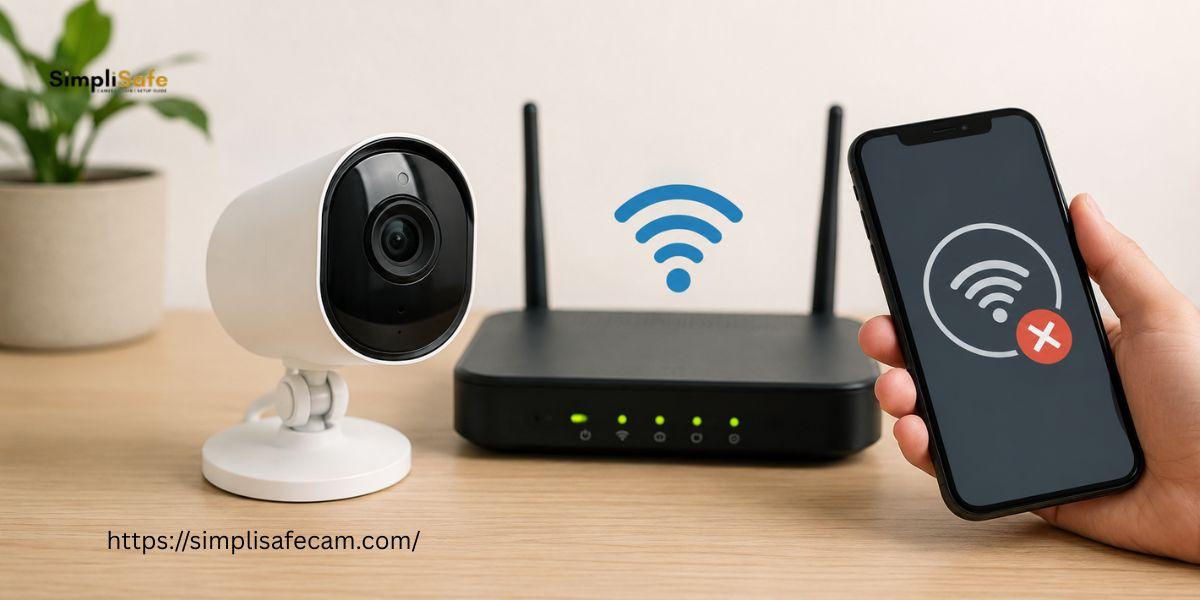
A SimpliSafe camera can go offline when it loses connection with your WiFi network. This can prevent live video access recording notifications and remote monitoring. The issue may happen because of weak WiFi power problems, network changes, app errors or camera settings. Fortunately, you can try several simple steps to restore your SimpliSafe camera connection.
Common Reasons For SimpliSafe Camera Offline Issue
There are several reasons why you may see the SimpliSafe camera offline message.
-
Weak or unstable WiFi connection
-
Camera placed far from the router
-
Router connection problems
-
Temporary camera software issue
-
Changed WiFi name or password
-
Power interruption
-
Outdated SimpliSafe app
-
Camera configuration problems
Steps To Fix SimpliSafe Camera Offline
1. Check Your WiFi Connection
Start by checking whether your WiFi network is working properly. Connect your phone or computer to the same network. Open a website to confirm the internet connection.
If other devices are also offline then restart your router. Wait for the network to become stable before checking the camera again.
2. Restart The SimpliSafe Camera
Power cycling can resolve temporary connection problems. Disconnect the camera from its power source. Wait for about 30 seconds. Connect the camera again and allow it to restart completely.
Open the SimpliSafe app after the camera becomes active. Check whether the camera is back online.
3. Move The Camera Closer To The Router
A weak wireless signal can cause frequent disconnections. Temporarily move the camera closer to your router. Check the connection through the SimpliSafe app.
If the camera works normally after moving it closer then WiFi signal strength may be the main problem.
4. Check Your WiFi Settings
Make sure your router is using the correct WiFi name and password. A recent change to your network details can cause the camera to disconnect.
Reconnecting the camera to your current WiFi network may restore normal operation.
5. Update The SimpliSafe App
Open the app store on your phone. Check for a new SimpliSafe app update. Install the latest available version.
An outdated app can sometimes cause connection or device management problems.
6. Restart Your Router
Turn off your router. Wait for about one minute. Turn it back on. Allow the router to reconnect to the internet.
Once the WiFi network is stable check your SimpliSafe camera again.
7. Factory Reset SimpliSafe Camera
When standard troubleshooting does not work, you may need to factory reset SimpliSafe camera settings.
A factory reset removes the current configuration and returns the device to its default state. After the reset you may need to configure the camera again through the SimpliSafe app.
Before performing a reset make sure you know your WiFi credentials and account details.
Conclusion
A SimpliSafe camera offline problem can often be fixed by checking your internet connection, restarting the camera, moving it closer to the router and verifying WiFi settings. Updating the app can also help. When other methods fail, a factory reset SimpliSafe camera process may provide a fresh setup. After resetting the camera, complete the setup carefully through the SimpliSafe app.
FAQs
Why is my SimpliSafe camera offline?
Your camera may be offline because of weak WiFi, a router problem, a power interruption, changed network credentials or a temporary device issue.
How do I reconnect my SimpliSafe camera?
Check your WiFi connection first. Restart the camera and router. Then open the SimpliSafe app and follow the connection steps for your camera.
Will a factory reset fix my SimpliSafe camera?
A factory reset can help when normal troubleshooting does not resolve configuration or connection problems. You will need to set up the camera again after the reset.
Can weak WiFi make my SimpliSafe camera go offline?
Yes. A weak or unstable WiFi signal can cause repeated disconnections. Moving the camera closer to the router can help confirm whether signal strength is the issue.
Also Read:
https://simplisafecam.wixsite.com/simplisafecam/post/how-to-install-simplisafe-doorbell
https://simplisafecam.blogspot.com/2026/09/how-to-update-simplisafe-firmware.html

 English
 Arabic
 French
 Spanish
 Portuguese
 Deutsch
 Turkish
 Dutch
 Italiano
 Russian
 Romaian
 Greek