


How Bitrate, Sample Rate, and File Size Work Together
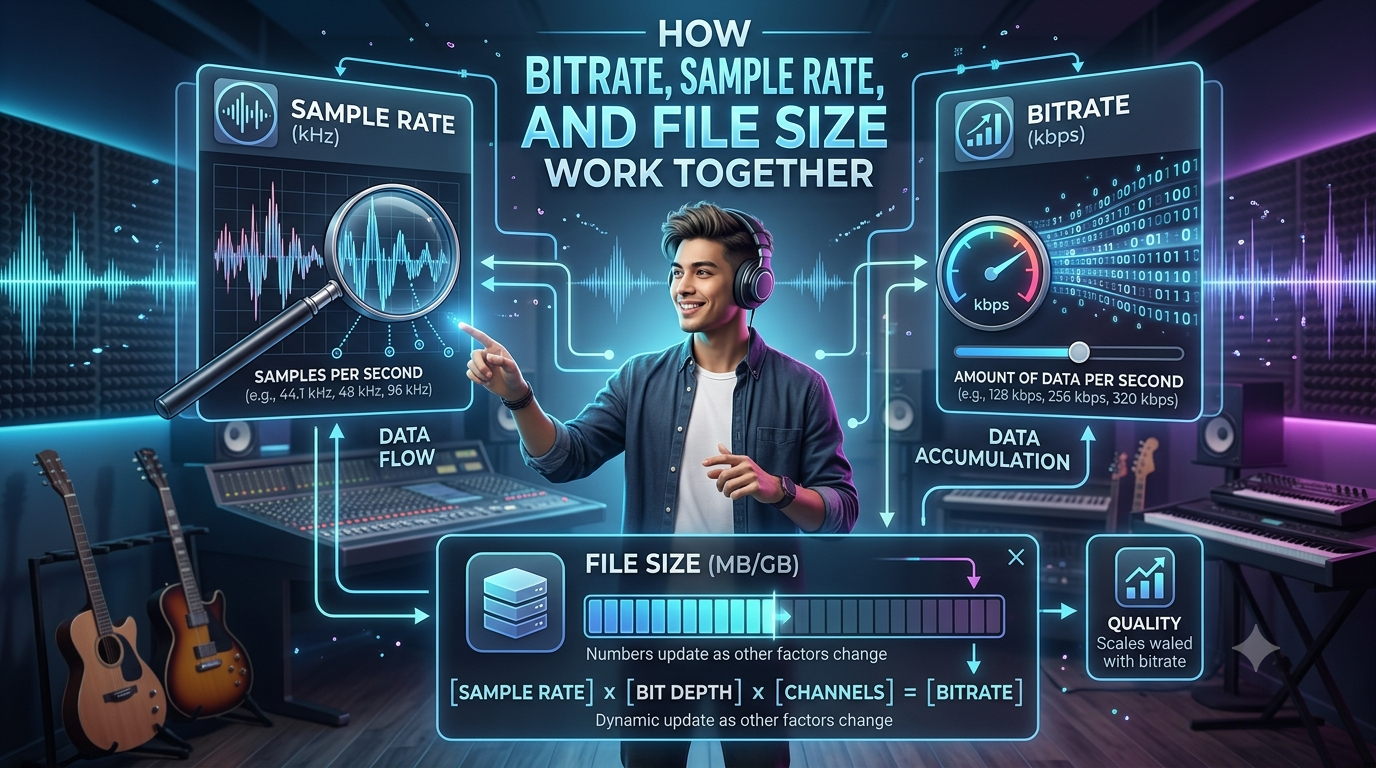
When you save or generate an audio file, three main factors affect the result of the final output: bitrate, sample rate, and file size. Understanding how they are interpreted together can help you choose the perfect audio quality without using more space than necessary. These settings are beneficial when comparing different versions of the same recording.
A YouTube MP3 converter provides various audio quality options when processing a video into an MP3 file. Knowing bitrate and sample rate can help users choose an option that fulfills their listening needs. Every time, your goal is not always to choose the highest setting, but to look for a balance between quality, device storage, and file size.
What Is Bitrate?
Bitrate is the amount of audio data processed each second. You can generally measured in kbps, or kilobits per second. Many tools offer common MP3 quality options like 128kbps, 192kbps, and 320kbps.
Higher-quality bitrate settings can store more audio data and produce better results, especially with complex music. Higher quality settings also create a larger audio file.
For example, a 320 kbps MP3 will normally require more storage than the same recording encoded at 128 kbps.
What Is Sample Rate?
Sample rate describes how many times an audio signal is measured each second during digital recording. It is measured in hertz, or Hz.
Most commonly used audio sample rates include 44.1 kHz and 48 kHz. Good sample rate settings can capture more data, which is taken into account in each situation. But it does not mean that an audio file will sound good every time.
The source recording and the way it was produced also have a major effect on the final quality.
How Bitrate Affects File Size
Bitrate has a direct relationship with the size of compressed audio files. If the bitrate increases while the song length stays the same, the file will generally become larger.
A three-minute song at 128 kbps needs less storage than the same three-minute song at 320 kbps. For people building a large offline music collection, these differences can add up over time.
How Sample Rate Relates to File Size
Sample rate can also influence the amount of data an audio file contains. However, its effect depends on the file format, encoding method, channels, and bitrate.
For compressed formats such as MP3, bitrate is often a more noticeable factor when comparing file sizes. This is why users should not judge file size by sample rate alone.
How Flvto Processing Can Affect Audio Files
When using a tool such as Flvto to process a video into an audio format, the resulting file can have different size and quality characteristics depending on the selected settings and the source.
A high-quality source cannot always become better simply by choosing a higher setting. If the original audio contains limited detail, increasing the output settings will not recreate information that was never present.
Why Higher Settings Are Not Always Better
It can be tempting to choose the highest bitrate and sample rate available. However, this may create larger files without providing a noticeable improvement for every listener.
For casual listening on phones, laptops, or basic headphones, moderate settings may be sufficient. Higher-quality settings can make more sense when storage is available and the listener has equipment capable of revealing additional detail.
Choosing Settings for Different Needs
Think about how you will use the audio before selecting quality settings. If storage space is limited, smaller files can make it easier to keep more recordings.
For long-term music storage, users may prefer higher-quality files when the source supports that quality. For quick listening or temporary storage, smaller files may be more convenient.
File Size Is More Than Quality
A large audio file is not automatically a high-quality audio file. File size can be affected by bitrate, sample rate, duration, channels, format, and encoding settings.
The source also matters. Converting a low-quality recording into a larger file does not restore missing audio information.
Conclusion
Bitrate, sample rate, and file size are connected, but each determines a different part of digital audio. Bitrate controls the amount of data used over time, sample rate describes how frequently the audio signal is measured, and file size reflects the total amount of stored data. If you are using YouTube MP3 converter software or flvto browser based tool for creating an MP3 file, understanding these factors can help you finalize practical settings. Consider the source quality, device you use, storage space, and purpose of the audio rather than always picking the highest quality.

 English
 Arabic
 French
 Spanish
 Portuguese
 Deutsch
 Turkish
 Italiano
 Russian
 Romaian
 Portuguese (Brazil)
 Greek
Greek