


Why Roofing Website Templates Should Make Roof Inspection Results Easy to Understand
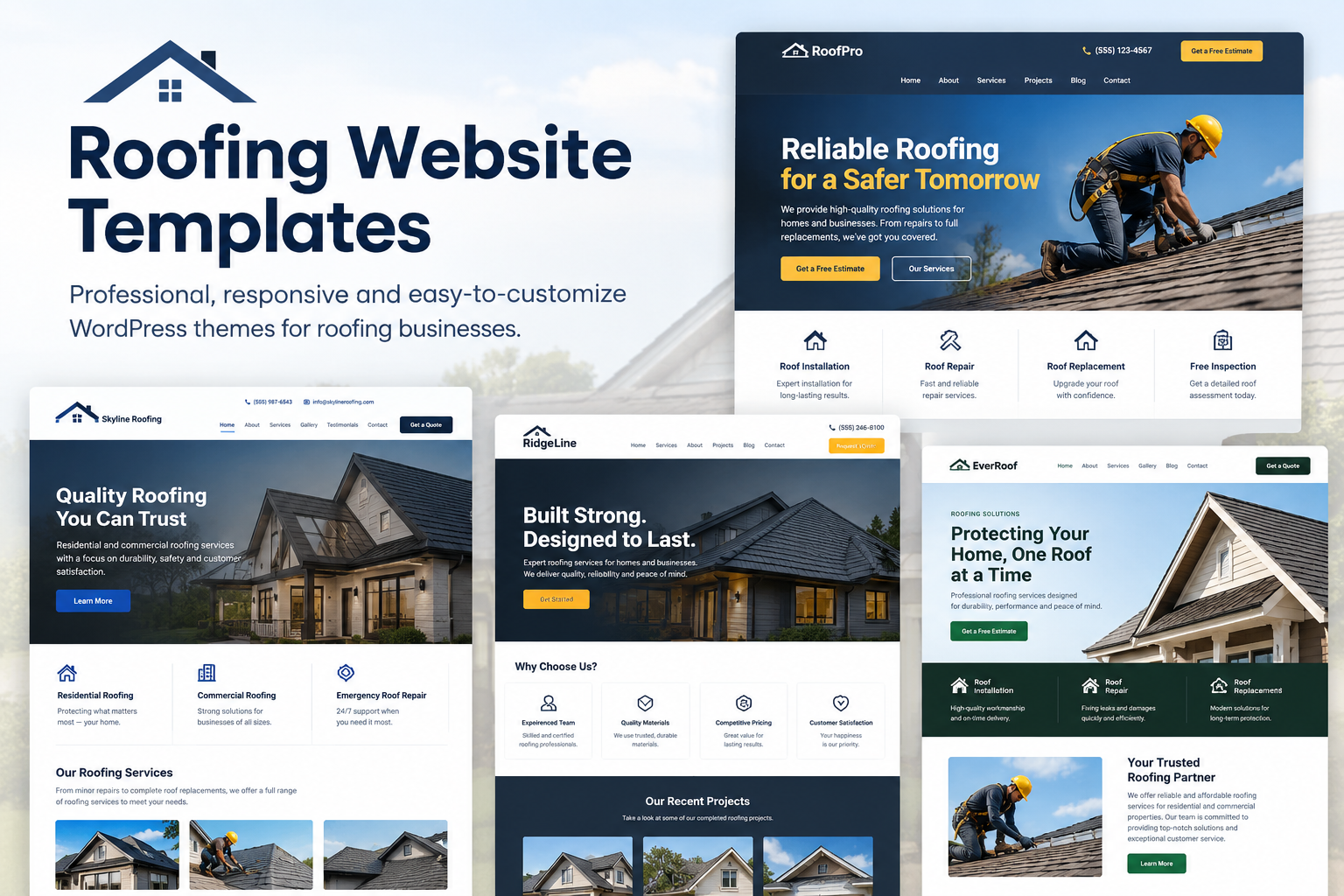
Think about the last time a doctor gave you test results full of strange words and numbers. You probably nodded, left the room, and still had no idea what was going on. Homeowners feel the same way when they get a roof inspection result. They see terms like "flashing," "underlayment," and "decking," and their mind goes blank. Roofing website templates can help present these technical terms with clear explanations, making inspection results easier for homeowners to understand.
If your website shows inspection results in a confusing way, people will not trust it. They will close the page and call someone else. That is why the template you choose matters so much. Let's talk about why easy-to-understand results should be a top priority for any roofing website.
The Real Problem With Most Inspection Results
Too Many Technical Words
Roofers use special words every day, so those words feel normal to them. But a homeowner has never heard half of them. When a report is full of roofing language, the reader feels talked down to, even if that was never your plan.
Too Much Information at Once
Another common problem is a wall of text. Some reports list every tiny detail in one long page. The reader cannot tell what is serious and what is just a small note. When everything looks equally important, nothing stands out.
No Clear Answer
Many reports say what is wrong but forget to say what to do next. The homeowner finishes reading and still asks, "So do I need a new roof or not?" A good result page answers that question in plain words.
Why Easy Results Help Your Roofing Business
People Trust What They Understand
Trust is the biggest thing in the roofing trade. A homeowner is about to spend a lot of money on something they cannot even see. If you explain the problem in simple words and show clear pictures, they feel safe. They think, "This company is honest with me."
Clear Results Lead to More Calls
When people understand the problem, they are more ready to fix it. A confused customer says, "Let me think about it." A clear customer says, "When can you come?" Simple results move people from worry to action much faster.
Fewer Questions and Phone Calls
When your results page already explains things well, your team spends less time answering the same basic questions. That saves time for you and your staff, and customers feel looked after.
How a Good Template Makes Results Simple
Clean Layouts With Lots of White Space
A good template gives the page room to breathe. Short sections, big headings, and space between items make reading feel easy. Nobody wants to squint at crowded text on a small phone screen.
Photo Sections Built for Real Roof Pictures
Pictures do the heavy lifting in an inspection report. Look for a template with neat photo grids or sliders where each image can have a caption. A photo of a lifted shingle with the words "This shingle is loose and can let water in" says everything in one glance.
Icons and Color Tags
Small icons and colors help people sort information fast. A red tag for urgent repairs, a yellow tag for things to watch, and a green tag for areas in good shape. Even a person who skips the text will understand the message.
Summary Boxes
A summary box at the top gives the main answer right away. For example: "Roof condition: Fair. Repairs needed: 2. Replacement needed: Not yet." Then the reader can scroll down for more detail if they want it.
Read More: Construction Company WordPress Theme - Powerful & Modern Design
Things to Look for When Choosing a Template
Mobile-Friendly Design
Many people will open your results on their phone. Buttons must be big enough to tap, text must be easy to read, and photos must fit the screen. Always test the template on your own phone before you decide.
Easy Editing
You should be able to change text, swap photos, and move sections without calling a developer. If every small change feels hard, you will stop updating the page, and that hurts your site over time.
Fast Loading
Roof photos can be heavy. A template that loads slowly will make people leave before they even see your results. Pick one that is built for speed, and compress your photos before uploading.
Clear Call to Action Spots
After the results, the visitor needs a next step. Your template should let you add buttons like "Request a Repair Quote" or "Call Us Now" in easy-to-see places. A sticky phone button on mobile is a great bonus.
Writing Inspection Results in Plain Words
Say It As You Would to a Neighbor
Try this simple test. Read your result out loud. If it sounds like something you would never say to a friend, rewrite it. "The roof surface has reached the end of its expected service life" can become "The roof is old and getting close to the end of its life."
Explain Why It Matters
Do not just name the problem. Add one short line on why it matters. "The cracked seal around the chimney can let rainwater inside, which may damage your ceiling." Now the customer understands the risk.
Keep It Honest
Never use scare tactics. If a repair can wait a few months, say so. Customers remember honesty, and they will come back to you and tell their friends.
Conclusion
Roof inspection results are only useful if the homeowner can understand them. A clear summary, labeled photos, simple color tags, and a friendly next step can turn a confusing report into a reason to trust your company. The template behind your page plays a big part in this, since good design helps people read faster and feel calmer. If you are building or updating your site, take a look at premium WordPress Templates designed for roofing businesses. They often include photo galleries, mobile-ready layouts, and call buttons, which save you time and give your results a clean, professional look.
Frequently Asked Questions
1. Why should roof inspection results be easy to understand?
Because most homeowners are not roofing experts. When results are clear, they trust you more and feel ready to take the next step.
2. What is the best way to show roof problems on a website?
Use labeled photos with short notes. A picture along with one simple sentence explains most problems better than a long paragraph.
3. Do color tags really help?
Yes. Red, yellow, and green tags let people see right away which issues are urgent and which can wait. It works even for people who do not read every line.
4. Can I update inspection pages without a developer?
In most cases, yes. Many WordPress roofing templates let you drag and drop sections, change text, and upload photos on your own.
5. How long should an inspection result page be?
Keep the main summary short, ideally one screen. Put extra details below it so people who want more can keep scrolling.

 English
 Arabic
 French
 Spanish
 Portuguese
 Deutsch
 Turkish
 Italiano
 Russian
 Romaian
 Portuguese (Brazil)
 Greek
Greek