


Why Does My Printer Leave Toner Marks on Paper?
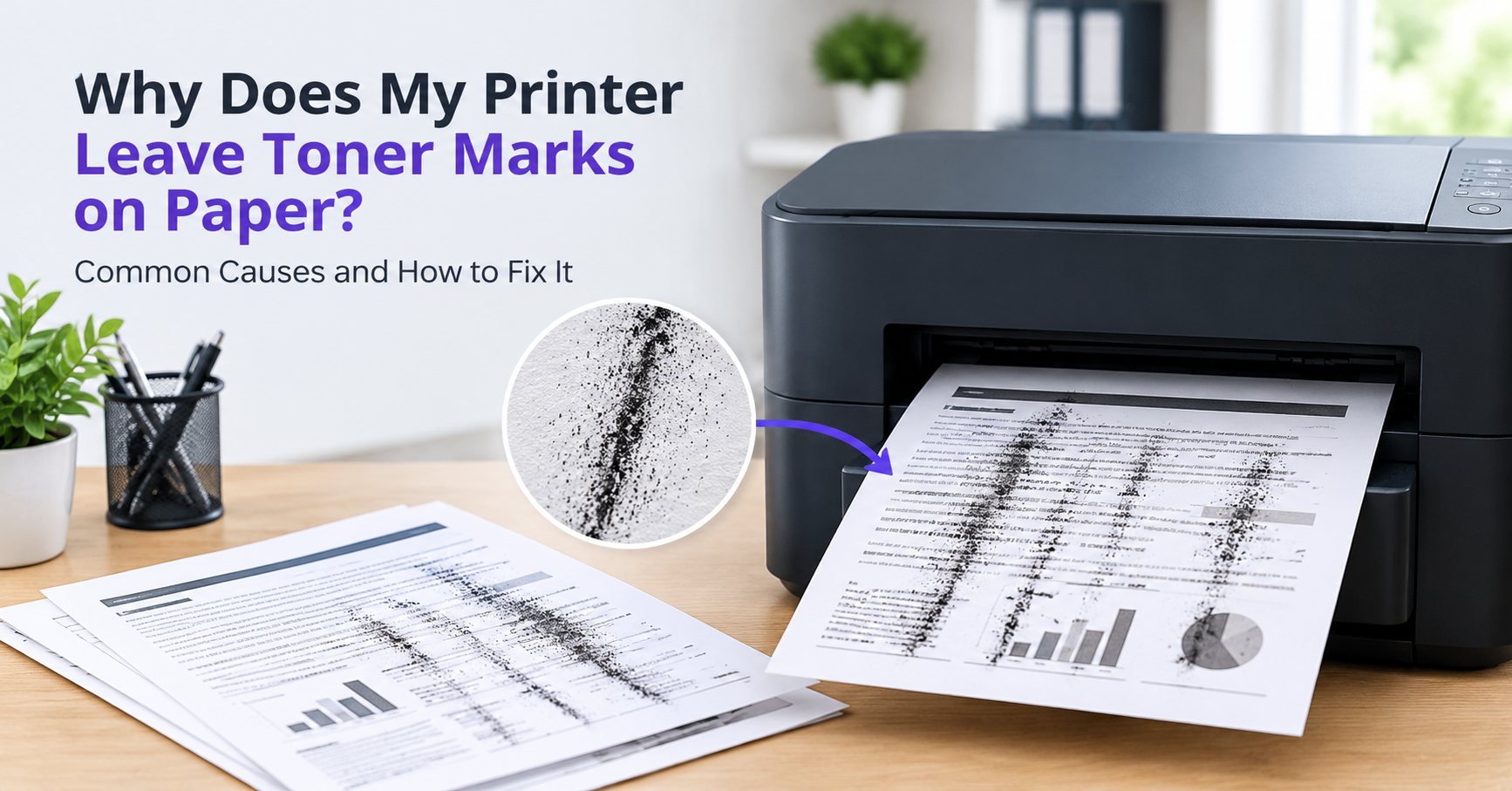
If your laser printer is leaving toner marks, dark smudges, or multiple marks on printed paper, the issue may be a faulty toner cartridge, drum, fuser, or paper path. The presence of these marks can often make documents appear disorganized and may become more apparent as the printer streaking worsens.
Being able to pinpoint the issue can help determine whether a simple cleaning and/or replacing will solve the issue, or if the printer should be taken in for professional repair.
Toner Marks on Paper: Common Causes
Here are the most common reasons listed for toner marks leaving on printing papers:
1. Faulty Toner Cartridge
A faulty or leaking toner cartridge can cause excess toner buildup within the printer and on paper.
If the toner cartridge has leaks or damage, it may cause dark spots, smudges, or unwanted marks on paper. Check the cartridge for excess buildup or leakage before attempting to clean or replace the toner.
2. Worn Drum
The drum transfers toner from the toner cartridge to the paper. Scratches, damage, and excess buildup can cause the drum to leave recurring marks on every sheet of paper that is printed. If the marks are recurring, every time a page is printed, the drum is more than likely the culprit behind the issue. A faulty drum can also cause printer printing lines, dark streaks, and other unwanted toner buildup on paper.
3. Faulty Fuser
The fuser utilises heat to permanently fuse the toner to the paper. If the fuser is damaged or worn, the printer may leave excess toner on the paper. You may find that the printed text is easily smudged or that there is a line running across printed sheets. If the fuser is worn, it will need to be replaced instead of cleaned.
4. Dirty Rollers or Paper Path
Dust, loose toner, fibres, and other unwanted debris can collect on rollers and inside the paper path of the printer. The accumulation of these unwanted deposits can leave spots or marks on paper as it is fed through the printer.
This issue can typically be resolved by cleaning the rollers and removing any visible buildup within the paper path. Take care not to damage any of the delicate machinery and sensors inside the printer when removing any visible deposits.
How to Fix Toner Marks on Paper
When attempting to fix toner marks on paper, first check the toner cartridge and replace it if it is leaking, faulty, or low on toner. Next, check the drum to ensure that it is not scratched or has excess toner buildup.
If the printer has a cleaning function that can be accessed by the user, use the appropriate cleaning or maintenance cycle to clean the necessary parts. Finally, ensure that the correct size and type of paper is being used with the printer.
If none of these steps works, it is best to avoid excessive cleaning and replacing parts unnecessarily. The issue may be a more serious mechanical failure or degradation of a part within the printer. If printer streaking persists, a professional inspection and/or repair may be necessary to restore the printer to proper working condition.
Printer Streaking: When to Seek Professional Repair
If the printer streaking persists after replacing the toner cartridge and cleaning the drum, it might be best to have the printer looked at by a professional. It is also important to seek out professional repair when the printer is not only streaking, but leaving heavy lines, smudges, or deposits of toner on paper.
This may mean that the drum, transfer components, fuser, rollers, or another part within the printer is worn down beyond its normal working specifications or is faulty. Professional printer repair can help identify whether the issue is with the drum, the fuser, the toner, or another component within the printer.
How to Fix Toner Marks on Printed Pages: Final Thoughts
Issues with printers leaving unwanted toner marks are typically the result of a faulty toner cartridge, a worn-out drum, a defective fuser, or excess debris within the paper path. The marks left on paper can help identify the issue and should be taken into consideration.
If these issues do not resolve the issue on their own, or if the issue persists after repeated maintenance, it may be time to take the printer in for professional repair.
For more information on fixing streaks and lines on laser-printed documents, be sure to view our recent article on How to Fix Printer Streaks.

 English
 Arabic
 French
 Portuguese
 Deutsch
 Turkish
 Dutch
Dutch
 Italiano
 Russian
 Romaian
 Portuguese (Brazil)
 Greek
Greek