


AR and VR Features Every Modern Real Estate App Should Have
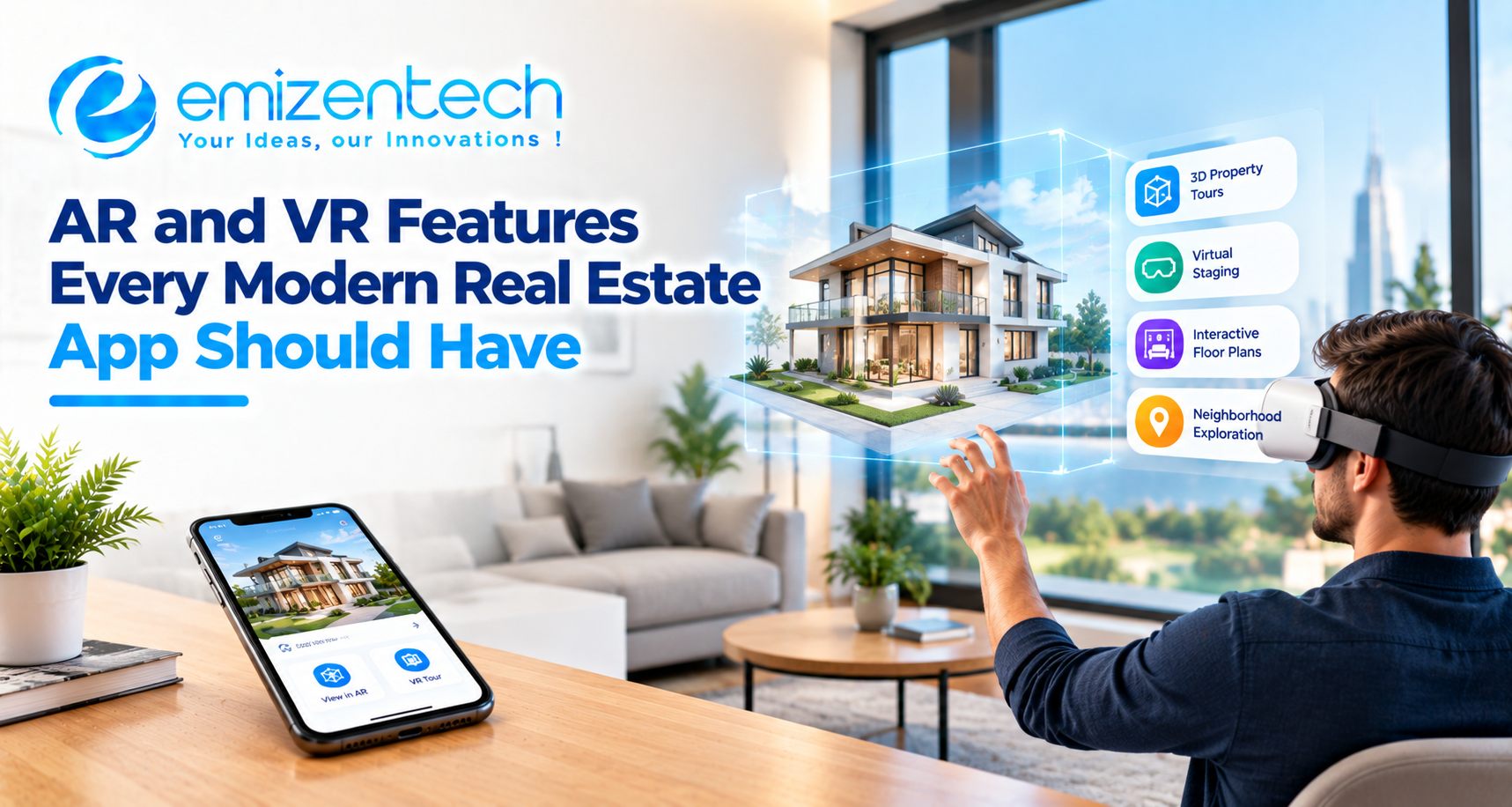
Most buyers today have already walked through a home on their phone before they ever call an agent. Photos alone no longer settle that first impression, because they hide room size, light, and layout. That gap is where augmented reality (AR) and virtual reality (VR) have found their place. Property platforms that once competed on listings now compete on how well a person can experience a space from a distance. This blog covers the AR and VR features that matter most, the supporting pieces that keep them usable, and how to decide what to build first. Anyone evaluating real estate app development solutions will find the feature priorities below a practical starting point.
Why AR and VR Have Become a Baseline in Real Estate Apps
A property search used to be a funnel of photos, a phone call, and a site visit. Now the visit often comes last, and plenty of deals move forward with only a few in-person viewings. Out-of-town buyers, relocating families, and overseas investors all lean on what the app can show them. AR and VR cut down the number of wasted visits, keep users on a listing longer, and give them a reason to come back instead of switching to a rival app. For agents and developers, that means better-qualified enquiries and fewer cold leads.
AR vs VR in Real Estate: What Each One Actually Does
The two technologies get lumped together, but they solve different problems. AR places digital objects onto the real world through a phone camera, so a buyer can see a sofa in an empty room or a building's details floating over its facade. VR replaces the surroundings entirely, taking the viewer into a rendered or captured copy of the property. One works on the spot, the other works from anywhere.
|
AR |
VR |
|
|
What it does |
Adds digital layers to the real space |
Creates a fully simulated space |
|
Device needed |
Smartphone or tablet |
Phone, browser, or headset |
|
Best stage of the buyer journey |
On-site visit, furnishing and planning |
Early shortlisting from a distance |
|
Typical use |
Staging, measuring, overlays |
Walkthroughs, off-plan previews |
Must-Have AR and VR Features for a Real Estate App
Not every immersive feature earns its development cost. The ones worth building are those that help a buyer answer a real question, such as whether the rooms are big enough, whether their furniture will fit, or whether the finish matches what was promised. The features below are the ones that most consistently move a user from browsing to enquiring.
360-Degree and 3D Virtual Tours
A virtual tour lets users move through a property room by room, at their own pace, without booking anything. The best versions stitch captured photos into a navigable 3D model rather than a simple panorama, so the user can step between rooms naturally. This is usually the first immersive feature a real estate app should ship.
VR Headset and WebXR Walkthroughs
For buyers who own a headset, a VR mode adds real scale and depth. WebXR makes this possible straight from a browser, which avoids forcing a separate download. It will not be used by everyone, but for premium and off-plan listings, it leaves a stronger impression than a flat screen can.
AR Furniture and Decor Placement
Virtual staging is one of the most loved AR features, and for good reason. Users point the camera at a room and drop in sofas, beds, or lamps at true size. It answers the "will my stuff fit" question quickly and helps empty listings feel lived in.
Interactive 3D Floor Plans
A flat floor plan is hard for most people to read. An interactive 3D version lets users rotate the layout, open up walls, and check how rooms connect. Pairing it with the virtual tour, so a tap on the plan jumps to that room, keeps the experience tidy.
AR Room Measurement
Measurement tools use the phone's camera and, on newer devices, LiDAR to estimate the length of walls, windows, and doors. The numbers are usually close rather than survey-grade, so it works best as a planning aid. Buyers like it because it replaces the tape measure they never carry on a viewing.
Renovation and Finish Previews
Users can swap paint colors, flooring, tiles, or kitchen fittings and see the result in the actual room. This matters a great deal for resale and fixer-upper listings, where buyers need to picture what the space could become rather than what it is right now.
AR Property Overlays Through the Camera
Pointing a phone at a building can pull up its price, size, availability, and agent contact. For street-level discovery and for developers selling units in a tower, this turns a walk through a neighborhood into a live property search.
Under-Construction Property Visualization
Off-plan sales depend on imagination. A 3D model of the finished building, viewable on a plot or inside a sample flat, gives buyers something concrete before a single wall is up. It also helps developers pre-sell units with fewer questions about what is being delivered.
Live Guided Tours with an Agent
Some buyers want a human in the room. A live tour lets an agent walk through the virtual space with the user, answer questions, and point things out in real time. It blends the convenience of remote viewing with the trust that comes from a real conversation.
Supporting Features That Make AR and VR Actually Usable
An impressive feature set can still fall flat if the basics are weak. Slow loading, crashes on older phones, or tours that cannot be saved all push users away quickly. These supporting pieces are less glamorous but decide whether people stick around.
Fast Loading and Low-Bandwidth Mode
3D models and panoramas are heavy. Progressive loading, compressed assets, and a lighter fallback for weak connections keep the experience from stalling, especially in markets where mobile data is patchy.
Cross-Device Compatibility
The app should behave properly across iOS, Android, tablets, and headsets. Graceful fallbacks matter too, so a user on an older phone still gets a simple tour instead of an error screen.
Lead Capture and Booking Inside the Tour
If someone loves a room, they should be able to ask a question or book a visit without leaving the experience. Placing a contact or scheduling option inside the tour catches interest at its peak.
Privacy and Data Security for Scanned Spaces
Scanning a home captures personal details, from furniture to photos on a wall. Clear consent, secure storage, and the option to blur sensitive areas help protect sellers and keep the platform on the right side of data rules.
Technologies Behind AR and VR Real Estate Apps
Every virtual tour or AR overlay runs on a set of tools that capture the space, render it, and deliver it to the user's screen. Most property apps draw from the same core technologies, listed below.
-
ARKit (iOS): Apple's framework for placing digital objects in real rooms, tracking surfaces, and supporting furniture placement and measurement on iPhones and iPads.
-
ARCore (Android): Google's counterpart, handling motion tracking, surface detection, and light estimation so AR objects look natural on Android devices.
-
Unity and Unreal Engine: Game engines used to build detailed 3D scenes, interactive walkthroughs, and VR experiences with realistic lighting and textures.
-
WebXR: A browser-based standard that delivers AR and VR content without an app download, which lowers the barrier for first-time visitors.
-
3D capture tools and LiDAR: Cameras and depth sensors that scan real properties and convert them into navigable 3D models and accurate floor plans.
-
Cloud storage and CDN: Infrastructure that stores heavy 3D files and delivers them quickly to users in different locations.
-
Experienced development partner: Since these tools must work together without slowing the app, many property businesses turn to real estate app development services from providers that have already implemented them in live projects.
Common Challenges When Adding AR and VR (and How to Handle Them)
Immersive features are rewarding, but they come with real friction. Knowing the obstacles early saves money later.
-
Content creation cost: Capturing every property in 3D takes time and equipment. Start with premium listings and expand gradually.
-
Heavy file sizes: Large models slow the app. Compression and progressive loading are the usual answer.
-
Device fragmentation: Older phones struggle with AR. Plan fallbacks for them from day one.
-
Motion discomfort in VR: Poorly tuned movement can make users dizzy. Smooth transitions and teleport-style navigation help.
-
Measurement accuracy: Phone-based measuring has limits, so label results as estimates.
Many of these issues are easier to avoid when the build is planned around the property use case from the start. An experienced real estate mobile app development company usually handles design, 3D content, and integrations together rather than as separate afterthoughts.
Which Features to Build First: MVP vs Advanced Roadmap
Trying to launch everything at once is the fastest way to blow a budget. A phased plan works better. Start with the features that prove value quickly, watch how users respond, and add depth afterwards. Budgeting for this phase is easier when the numbers are clear, and a breakdown of MVP development cost shows how scope decisions change the final figure. A seasoned real estate app development company will usually recommend the same approach, since early usage data points to which immersive features deserve more investment.
|
Stage |
Features |
|
MVP |
360-degree tours, 3D floor plans, lead capture inside tours, fast loading |
|
Growth |
AR furniture placement, room measurement, live guided tours |
|
Advanced |
VR headset mode, finish previews, AR overlays, off-plan visualization |
Conclusion
AR and VR have moved from novelty to expectation in property apps. The strongest products pair a few well-built immersive features, such as virtual tours, virtual staging, and 3D floor plans, with fast performance and a simple path to enquire or book. Build the basics first, learn from real usage, and add the heavier features once the demand is clear. EmizenTech, a mobile app development company, works with businesses on app projects like these across industries, including real estate.
FAQs
1. Which AR or VR feature should a new real estate app launch with first?
Virtual tours are the safest opener. They are easy for users to understand, work on almost any phone, and give agents something concrete to share right away.
2. Do buyers need a headset to take a VR property tour?
No. Most tours run in a normal phone or browser view. A headset only adds extra depth for users who already own one.
3. How accurate are AR room measurements on phones?
They are usually close, but not exact enough for construction work. Treat them as a planning guide and confirm important dimensions on site.
4. Will AR and VR features slow down a real estate app?
They can if the assets are heavy. Compressed models, progressive loading, and a low-bandwidth mode keep performance steady.
5. Can smaller property businesses afford AR and VR features?
Yes, if they phase the work. Starting with virtual tours and 3D floor plans keeps costs manageable, and more advanced features can follow once the app proves its value.

 Arabic
 French
 Spanish
 Portuguese
 Deutsch
 Turkish
 Dutch
Dutch
 Italiano
 Russian
 Romaian
 Portuguese (Brazil)
 Greek
Greek