


How to Create a Fitness App with AI Features: Cost and Timeline Explained
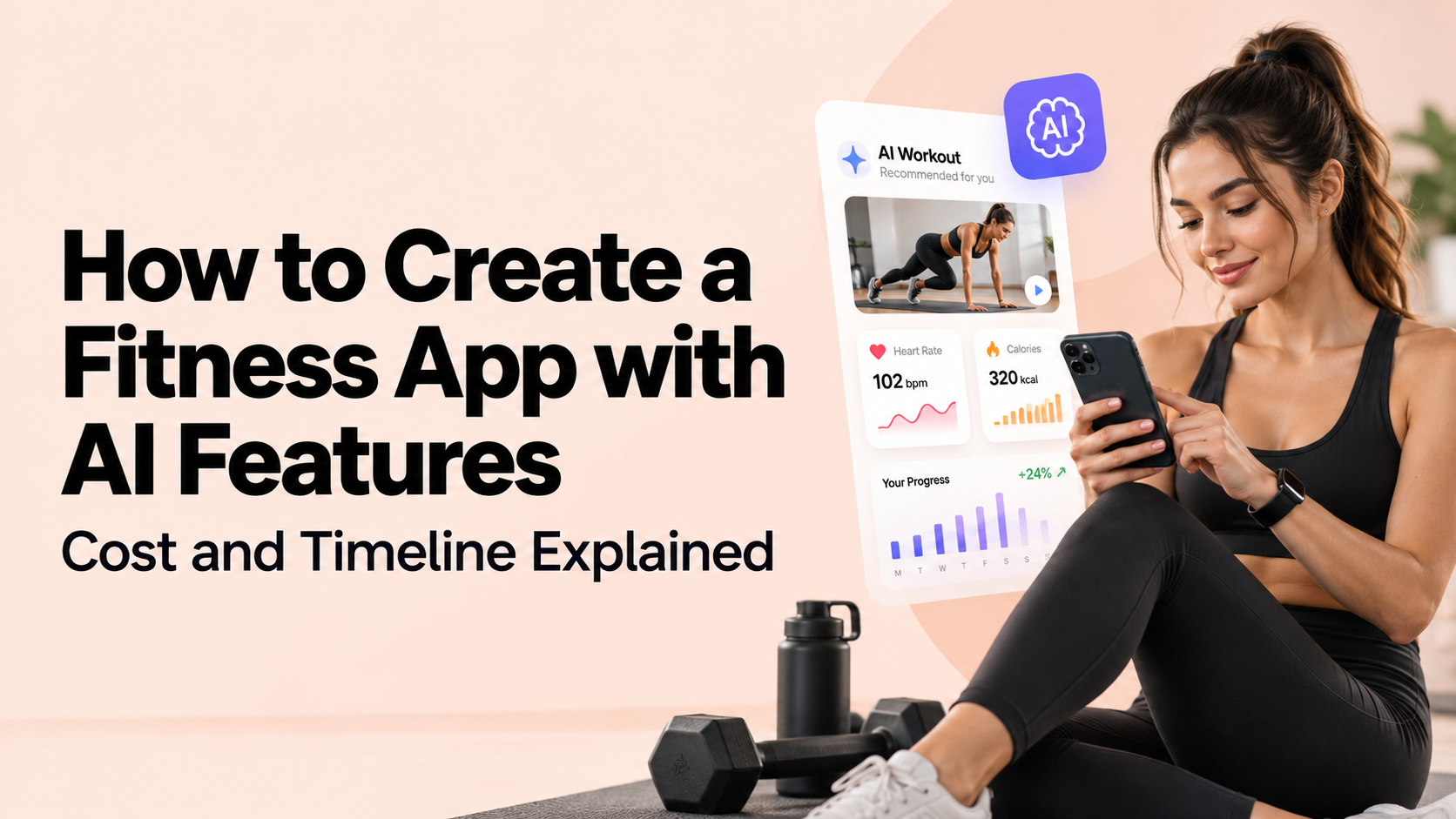
People in the USA are spending more time and money on their health than ever before. Gym memberships, smartwatches, home workouts, and diet plans are all part of daily life now. That is why many founders want to create a fitness app and get a share of this growing market.
But the first questions are always the same. What will it cost? How long will it take? And do you really need AI?
This guide answers all three in simple words. No extra theory, just what you need to know before you spend your first dollar.
Why AI Makes a Fitness App Stand Out
There are thousands of fitness apps on the App Store and Google Play. Most of them offer the same thing: a list of workouts and a timer. Users download them, use them for a week, and delete them.
AI changes that. It lets the app act like a personal trainer. The app learns how the user trains, what they eat, and where they struggle. Then it adjusts the plan. Users stay longer when the plan feels made for them, and longer use means more subscription revenue for you.
Step-by-Step: How to Make a Fitness App
If you are wondering how to make a fitness app, follow these steps in order.
Step 1: Pick One Clear Niche
Do not try to serve everyone. Pick one group and solve one problem well. A few examples:
- Home workouts for busy parents
- Strength training for beginners
- Running and marathon training
- Yoga and stress relief
- Weight loss with meal tracking
A focused app is easier to build, easier to market, and cheaper to launch. If your idea is built around yoga, you can talk to a team that offers Yoga App Development Services and ask what features work best for that audience. If your idea is built around meals and calories, Diet and Nutrition App Development Services will suit you better.
Step 2: Study Your Competitors
Download five apps in your niche. Use them for a week. Read the 2-star and 3-star reviews. Those reviews tell you exactly what users hate, and that is where your app can do better.
Step 3: Decide Your Features
Start with the basic features every fitness app needs:
- Sign-up and user profile
- Workout plans and exercise videos
- Progress tracking (weight, reps, time, calories)
- Push notifications and reminders
- Payment and subscription system
- Sync with Apple Health, Google Fit, or smartwatches
Then add AI features. Keep the list short for version one.
Step 4: Choose the AI Features That Matter
You do not need every AI feature. Pick the ones that solve a real problem for your users.
Personalized workout plans. The app builds a plan based on the user's goal, fitness level, and free time, then updates it every week.
AI chatbot coach. Users ask questions like "What should I eat after a workout?" and get instant answers. This works like a trainer who is always available.
Smart meal suggestions. The app suggests meals based on calorie goals, allergies, and food choices. Some apps also let users scan food with the camera.
Form check using the phone camera. The app watches how the user moves and warns them if their squat or push-up form is wrong. This is useful but costly to build, so add it later.
Progress predictions. The app tells users how close they are to their goal and what to change if they are falling behind.
Wearable data insights. The app reads sleep, heart rate, and step data and adjusts the workout. For example, it suggests a lighter session after a bad night's sleep.
For a first version, personalized plans and a chatbot coach are the best starting point. They give users real value without a big budget.
Step 5: Design the App
A fitness app must feel simple. Users are often tired, sweating, or in a hurry when they open it. Keep the screens clean, the buttons big, and the steps few. Ask your designer for a clickable prototype before development starts. Show it to 10 to 15 real users and fix what confuses them. This costs little and saves a lot of rework later.
Step 6: Build and Test
Here is where you build a fitness app with a development team. Most startups start with an MVP, which is a basic working version with only the main features. You launch it, collect feedback, and add more later. This is the safest way to control your budget.
The team will build the app screens, the backend, the AI part, and the payment system. Testing runs alongside to catch bugs on different phones and screen sizes.
Step 7: Launch and Improve
Submit the app to the Apple App Store and Google Play. Apple takes a few days to review, so plan for it. After launch, watch how users behave. Which screens do they skip? Where do they quit? Use that data to improve the next update.
Cost to Develop Fitness App in the USA
The cost to develop fitness app projects depends on the number of features, the AI you add, and the team you hire. In the USA, development rates usually fall between $50 and $150 per hour, depending on the company and its location.
Here is a simple range to help you plan:
|
App Type |
What It Includes |
Estimated Cost |
|---|---|---|
|
Basic MVP |
Profiles, workout plans, videos, tracking, payments |
$15,000 – $30,000 |
|
Mid-level app with AI |
Everything above, plus personalized plans, chatbot, wearable sync |
$30,000 – $50,000 |
|
Advanced AI app |
Camera-based form check, meal scanning, deep progress insights |
$50,000 – $150,000+ |
These are rough numbers. Your final price depends on design detail, the number of platforms (iOS, Android, or both), and how custom the AI is. Ask for a written estimate after you share your feature list.
Extra Costs Many Founders Forget
The build price is not the only cost. Plan for these too:
- Apple and Google fees: $99 per year for Apple and a one-time $25 for Google
- Cloud hosting: A few hundred dollars a month at the start, more as users grow
- AI usage fees: If your app uses a third-party AI service, you pay for every request. This grows with your user count
- Video content: Shooting workout videos with trainers can cost $3,000 to $15,000 or more
- Maintenance: Keep 15% to 20% of the build cost aside each year for updates and bug fixes
- Marketing: An app with no marketing budget will not get downloads
How Long Does It Take?
Timeline is the second thing every founder asks about. Here is a realistic view:
|
Stage |
Time Needed |
|---|---|
|
Planning and research |
2 – 3 weeks |
|
UI/UX design |
3 – 5 weeks |
|
Development |
2 – 5 months |
|
Testing and fixes |
3 – 4 weeks |
|
Launch and store approval |
1 – 2 weeks |
A basic MVP takes around 3 to 4 months. An app with AI features usually takes 5 to 7 months. A fully advanced app with camera-based features can take 8 months or more.
Delays usually come from changing the feature list in the middle of the project. Decide your features before development begins and stick to the plan.
How to Reduce Cost Without Hurting Quality
You do not need a huge budget to get started. These steps help you spend smart:
Start with an MVP. Launch with 4 to 6 core features. Add the rest after you see what users want.
Pick one platform first. If most of your audience uses iPhones, start with iOS and add Android later.
Use ready-made AI tools. Instead of building your own AI from scratch, connect to existing AI services. It is faster and cheaper.
Consider a White Label Fitness App. A White Label Fitness App is a ready-made app that you can brand with your name, logo, and colors. It gets you to market in weeks instead of months and costs far less than custom development. It is a good fit if you are a trainer, a gym owner, or a coach who wants to test the market before investing in a custom build.
Pick the right team. A good Fitness App Development Company will help you decide what to build now and what to keep for later. Check their past fitness projects, ask for client reviews, and make sure they have worked with AI before.
Mistakes to Avoid
- Adding too many features at once. More features mean more cost and more bugs. Start small.
- Skipping user feedback. Build what users need, not what you assume they need.
- Ignoring data privacy. Fitness apps collect health data. Use secure storage and a clear privacy policy. If you plan to share data with healthcare providers, check HIPAA rules.
- Choosing the lowest quote. A very cheap estimate often turns into extra charges later.
- No plan for making money. Decide early if you will charge a monthly subscription, offer a free trial, or sell premium plans.
How Fitness Apps Make Money
Most successful apps use one of these models:
- Subscription: Monthly or yearly plans. This is the most common and the most stable
- Freemium: Free basic version with paid premium features
- In-app purchases: Single workout programs or meal plans
- Corporate or gym partnerships: Selling access to gyms or workplace wellness programs
For most startups, a free trial followed by a monthly subscription works best.
Final Thoughts
If you want to create a fitness app, start small and stay focused. Pick one niche, build the core features, add one or two smart AI features, and launch fast. Then listen to your users and grow from there.
For most startups in the USA, expect to spend $15,000 to $100,000 and 3 to 7 months to get a working app with useful AI features in the store. If your budget is tight, a white label option can get you started sooner.
Whether you want to develop a fitness app for yoga, workouts, or nutrition, the right planning at the start will save you money and time later. Share your idea with an experienced team, get a clear estimate, and take the first step.

 English
 Arabic
 French
 Spanish
 Portuguese
 Deutsch
 Turkish
 Dutch
Dutch
 Italiano
 Russian
 Romaian
 Greek
Greek