


What Should Daycare Website Templates Include About Staff Training and Qualifications?
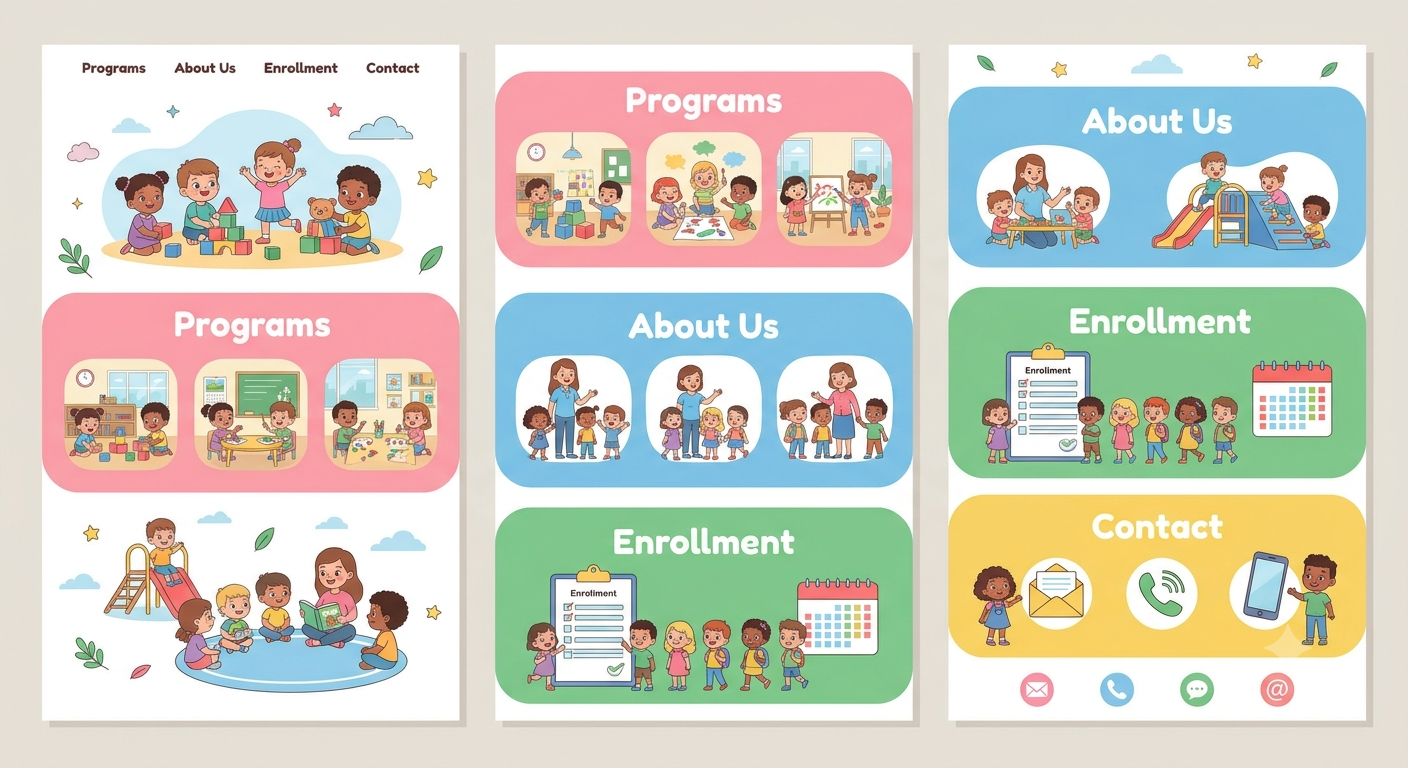
When parents choose a daycare, they're handing over the most precious person in their life. They want to feel sure the adults looking after their child are kind, capable and properly trained. Daycare website templates can help childcare centers highlight staff qualifications, training, and experience to build trust with parents.
Most parents can't tell this from a quick visit. A friendly smile at the door is nice, but it doesn't tell them whether the team knows first aid, understands child development or knows what to do in an emergency. So they look at your website, and they look for proof.
That's why staff training and qualifications deserve a proper place on your site. The right daycare website template can help you present this information clearly and honestly. Here's what to include and how to show it.
Why Staff Information Matters to Parents
It's About Trust
Parents often say the team is the most important thing about a daycare. Seeing who works there, and what they've trained for, builds confidence before the first visit.
It Answers Unspoken Worries
Many parents wonder: Are the staff trained? Do they know first aid? Will someone notice if my child is upset or unwell? A clear staff section answers these questions before they're asked.
It Sets You Apart
Many daycare websites say "qualified and caring staff" and leave it there. Showing real details makes you look more open and professional.
Create a Dedicated "Our Team" Page
Make It Easy to Find
Add a clear menu link called "Our Team" or "Meet Our Staff." Don't hide it at the bottom of the "About Us" page.
Use Photos and Short Bios
A friendly photo and a few lines about each person helps parents feel they already know them. Include name, role, how long they've worked with you and one or two personal touches, like a favourite activity with the children. Only share what each person is happy to share.
Keep the Layout Simple
Most daycare templates have team grids or card layouts. Use them. Make sure they're easy to read on phones, and keep photos a consistent size.
Explain Qualifications in Plain Words
List Real Qualifications
Mention the actual qualifications your staff hold, such as early childhood education diplomas or degrees, teaching certificates or childcare certifications. The exact names depend on where you work, so use the terms that are standard locally.
Explain What They Mean
Not every parent knows what a qualification level means. Add a short, simple note, such as "This qualification covers child development, learning through play and keeping children safe." It turns a title into something meaningful.
Be Accurate and Honest
Only list what's true and current. Check certificates before publishing, and update the page when staff join or leave. Overstating qualifications can cause serious trouble.
Show Safety and Emergency Training
First Aid and CPR
Parents want to know that staff can respond in an emergency. If your team holds current first aid and child CPR certificates, say so clearly. You can explain how often they're renewed.
Safeguarding and Child Protection
Explain that staff receive training in keeping children safe and spotting signs of concern. Keep the wording calm and general. You don't need to give details, just reassure parents that it's taken seriously.
Food Safety and Allergies
If staff are trained in food hygiene or allergy awareness, mention it. This is especially reassuring to parents of children with allergies.
Fire Safety and Emergency Procedures
A short line explaining that staff practise emergency drills helps parents feel confident.
Mention Background Checks and Requirements
Explain Your Hiring Standards
Describe how you choose staff, in simple words. For example, you might mention interviews, reference checks and required background or police checks, depending on your local rules.
Stay General and Accurate
Don't promise more than you do. Use wording that matches your actual process, and have a qualified professional check that it fits local requirements.
Respect Privacy
Never publish private details like ID numbers or personal records. Share only what's helpful and appropriate.
Show Ongoing Training and Development
Training Doesn't Stop
Good daycares keep learning. Mention regular training sessions, workshops, refresher courses and team meetings. Daycare website templates can help showcase these activities and show parents that your team is always improving its skills and knowledge.
Examples of Topics
You might list things like positive behaviour guidance, early literacy, supporting children with additional needs, healthy eating, or outdoor learning. Keep it simple and truthful.
Use a "Recent Training" Section
A small, updated section like "What our team has learned recently" feels fresh and human. Some themes include blog or news areas that suit this well.
Explain Staffing in Everyday Terms
Staff-to-Child Ratios
Parents often ask about ratios. Explain in simple words how many adults look after how many children in each age group, as long as this matches your local rules. If you aren't sure how to word it, ask a qualified professional.
Key Person or Room Leader Approach
If each child has a main carer or room leader, explain what that means. For example, "Each child has a key person who gets to know them well and talks with parents regularly."
Consistency and Low Turnover
If your team has been together for a long time, say so, and explain what it means for children, such as stable relationships. Only state it if it's true.
Add Trust Signals
Licences and Registrations
Show any official licences, registrations or inspection results, if you're allowed to display them. Link to the official source where possible.
Parent Reviews About Staff
Real reviews that mention kindness, communication and care add weight. Always get permission, and avoid anything that sounds like a guarantee.
Awards and Memberships
If your daycare or team has earned awards or belongs to recognized childcare organizations, show the logos or names with permission, and make sure they're current.
Use Features That Present This Well
Team Grids and Profile Pages
Use a clean team grid, with an option to click through to a full profile. This works well for larger teams.
Icons and Badges
Small icons for first aid, safeguarding, nutrition or early education make qualifications easier to scan. Keep them simple.
Accordions for Details
For parents who want more, an expandable section for each staff member or training topic keeps the page neat.
Short Welcome Videos
A short video from your director or team introducing themselves can feel warm and personal. Add captions, and get permission from everyone who appears.
Make It Easy for Parents to Ask Questions
Clear Contact Options
Add a "Questions about our team? Get in touch" button and a short form on the page. Include your phone number and opening hours.
A Short FAQ Section
Answer common questions like "Are all staff first aid trained?" and "Do you do background checks?" in plain words.
Invite Parents to Visit
Nothing replaces meeting the team. Add a "Book a tour" button, so parents can see for themselves.
Keep the Page Accurate and Easy to Use
Review Regularly
Staff change, certificates expire and rules are updated. Check your page often, and add a "last updated" date.
Mobile-Friendly and Accessible
Make sure photos, text and buttons look good on phones. Use readable fonts, good contrast and clear headings.
Privacy and Photos
Get written permission before publishing staff photos or details, and use secure tools for any forms. Check which privacy rules apply where you work.
Conclusion
Parents want to know who is looking after their child, and a clear staff section helps them feel safe saying yes. Real photos, honest qualifications, safety training, hiring standards, ongoing learning and simple explanations of how your team works can all build trust before parents ever walk through your door. Keep the wording accurate, friendly and up to date. If you'd like to build this page without starting from scratch, premium Wordpress Templates made for daycares often include team grids, profile layouts, FAQ blocks and tour booking forms that make presenting your staff much easier.
Frequently Asked Questions
1. Why should a daycare website talk about staff qualifications?
Because parents want proof that their child is in capable hands. Clear information about training and experience builds trust and helps them decide with confidence.
2. What qualifications should I list?
List the real qualifications your staff hold, using the terms common in your area, such as early childhood diplomas or degrees, first aid and CPR certificates, and safeguarding or food safety training. Explain what each one means in plain words.
3. Can I mention background checks on my website?
Yes, if they're part of your hiring process. Keep the wording general and accurate, match your local rules and don't publish any private details about individual staff.
4. Do I need photos of every staff member?
Photos help parents feel comfortable, but always get written permission first. If someone prefers not to share a photo, you can use a simple icon or illustration with their name and role.
5. How do I keep the staff page up to date?
Review it regularly, update it when staff join or leave or certificates are renewed, and add a "last updated" date. A themed template with simple editing tools makes this much quicker.


 English
 Arabic
 French
 Spanish
 Portuguese
 Deutsch
 Turkish
 Dutch
Dutch
 Italiano
 Russian
 Romaian
 Greek
Greek