


Best Emulators for iPhones Features, Uses, and Testing Guide
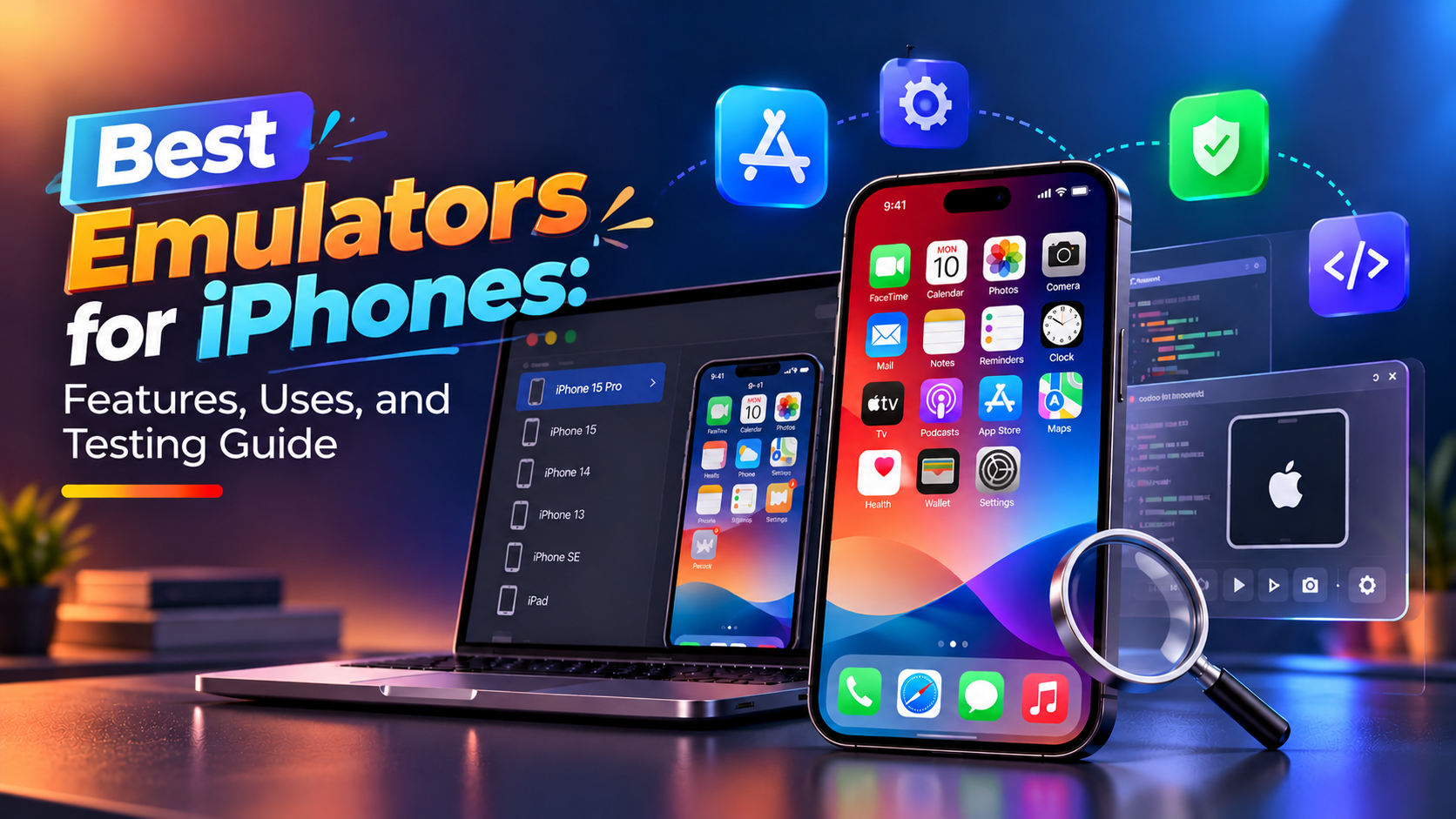
Testing an iPhone app before launch helps developers identify errors and check how an application works on different screen sizes. However, buying several physical devices for early testing may not be practical for every project. This is where emulators, simulators, and cloud testing tools can help.
The best iPhones emulators depend on your purpose. Developers may need tools to test app layouts and debug code, while businesses may want to check their websites on real iPhones. Gaming enthusiasts have different requirements, such as support for classic gaming consoles.
This guide covers popular emulators for iPhones, their features, uses, and limitations to help you choose a suitable option.
What Are Emulators for iPhones?
An emulator is software that reproduces the behavior of another device or system. However, tools described as iPhone emulators do not all work in the same way.
There are three common categories:
-
iOS simulators: Reproduce aspects of the iOS environment for application development and testing.
-
Cloud testing platforms: Provide remote access to real devices or supported virtual environments through the internet.
-
Gaming emulators: Reproduce supported gaming consoles so users can play compatible games.
For example, an app developer can use Apple's Simulator to check an application's interface, while a gamer can use Delta to play supported classic console games.
Understanding these differences helps you select a tool based on your actual requirements.
Best Emulators for iPhones and Their Features
1. Xcode Simulator
Best for: iOS app development and debugging
Xcode Simulator is Apple's official development tool for testing applications in simulated iPhone and iPad environments on a Mac. It works with Xcode and allows developers to check app behavior without connecting a physical device for every development task.
Key features:
-
Test layouts across supported device profiles.
-
Check navigation, buttons, forms, and screen transitions.
-
Debug application code during development.
-
Test supported iOS versions and screen sizes.
For example, a developer building a shopping app can check product pages, cart screens, and checkout navigation before testing the application on a real iPhone.
One limitation is that the simulator cannot reproduce every hardware feature or real-world condition. Physical-device testing remains important before release.
2. Appetize.io
Best for: Browser-based app demonstrations
Appetize.io allows users to interact with supported mobile applications through a web browser. It is useful when developers need to demonstrate an app to clients or share a preview with team members.
Key features:
-
Run supported app builds in a browser.
-
Share application previews remotely.
-
Review interface behavior during demonstrations.
-
Support selected development and testing workflows.
For example, a team developing a booking application can share a browser-based preview with a client instead of arranging a physical device for the demonstration.
Check current upload requirements, supported platforms, and pricing before choosing this service.
3. Corellium
Best for: Advanced mobile security research
Corellium provides virtualized mobile device environments for specialized development and security research.
Its features support technical teams that need to examine application behavior in controlled environments.
Key features:
-
Virtual mobile environments for supported research tasks.
-
Application analysis and debugging capabilities.
-
Support for security testing workflows.
-
Options for technical investigations.
For example, an authorized security team may use a virtual environment to examine how an application handles sensitive information.
Corellium is designed for specialized users rather than casual gaming or simple app previews. Access and supported configurations should be checked with the provider.
4. BrowserStack
Best for: Testing websites and apps on real devices
BrowserStack provides cloud access to real mobile devices and browsers. It helps development teams test applications and websites without maintaining a large collection of physical iPhones.
Key features:
-
Check website layouts on different iPhone configurations.
-
Test mobile browser compatibility.
-
Identify navigation and interface problems.
-
Run supported manual and automated tests.
For instance, an online store can check whether its product pages, menus, and checkout process work properly in mobile Safari.
Because BrowserStack offers real-device testing, it can reveal issues that a simulator may not reproduce.
5. TestFlight
Best for: Beta testing iOS applications
TestFlight is Apple's official platform for distributing pre-release applications to testers. Although it is not an emulator, it is a useful part of the iOS testing process.
Key features:
-
Distribute beta builds to invited testers.
-
Collect feedback before public release.
-
Review crash reports and tester comments.
-
Test applications on supported Apple devices.
For example, a team developing a fitness app can invite users to test workout tracking and account registration before submitting the final version to the App Store.
6. Delta Emulator
Best for: Classic console gaming
Delta is a gaming emulator for compatible classic console games on Apple devices. Unlike developer tools, its main purpose is to let users play supported retro games.
Key features:
-
Support for several classic Nintendo systems.
-
On-screen controls for compatible games.
-
Controller support for supported configurations.
-
Save-state features for supported games.
For example, users can play compatible retro games on an iPhone without needing the original console.
Game compatibility depends on the supported system and software version. Use legally obtained game files and check current installation requirements.
How to Choose the Right iPhone Emulator
The right tool depends on your goals, technical setup, and testing requirements.
|
Requirement |
Suitable tool |
|
Develop and debug iOS apps |
Xcode Simulator |
|
Demonstrate an app in a browser |
Appetize.io |
|
Conduct advanced security research |
Corellium |
|
Test websites on real iPhones |
BrowserStack |
|
Distribute beta applications |
TestFlight |
|
Play compatible retro games |
Delta |
Before choosing, check compatibility, pricing, supported features, installation requirements, and security policies.
Benefits and Limitations of iPhone Emulators
Benefits
-
Reduced testing costs: Minimize the need to purchase multiple devices during early development.
-
Faster debugging: Identify interface and functional problems before release.
-
Flexible testing: Check supported screen sizes and software versions.
-
Remote collaboration: Share app previews and test builds with team members.
Limitations
Emulators and simulators cannot reproduce every aspect of a physical iPhone. Camera behavior, Bluetooth connections, battery consumption, hardware performance, and some device-specific functions may require real-device testing.
For reliable results, combine simulated testing with physical-device checks before publishing an application.
Tips for Using Emulators for iPhones Safely
Follow these practical steps when selecting and using an emulator:
-
Download tools from official websites or trusted app stores.
-
Check compatibility with your device and operating system.
-
Avoid uploading confidential business data to unverified platforms.
-
Use authorized game files and follow applicable licensing rules.
-
Test important features on physical devices before launch.
These precautions help reduce security risks and prevent compatibility problems.
How Mobile App Development Services Support Testing
Selecting an emulator is only one part of preparing an application for release. Developers also need to check functionality, interface design, performance, security, and compatibility.
Businesses planning an iPhone application can consider mobile app development services for support with application planning, development, integration, and testing.
For projects that require dedicated Apple platform expertise, iOS app development can help businesses understand the process of building applications for iPhones and iPads.
Combining suitable testing tools with a structured development process helps teams identify issues earlier and prepare applications for real users.
Conclusion
The best choice among iPhones emulators and emulators for iPhones depends on your requirements. Xcode Simulator is useful for iOS development, Appetize.io supports browser-based previews, BrowserStack provides access to real devices, TestFlight helps distribute beta apps, and Delta serves retro gaming needs.
Before choosing a tool, consider its compatibility, security, features, and limitations. Combining emulator-based checks with physical-device testing helps developers identify problems before release and deliver a more reliable application.
For businesses planning an iPhone app, choosing the right development and testing approach from the beginning can make the development process easier to manage.

 English
 Arabic
 French
 Spanish
 Portuguese
 Deutsch
 Turkish
 Dutch
Dutch
 Italiano
 Russian
 Romaian
 Portuguese (Brazil)