


AI Observability: How to Know Whether Your AI Application Is Actually Working
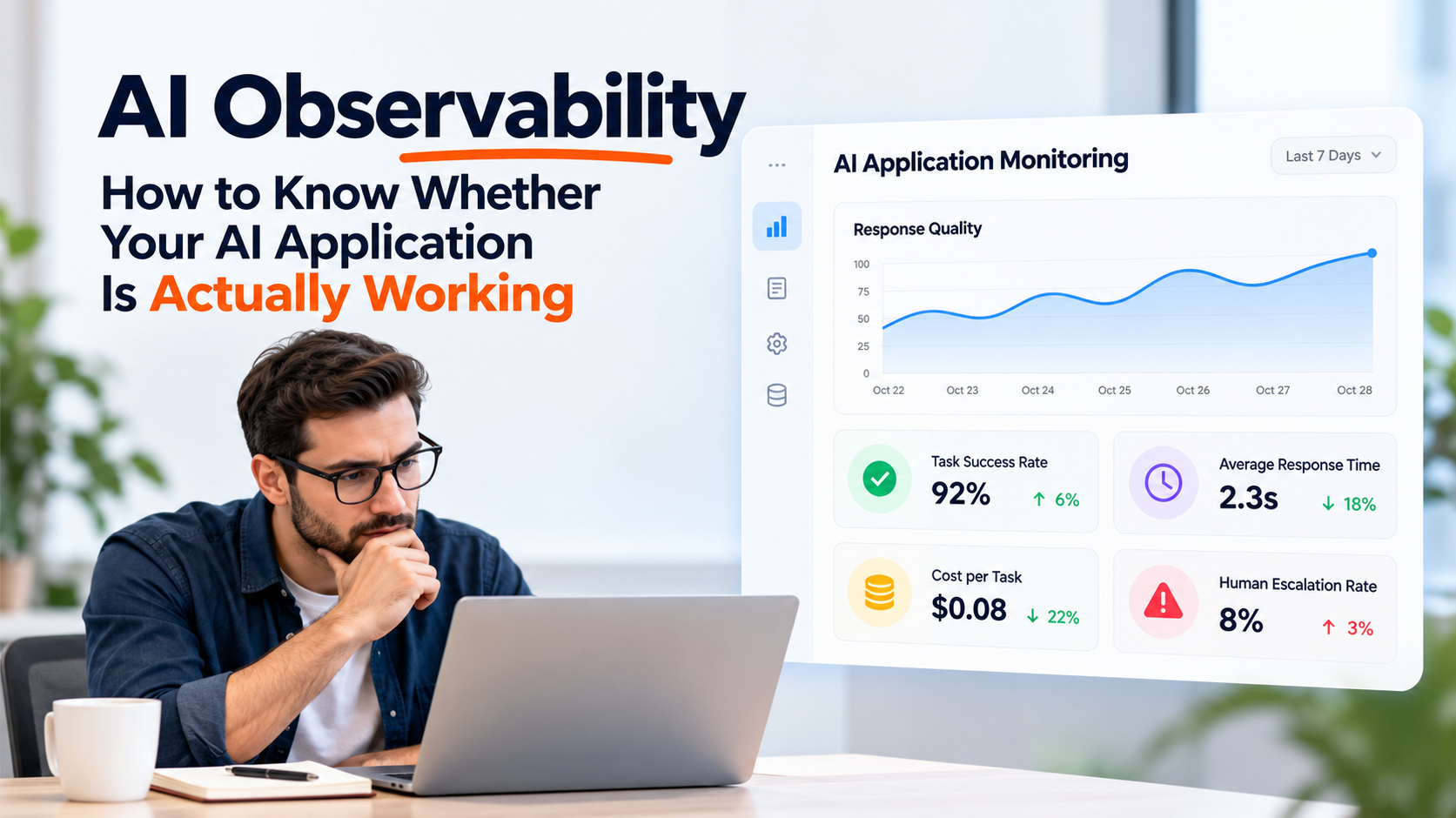
An AI feature can look successful during testing and still create problems after launch.
Responses may gradually become less useful. Retrieval may return weak context. Costs can rise as usage grows. External tools may fail. Customers may repeatedly correct answers that dashboards still classify as successful.
Traditional software monitoring tells teams whether an application is online.
AI applications need additional visibility into whether the system is producing useful, accurate, economical, and appropriate results.
Businesses investing in AI Software Application Development should therefore plan observability as part of the application architecture rather than adding monitoring only after something goes wrong.
What Is AI Observability?
AI observability is the practice of monitoring how an AI system behaves after deployment.
This can include:
-
Model responses
-
Retrieval quality
-
Tool execution
-
Response time
-
User corrections
-
Escalations
-
Token usage
-
Model cost
-
Failed requests
-
Data quality
-
Version changes
The objective is to answer a simple business question:
Is the AI system still doing the job we built it to do?
Availability Is Not Enough
A traditional application may be considered healthy when:
-
Server is running
-
Database responds
-
API returns successfully
-
Error rate remains low
An AI request can meet all four conditions and still provide a poor answer.
Imagine a support assistant returning a technically valid response that uses outdated product documentation.
The request succeeded.
The customer experience failed.
AI monitoring therefore needs to measure both technical health and output quality.
Start With Task Success
Every AI application should have a clear job.
Examples include:
-
Answer customer questions
-
Classify documents
-
Summarize records
-
Recommend next actions
-
Extract invoice information
-
Route support tickets
-
Search internal knowledge
-
Complete operational tasks
Define what successful completion means for that job.
For a support assistant, success may mean:
Question answered without escalation and without customer correction.
For document extraction:
Required fields extracted accurately enough to pass validation.
Without a definition of success, teams may collect many metrics without knowing whether the application creates value.
Track Response Quality
AI output quality can change even when the underlying application remains stable.
Useful evaluation dimensions include:
Accuracy
Is the information correct?
Relevance
Does the response answer the actual request?
Completeness
Does the response contain the information required to complete the task?
Grounding
Is the response supported by approved business information?
Instruction Following
Did the system follow required business rules?
Quality can be measured using automated evaluations, human reviews, business rules, or a combination of methods.
Monitor Retrieval Quality
Many business AI applications use retrieval to provide company specific context.
The model may depend on:
-
Product documentation
-
Policies
-
CRM records
-
Support articles
-
Contracts
-
Internal knowledge
-
Customer information
A poor answer may come from weak retrieval rather than the model itself.
Track whether the system retrieved:
-
Relevant documents
-
Current documents
-
Correct customer records
-
Sufficient context
-
Approved sources
If retrieval fails, changing the model may not solve the problem.
The information supplied to the model may need improvement instead.
Measure Tool Execution
AI applications increasingly perform actions through connected tools.
Examples include:
-
Updating CRM
-
Creating tickets
-
Looking up orders
-
Generating invoices
-
Scheduling appointments
-
Sending messages
-
Querying databases
Track every important tool action.
Useful metrics include:
-
Tool selected
-
Tool execution success
-
Tool failure
-
Retry count
-
Execution time
-
Validation failure
-
Approval requirement
A correct AI recommendation provides limited value if the connected business action repeatedly fails.
Track Human Escalation
Human escalation is not automatically a failure.
Some requests should require a person.
The important question is why escalation occurs.
Useful categories include:
-
Low confidence
-
Missing information
-
Sensitive request
-
Approval required
-
Unsupported task
-
Tool failure
-
Customer requested human support
Track the percentage of requests entering each category.
If one type of escalation grows suddenly, the system may need better data, rules, integrations, or instructions.
Capture User Corrections
User corrections provide useful signals.
Examples include:
That is not the product I asked about.
This policy is outdated.
The customer address is wrong.
I asked for the latest invoice.
Repeated corrections can reveal issues that automated monitoring misses.
Capture the reason for the correction where practical.
Over time, these examples can become part of the evaluation set used to test future system changes.
Monitor Response Time
An accurate AI feature can still create a poor experience when users wait too long.
Measure response time across the complete workflow.
This may include:
Request received
↓
Data retrieved
↓
Model called
↓
Tool executed
↓
Response returned
Breaking total response time into stages helps identify the bottleneck.
The slowest component may be retrieval, an external API, the model, or a database query.
Track AI Cost Per Task
AI operating cost should be connected to actual business activity.
Useful metrics can include:
-
Cost per conversation
-
Cost per document
-
Cost per completed task
-
Cost per customer
-
Cost per successful resolution
This is more meaningful than tracking total token usage alone.
Suppose one AI workflow costs $0.15 per completed task and replaces several minutes of manual work.
That may represent excellent economics.
Another workflow may cost much more while producing little measurable value.
Cost should be evaluated in context.
Watch for Unexpected Cost Growth
AI costs can increase because of:
-
Longer prompts
-
Larger retrieved context
-
More retries
-
Expensive model selection
-
Repeated tool calls
-
Growing conversation history
-
Increased usage
Set alerts for unusual cost changes.
A sudden increase may indicate a technical issue rather than healthy adoption.
Cost monitoring should therefore sit beside reliability monitoring.
Track Model and Prompt Versions
AI behaviour can change when:
-
Model changes
-
Prompt changes
-
Retrieval configuration changes
-
Business rules change
-
Knowledge sources change
-
Tool definitions change
Record which version produced each important result.
If quality drops after a release, teams should be able to compare performance before and after the change.
Without version tracking, diagnosing behavioural changes becomes much harder.
Build a Production Evaluation Set
Real usage produces examples that laboratory testing cannot predict.
Collect representative cases such as:
-
Successful requests
-
Customer corrections
-
Escalations
-
Tool failures
-
Difficult questions
-
Unusual inputs
-
Policy sensitive requests
Turn important cases into repeatable evaluations.
Before releasing a major AI change, run these cases again.
This helps prevent improvements in one area from damaging another.
Monitor Data Freshness
An AI application may rely on information that changes frequently.
Examples include:
-
Pricing
-
Inventory
-
Account status
-
Policies
-
Product documentation
-
Customer records
Track when important information was last updated.
A model cannot reliably answer a current business question using stale data.
Data freshness should therefore be visible in monitoring where current information matters.
Watch for Behaviour Drift
An AI system may gradually perform differently because its environment changes.
The business introduces new products.
Customers ask different questions.
Documents change.
A new workflow becomes popular.
Monitor whether:
-
Common request types shift
-
Escalation rates rise
-
Customer corrections increase
-
Retrieval success changes
-
Task completion declines
A system that worked well six months ago may need adjustments even when the code has not changed.
Build Business Metrics Into the Dashboard
Technical metrics should connect to business outcomes.
For a customer support assistant, the dashboard might include:
-
Resolution rate
-
Human escalation rate
-
Average response time
-
Customer correction rate
-
Cost per resolved request
For an internal operations assistant:
-
Tasks completed
-
Manual time saved
-
Failed actions
-
Approval rate
-
Cost per completed task
For document processing:
-
Documents processed
-
Field accuracy
-
Manual review rate
-
Processing time
-
Cost per document
These numbers help management evaluate whether the AI system continues to justify its operating cost.
Create Alerts for Important Failures
Teams should not need to manually inspect dashboards every hour.
Configure alerts for meaningful problems such as:
-
Tool failure spike
-
Response time increase
-
Cost anomaly
-
Retrieval failure
-
High escalation rate
-
Unusual error volume
-
Data source unavailable
Alerts should lead to clear ownership.
Someone needs to know who investigates each type of issue.
Review AI Performance by Use Case
One average metric can hide important problems.
Suppose an assistant handles:
-
Product questions
-
Billing questions
-
Returns
-
Technical support
The overall success rate may look healthy.
Billing requests could still perform poorly.
Break performance down by request type.
This helps teams identify exactly where improvement is required.
Use Monitoring to Improve the Product
Observability should create action.
A useful cycle looks like:
Monitor behaviour
↓
Identify weak cases
↓
Understand the cause
↓
Improve data, rules, prompts, models, or integrations
↓
Test the change
↓
Release
↓
Monitor again
This creates an ongoing improvement process based on actual production behaviour.
A Practical AI Observability Dashboard
A useful dashboard may include:
Quality
Accuracy, corrections, evaluation scores.
Retrieval
Relevant context rate, failed retrievals, data freshness.
Operations
Tool success, failures, retries, escalations.
Performance
Response time and processing time.
Economics
Cost per request and cost per successful task.
Reliability
Error rate, external service failures, unavailable data sources.
Business Value
Tasks completed, time saved, conversions, or resolutions.
The exact dashboard should reflect what the AI application is expected to accomplish.
Ask Better Questions After Launch
Instead of asking:
Is the AI working?
Ask:
Which requests does it handle well?
Where does it need human help?
Which information causes poor answers?
Which tools fail most often?
How much does each successful task cost?
Has performance changed since the last release?
Are users correcting the same issues repeatedly?
These questions produce more useful operational decisions.
AI Applications Need Continuous Visibility
Launching an AI feature is the beginning of the operating phase.
Models change.
Business data changes.
Customer behaviour changes.
Costs change.
Connected systems change.
A dependable AI application needs enough visibility to show when those changes begin affecting quality.
Observability gives teams that visibility.
When businesses track output quality, retrieval, tool execution, response time, human escalation, cost, user feedback, and business outcomes together, they can move from hoping the AI works to knowing where it works, where it struggles, and what should improve next.

 English
 Arabic
 French
 Spanish
 Portuguese
 Deutsch
 Turkish
 Dutch
Dutch
 Italiano
 Russian
 Portuguese (Brazil)
 Greek
Greek