


POS for Restaurant Software: 7 Ways to Keep Busy Shifts Under Control
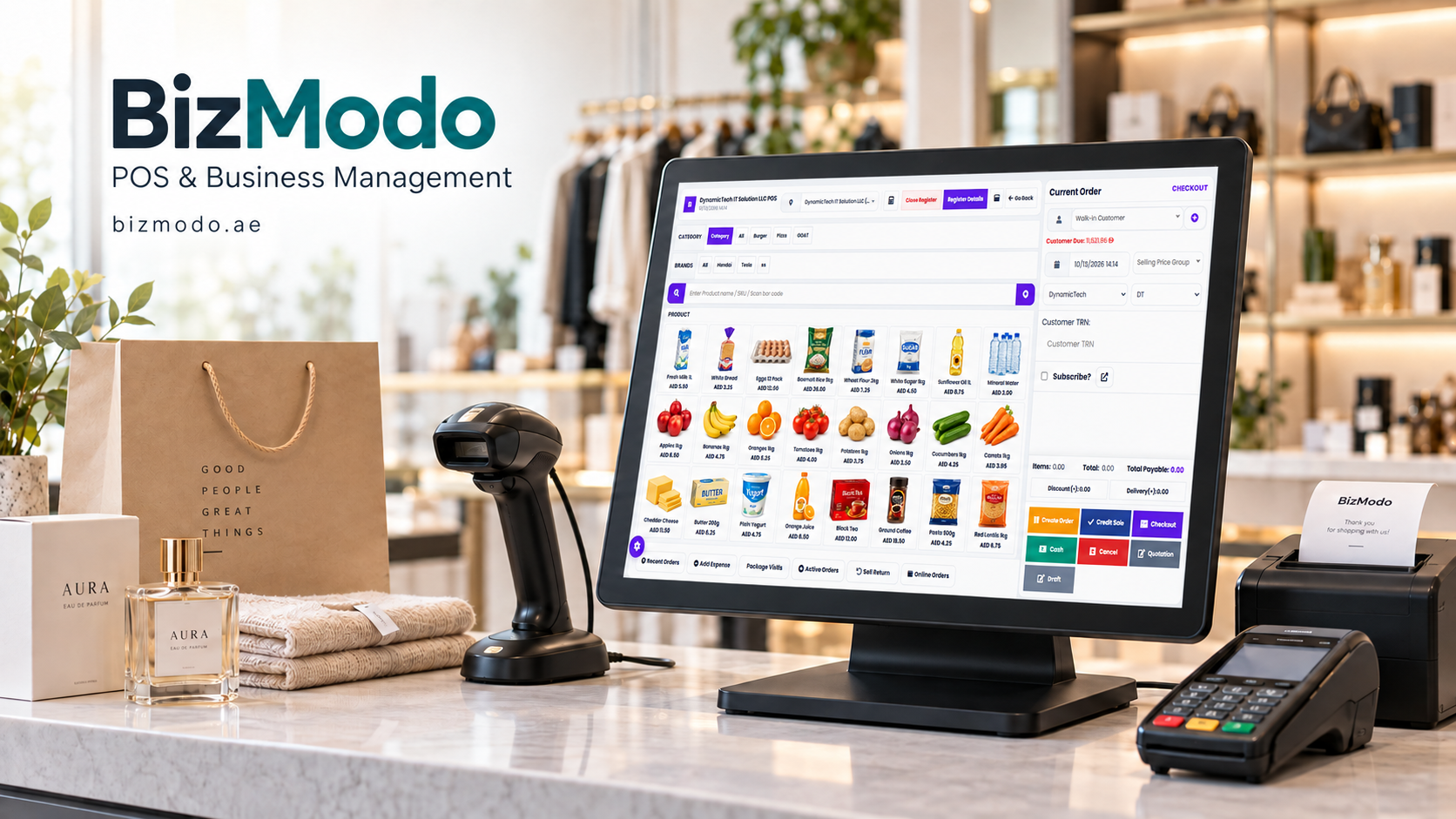
A busy restaurant can look successful from the dining room while struggling behind the counter. Waiters are checking missing orders, kitchen staff are interpreting handwritten changes, and the manager is trying to understand why the closing figures do not match.
These problems often start with small gaps in communication. An order gets entered twice. A cancelled dish still reaches the kitchen. A popular menu item remains available after its ingredients run out.
For owners searching for POS for Restaurant Software, the real question is how a system handles these everyday situations. Taking payments is only one part of the job. The software should also help staff move an order from the customer to the kitchen and through to checkout with clear, consistent information.
Here are seven practical ways the right system can support that process—and what restaurant owners should check before choosing one.
What Should POS for Restaurant Software Do?
Restaurant point-of-sale software records orders and processes bills. Depending on its features and configuration, it can also connect table service, kitchen tickets, inventory, delivery orders, and management reports.
Consider a simple dine-in order: a customer requests a burger without onions, adds cheese, and orders a drink.
A suitable setup should let the waiter record those choices clearly, send the food and drink to the appropriate preparation stations, and keep the correct prices attached to the bill. If recipe-level inventory is configured, the sale can also update expected ingredient usage.
The value comes from keeping those steps connected. When staff repeatedly copy information between paper tickets, separate screens, and spreadsheets, each handoff creates another opportunity for a mistake.
1. Capture Orders Clearly at the First Attempt
Order accuracy starts before the kitchen begins cooking.
A system should make it easy for staff to select menu items, choose sizes, add extras, and record preparation requests. Frequently used options should be easy to find during a busy shift.
Useful features to evaluate include:
- Clearly organised menu categories.
- Required choices for items with sizes or variations.
- Priced add-ons and modifiers.
- Visible preparation notes.
- Separate order types for dine-in, takeaway, and delivery.
For example, “extra cheese” should carry the correct additional charge without requiring the cashier to remember it. A meal that requires a side dish should prompt the employee to select one before submitting the order.
These details can reduce avoidable corrections. They also help new employees follow the restaurant’s ordering process more consistently.
Customer allergy requests still require direct staff communication and established kitchen procedures. Recording a note is only one part of handling that request properly.
2. Give the Kitchen a Clear View of Incoming Work
An accurately entered order is useful only if the right people receive it.
Kitchen order tickets or a kitchen display system can help move orders from the service team to preparation stations. The setup should reflect how the restaurant actually works.
A restaurant with separate grill, beverage, and dessert stations may need different items routed to different locations. Staff should be able to identify the order, see relevant modifications, and understand what has already been prepared.
During a demonstration, ask the supplier to show what happens when:
- A waiter adds an item to an existing order.
- A customer changes a preparation request.
- A manager cancels a dish after it reaches the kitchen.
- A kitchen printer becomes unavailable.
These scenarios reveal more than a demonstration of a single straightforward sale.
POS for Restaurant Software should support the handoffs between staff. Its usefulness depends on whether those handoffs remain clear when service becomes complicated.
3. Keep Table Service and Billing Organised
For dine-in restaurants, the bill often changes throughout the meal. Guests order additional drinks, move tables, share dishes, or request separate payments.
A useful table-management setup gives employees a clear view of open orders and helps them make changes without losing track of charges.
Before choosing a system, test whether staff can:
- Identify available and occupied tables.
- Add items to an existing table.
- Transfer an order when guests move.
- Split bills by item or amount.
- Record different payment methods against one bill.
The interface matters as much as the feature list. If splitting a bill requires several confusing steps, it can slow down checkout at the exact moment customers are ready to leave.
Ask a waiter or cashier to try these tasks during the demonstration. Their experience can expose practical difficulties that a manager may miss.
4. Make Inventory Information More Useful
Sales reports show what customers bought. Inventory records help explain what the restaurant used.
When software supports recipe-level tracking, menu items can be connected to ingredient quantities. Selling a dish then reduces the expected stock balance according to its configured recipe.
However, expected stock and physical stock will not always match. Spoilage, preparation waste, oversized portions, unrecorded staff meals, and receiving errors can all create differences.
A useful inventory process therefore needs more than automatic deductions. It should also include:
- Accurate purchase and delivery records.
- Consistent measurement units.
- Updated recipes and portion quantities.
- Waste and stock-adjustment entries.
- Regular physical stock counts.
Imagine that a restaurant’s records show enough ingredients for another evening of service, but the kitchen discovers a shortage before dinner. The problem might be an incorrect recipe quantity or an unrecorded stock adjustment.
The software helps make that discrepancy visible. Staff still need to investigate and correct its cause.
5. Organise Takeaway and Delivery Orders
Restaurants serving dine-in, takeaway, and delivery customers need to keep different order requirements clear.
A takeaway order may need a collection time and customer name. A delivery order may require an address, dispatch status, and a record of the ordering channel. Mixing these details into one unclear queue makes coordination harder.
When evaluating POS for Restaurant Software, check how each order type appears to the cashier, kitchen team, and manager.
If delivery-platform integration is important, ask about the exact platforms and functions supported. “Delivery management” does not automatically mean direct integration with every marketplace.
Confirm whether the proposed connection supports order import, menu changes, availability updates, and cancellations. Ask whether additional services or fees are involved.
Testing these details before purchase helps establish what will be automated and what staff will still need to handle manually.
6. Turn Reports Into Practical Decisions
Restaurant owners need reports that answer specific questions.
Which dishes sell well? When does service become busiest? How often are bills discounted or cancelled? Which items generate frequent waste?
Useful reporting areas include:
| Report | Question it helps answer |
|---|---|
| Sales by item | Which products are customers buying? |
| Sales by hour | When does demand increase or fall? |
| Discounts and voids | Where should managers review adjustments? |
| Sales by order channel | How does demand differ across dine-in, takeaway, and delivery? |
| Payment reconciliation | Do recorded payments match the amounts collected? |
| Stock variance | Where does actual stock differ from expected stock? |
Revenue alone does not show whether a dish is profitable. An item may sell frequently while using expensive ingredients or requiring substantial preparation.
When reviewing menu performance, combine sales information with reliable recipe costs and other relevant expenses. If those inputs are incomplete, profitability figures should be treated cautiously.
The best reporting routine is one managers can maintain: a short daily review of exceptions, followed by a deeper weekly review of sales and stock patterns.
7. Make Staff Responsibilities Easier to Manage
Employees need access to the functions required for their roles. They do not all need the same permissions.
A cashier may need to open and settle bills, while a supervisor handles refunds, discounts, and cancelled transactions. Separate logins can help managers understand who performed an action and when.
Look for configurable permissions, understandable activity records, and a clear end-of-shift process.
Training should cover difficult situations as well as routine orders. Staff should practise correcting an item, handling a failed payment, cancelling an order, and responding to an unavailable printer.
Before launch, also establish how the restaurant will operate during an internet interruption. Confirm which functions remain available and how records synchronise afterward. Do not assume every cloud system handles interruptions in the same way.
How to Choose POS for Restaurant Software for Your Business
Start with your restaurant’s problems, then evaluate the software against them.
A small café may prioritise quick counter ordering and simple stock control. A full-service restaurant may need stronger table management. A delivery-focused kitchen may place more emphasis on order routing and dispatch visibility.
Prepare a demonstration using your own menu and typical service situations. Include modifiers, discounts, split payments, cancellations, and end-of-day reconciliation.
Request a written breakdown of the total cost, including hardware, setup, training, subscriptions, integrations, and ongoing support. Confirm how you can export your business data and what assistance is available during your operating hours.
For UAE operators considering a local provider, BizModo’s POS for Restaurant Software is one option to evaluate. Its published product information describes table management, kitchen management, order and delivery tools, inventory reporting, and multi-location capabilities. Ask the team to demonstrate the functions relevant to your restaurant and confirm what is included in the proposed package. Best #1 Cloud-Based POS System
Frequently Asked Questions
What is POS for Restaurant Software?
It is software used to record restaurant orders and manage billing. Depending on the product, it may also support table management, kitchen communication, inventory, delivery orders, and reporting.
Is restaurant POS software useful for a small café?
Yes, provided the system suits the café’s needs and budget. A small operation may benefit most from straightforward ordering, clear modifiers, reliable checkout, and useful daily reports.
Can restaurant POS software reduce order mistakes?
It can help by recording selections clearly and passing them to the kitchen without repeated manual entry. Results depend on menu configuration, staff training, and how consistently the system is used.
Does every restaurant POS connect directly to delivery platforms?
No. Integration availability varies by provider, platform, location, and package. Confirm the exact connection and supported functions before purchasing.
Can a POS system track ingredients automatically?
Some systems support ingredient deductions based on recipes. Accurate results require correctly configured recipes, purchasing records, waste entries, and regular stock checks.
What should restaurant owners test before buying?
Test a complete shift scenario: order entry, kitchen routing, order changes, split bills, refunds, stock updates, and closing reports. Also confirm support arrangements and behaviour during connectivity problems.
Build a More Manageable Restaurant Shift
The right POS for Restaurant Software should make everyday tasks easier to perform and easier to review. Orders need to reach the kitchen clearly, bills need to reflect what customers received, and managers need records they can use.
Start by identifying where your team loses time or repeatedly corrects mistakes. Then choose a system that addresses those situations in a practical demonstration.
To explore an option for your UAE restaurant, contact BizModo through its website and request a demonstration using your menu, service model, and daily operating requirements.

 English
 Arabic
 French
 Spanish
 Portuguese
 Deutsch
 Turkish
 Dutch
 Italiano
 Romaian
 Portuguese (Brazil)
 Greek