


How to Fix IPTV Buffering During Evening Streaming Hours
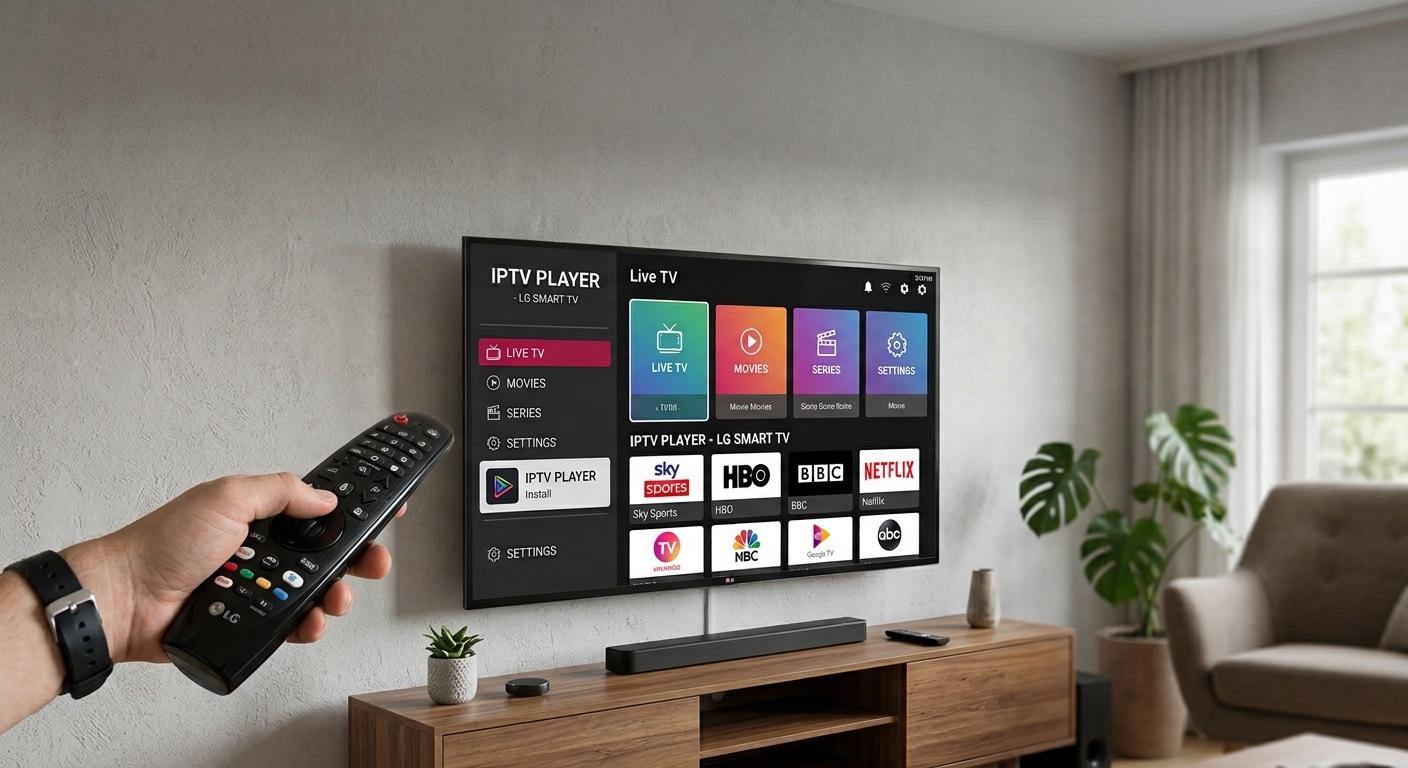
Watching your favourite TV shows, movies, and live sports should be an enjoyable experience. However, many viewers using IPTV in Canada experience buffering, freezing, and unexpected interruptions, particularly during evening hours. The problem can become frustrating when you are watching a live hockey game, a popular TV show, or an important sporting event.
Evening buffering is often related to increased internet traffic, network congestion, Wi-Fi interference, device performance, or IPTV server limitations. Since many Canadian households use the internet for streaming, gaming, video calls, and other activities simultaneously, network performance can change throughout the day.
Fortunately, there are several ways to improve your streaming experience without immediately upgrading your internet plan or replacing your streaming device.
In this guide, we will explain why IPTV buffering happens during peak hours and explore practical solutions to help Canadian viewers enjoy more stable and uninterrupted streaming.
Why Does IPTV Buffer More During Evening Hours?
Evening buffering is commonly associated with peak internet usage. Between approximately 6 PM and 11 PM, many people return home from work or school and start using internet-connected devices.
This increased activity can put pressure on internet networks and affect streaming performance.
Here are some common reasons behind evening IPTV buffering.
1. Internet Network Congestion
Internet congestion occurs when many users share network resources simultaneously. During busy evening periods, your internet connection may experience slower speeds or inconsistent performance.
For example, someone in your household might be downloading large files while another person watches Netflix and a third person plays online games. These activities can compete for available bandwidth.
If your connection cannot handle the combined demand, your IPTV stream may start buffering.
2. Wi-Fi Signal Problems
A weak wireless connection can cause streaming interruptions, even when your internet plan offers high download speeds.
Wi-Fi signals can be affected by:
-
Thick walls and ceilings.
-
Distance between your router and streaming device.
-
Interference from nearby wireless networks.
-
Electronic appliances and other wireless devices.
-
An outdated or poorly positioned router.
A weak signal can become more noticeable during busy household hours.
3. IPTV Server Overload
Sometimes the problem is not your home internet connection.
An IPTV service may experience server overload when many subscribers attempt to access the same channels simultaneously. This can lead to slow channel loading, freezing, or repeated buffering.
If other websites and streaming platforms work normally but your IPTV channels continue buffering, the service provider's servers may be experiencing technical difficulties.
4. Outdated Streaming Devices
Older Smart TVs, Android TV boxes, Fire TV devices, and streaming applications may struggle with modern video formats.
Insufficient memory, outdated software, background applications, and limited processing power can all affect playback.
Keeping your streaming device updated can help prevent avoidable performance problems.
How to Fix IPTV Buffering During Evening Hours in Canada
If your IPTV connection works properly during the day but becomes unreliable at night, try the following solutions.
1. Restart Your Router and Modem
Restarting your networking equipment is one of the easiest troubleshooting methods.
Routers operate continuously and can sometimes develop temporary connection problems. A restart can refresh the connection and resolve certain performance issues.
Follow these steps:
-
Turn off your router and modem.
-
Disconnect their power cables.
-
Wait approximately 30–60 seconds.
-
Reconnect the power cables.
-
Allow the devices to restart completely.
-
Open your IPTV application and test a channel.
For households experiencing recurring connectivity problems, occasionally restarting the router may help. However, frequent restarts should not replace investigating the underlying issue.
2. Use an Ethernet Cable Instead of Wi-Fi
A wired Ethernet connection is generally more stable than Wi-Fi for IPTV streaming.
Wireless connections can experience interference from nearby devices, walls, and other networks. Ethernet reduces many of these issues by connecting your streaming device directly to your router.
For better results:
-
Use a reliable Cat5e or Cat6 Ethernet cable.
-
Connect your Smart TV or Android TV box directly to the router.
-
Check that the Ethernet connection is properly established.
-
Test the stream again during evening hours.
If your streaming device is located far from your router, consider using a suitable Ethernet cable or a properly configured home networking solution.
3. Check Your Internet Speed
Internet speed is an important factor in streaming performance. However, download speed alone does not determine whether your IPTV connection will remain stable.
You should also consider latency, jitter, packet loss, and connection consistency.
As a general reference, many streaming services recommend approximately:
| Video Quality | Suggested Download Speed |
|---|---|
| SD (480p) | 3–5 Mbps |
| HD (720p) | 5–10 Mbps |
| Full HD (1080p) | 10–15 Mbps |
| 4K Ultra HD | 25 Mbps or higher |
These are general planning estimates, not guaranteed IPTV requirements. Actual requirements depend on video bitrate, compression, and the number of simultaneous streams.
Run a speed test during the afternoon and again between 7 PM and 10 PM.
If your results drop significantly in the evening, contact your internet service provider (ISP) and ask whether network congestion could be affecting your connection.
4. Reduce Internet Usage on Other Devices
When several devices share the same internet connection, available bandwidth is divided between their activities.
This can affect IPTV playback, especially when multiple devices are performing demanding tasks.
Try these adjustments:
-
Pause large downloads during live streaming.
-
Avoid downloading games or updates while watching TV.
-
Limit unnecessary background streaming.
-
Schedule cloud backups for overnight hours.
-
Ask other household members to avoid bandwidth-heavy activities during important live broadcasts.
For example, if someone is downloading a large game update while you are watching a live sports event, pausing the download may improve streaming stability.
5. Change Your Wi-Fi Frequency Band
Modern routers commonly support both 2.4 GHz and 5 GHz Wi-Fi connections.
Each frequency has different advantages.
2.4 GHz Wi-Fi:
-
Offers better coverage over longer distances.
-
Can travel through walls more effectively.
-
May experience more interference from neighbouring networks.
5 GHz Wi-Fi:
-
Often provides faster speeds at shorter distances.
-
Usually experiences less interference from older wireless devices.
-
Works well when your streaming device is close to the router.
If your Smart TV is near the router, try connecting it to the 5 GHz network.
If it is located in another room with several walls in between, the 2.4 GHz connection may provide better coverage.
The best option depends on your home layout and router capabilities.
6. Clear Your IPTV Application Cache
Temporary application files can sometimes contribute to playback problems, particularly on devices with limited storage.
Clearing the cache may help improve application responsiveness.
On many Android TV devices, you can follow these steps:
-
Open Settings.
-
Select Apps.
-
Find your IPTV application.
-
Open Storage.
-
Select Clear Cache.
-
Restart the application.
Avoid selecting Clear Data unless you understand the consequences. This option may remove saved login details, playlists, and application preferences.
For other Smart TV platforms, the process may be different. Check your device manufacturer's instructions.
7. Update Your IPTV Application and Device Software
Outdated software can create compatibility and playback issues.
Application developers regularly release updates to improve performance, fix bugs, and support newer streaming formats.
Check for updates to:
-
Your IPTV application.
-
Smart TV operating system.
-
Android TV or Fire TV software.
-
Router firmware.
Only install applications and updates from trusted sources. If an update introduces new problems, check the developer's support information before making further changes.
8. Try a Lower Streaming Quality
High-resolution streams require more consistent bandwidth than lower-resolution streams.
If your internet connection becomes unstable during peak evening hours, switching from 4K to Full HD or from Full HD to HD may reduce interruptions.
For example, a viewer watching a live sports channel in 4K may experience buffering when network performance drops. Switching to 1080p could provide a smoother experience.
Choose the highest resolution your connection can reliably support rather than selecting the highest available setting.
How Canadian Internet Providers Can Affect IPTV Performance
Internet service providers play an important role in the overall streaming experience.
Canadian households have access to different internet technologies, including fibre, cable, DSL, and fixed wireless connections.
Each technology has different performance characteristics.
Fibre Internet
Fibre internet generally provides high speeds and reliable performance. It can be an excellent option for households with multiple connected devices and frequent high-resolution streaming.
However, fibre users can still experience problems caused by Wi-Fi interference, router limitations, or IPTV server issues.
Cable Internet
Cable internet is widely available in many Canadian communities.
Depending on the local network, performance may fluctuate during busy hours because neighbouring households share portions of the network infrastructure.
If your connection consistently slows down in the evening, contact your ISP to investigate possible congestion.
DSL Internet
DSL connections use traditional telephone lines and may offer lower speeds than modern fibre or cable services.
Performance can also depend on the distance between your home and the provider's equipment.
Households using DSL may need to pay particular attention to streaming quality and simultaneous internet usage.
How to Identify Whether the Problem Is Your Internet or IPTV Service
Before changing multiple settings, identify where the buffering problem originates.
This can save time and prevent unnecessary equipment upgrades.
Use the following troubleshooting guide:
| Problem | Possible Cause | Recommended Action |
|---|---|---|
| All websites load slowly | Internet connection issue | Contact your ISP |
| IPTV buffers but other apps work | IPTV service or server issue | Contact IPTV support |
| Buffering happens only on Wi-Fi | Weak wireless signal | Try Ethernet |
| Only one channel buffers | Channel source or server issue | Test another channel |
| Every application freezes | Device performance issue | Restart and update device |
| Streaming slows during evening hours | Network congestion | Compare peak and off-peak speeds |
A useful troubleshooting method is to test the same streaming device using another reliable streaming application.
If other applications also struggle, investigate your internet connection or device.
If only one IPTV service experiences problems, contact its technical support team.
Best Practices for Smoother IPTV Streaming in Canadian Homes
Preventing buffering is often easier than repeatedly fixing it.
A few simple habits can help maintain consistent streaming performance.
Keep Your Router in an Open Location
Place your router in a central, elevated position rather than inside a cabinet or behind furniture.
Avoid placing it near large electronic appliances or thick walls whenever possible.
Use a Reliable Streaming Device
Choose a device with sufficient memory, processing power, and software support.
Older devices may struggle with high-resolution video, even when internet speeds are adequate.
Monitor Your Network Regularly
Test your internet connection at different times of the day.
Record download speed, upload speed, latency, and packet loss when possible.
Comparing results between daytime and evening hours can help identify recurring network problems.
Choose a Suitable Internet Plan
If multiple people regularly stream, game, attend video meetings, and download files simultaneously, your current internet plan may not provide enough capacity.
Review your household's actual usage before upgrading.
A faster plan may help if bandwidth is the problem, but it will not necessarily fix poor Wi-Fi coverage or an overloaded IPTV server.
Frequently Asked Questions (FAQs)
1. Why Does IPTV Buffer More at Night in Canada?
IPTV may buffer more at night because internet usage generally increases during evening hours. Network congestion, household bandwidth competition, Wi-Fi interference, and IPTV server overload can all contribute to the problem.
2. What Internet Speed Is Best for IPTV Streaming?
The required speed depends on video quality and the number of connected devices. As a general guideline, 10–15 Mbps may be suitable for one Full HD stream, while 4K streaming often requires 25 Mbps or more. A stable connection is just as important as download speed.
3. Does Ethernet Reduce IPTV Buffering?
Yes, Ethernet can reduce buffering caused by weak Wi-Fi signals and wireless interference. A wired connection provides a more consistent link between your router and streaming device.
However, it cannot resolve every issue, particularly problems caused by internet provider congestion or IPTV server overload.
4. Why Does IPTV Buffer Even With Fast Internet?
Fast internet does not guarantee uninterrupted streaming. Packet loss, high latency, unstable Wi-Fi, overloaded IPTV servers, and outdated streaming devices can still cause playback interruptions.
Testing your connection during the actual buffering period can help identify the cause.
5. Should I Upgrade My Internet Plan to Fix IPTV Buffering?
Not necessarily. First, check whether your connection slows down during evening hours and whether other applications experience similar problems.
If your household regularly uses more bandwidth than your plan can provide, upgrading may help. However, if the issue comes from your router, device, or IPTV server, a faster internet plan may not solve it.
Conclusion
Evening buffering can make watching television frustrating, particularly when you want to enjoy live sports, movies, or your favourite entertainment without interruptions.
Fortunately, most common streaming problems can be investigated through simple troubleshooting steps. Restarting your router, switching to Ethernet, checking internet speed, reducing background downloads, updating applications, and selecting a suitable video resolution can all help improve playback.
For anyone using IPTV in Canada, the most important step is identifying the actual cause of buffering before spending money on new equipment or a faster internet package.
A stable internet connection, properly configured streaming device, and reliable IPTV service can make a significant difference. With the right adjustments, Canadian viewers can enjoy a smoother and more consistent streaming experience, even during busy evening hours.

 English
 French
 Spanish
 Portuguese
 Deutsch
 Turkish
 Dutch
 Italiano
 Russian
 Romaian
 Portuguese (Brazil)
 Greek