


Most Popular Smart TVs: Hands-Free Voice Search & Easy Casting
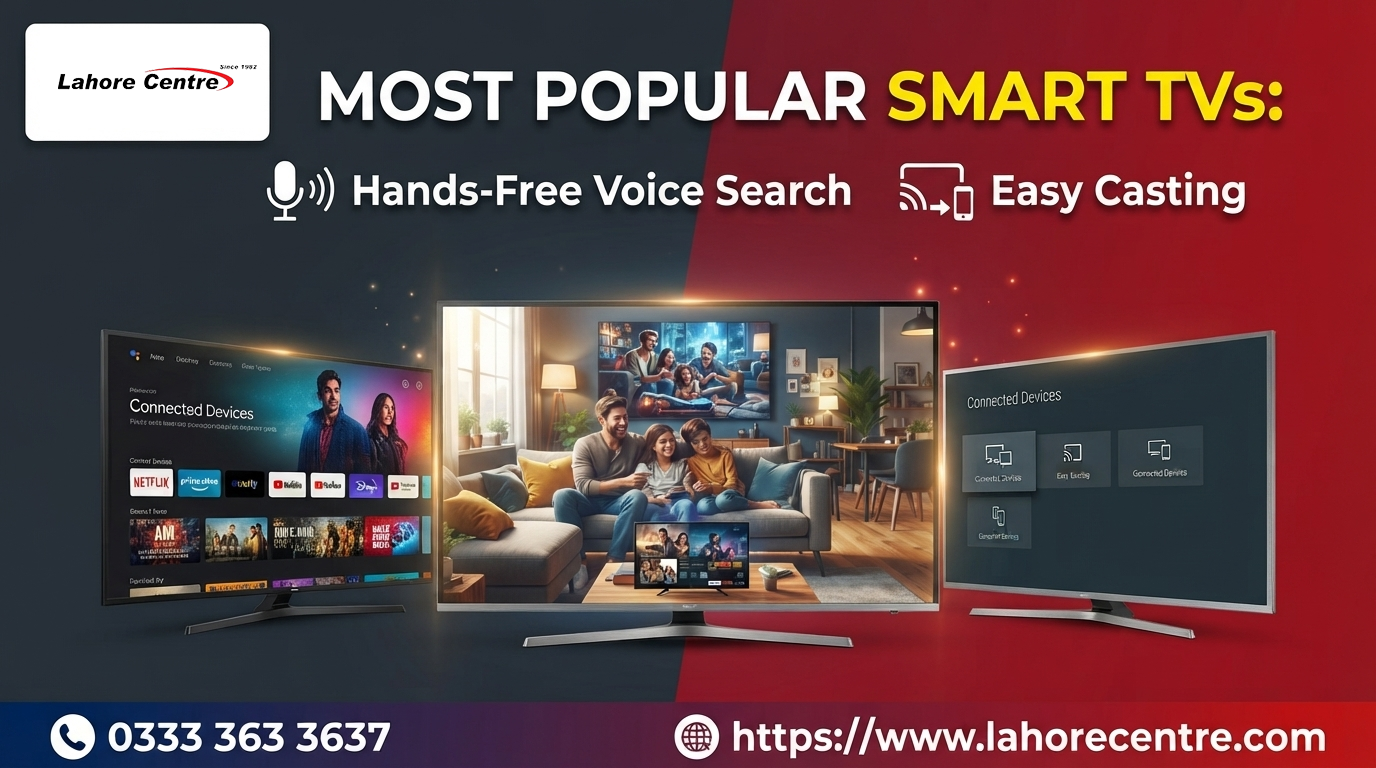
Voice search and easy casting in one screen. Compare popular Smart LED TVs from top brands and pay in easy monthly installments at Lahore Centre now.
Most Popular Smart TVs
Picture a family gathering. Someone wants to show a wedding video from their phone, someone else wants to find a cooking channel, and a cousin is already shouting that the remote has vanished again. In a house with a good Smart LED TV, all three problems have easy answers. You cast the video from your phone with a couple of taps, you ask the TV for the cooking channel by voice, and the missing remote becomes a funny story instead of a crisis. This guide explains how casting and voice search really work, what to check before you buy, and how to set everything up so it behaves.
Key Features:
Start with casting, because it is the feature most families end up loving. Casting means sending what is on your phone, a video, a photo, or a whole screen, to the TV over your home Wi-Fi. There are a few ways it works. Some TVs have built-in casting that apps like video platforms can use directly. Some support screen mirroring, which copies your phone screen to the TV. Others support wireless display standards that let you show your screen without any app at all.
The details differ by brand and model, so ask which casting methods the TV supports. Phones from different makers prefer different methods, and the best experience comes when your phone and TV speak the same language. Test it in the shop with your own phone if you can. Connect to the same Wi-Fi, open a video, and see how quickly the cast starts. A smooth cast in the shop usually means a smooth cast at home.
Casting has one golden rule: the phone and the TV must usually be on the same Wi-Fi network. If casting does not work, that is the first thing to check. A TV on one network and a phone on another, such as a guest network or a mobile hotspot, will not find each other. It is the most common cause of the dreaded "no devices found" message, and it takes ten seconds to fix.
Casting and mirroring are not quite the same. Casting an app, like a video, usually tells the TV to play the video itself, so your phone can do other things and the quality stays high. Mirroring copies your phone screen exactly, so the TV shows whatever your phone shows, and the phone has to stay on. Casting is better for long videos, and mirroring is better for photos, presentations, or apps that do not support casting.
Now voice search. Most smart TVs let you press a button on the remote and speak, and the TV finds shows, opens apps, changes the volume, or answers simple questions. Some models also have built-in microphones that listen for a wake phrase, which gives you true hands-free use. That is wonderful when your hands are covered in flour, and it is wonderful for elders who find menus tricky. Check whether the TV offers a hardware switch or a clear setting to turn the microphone off, since privacy matters.
Language support decides whether voice search feels like magic or annoyance. Assistants understand some languages and accents better than others, and support for Urdu, Punjabi, or mixed speech varies by brand and model. Test the TV in the shop with phrases your family would actually use, such as a drama name, a channel, or a volume command. A feature that only understands one style of speech is a lot less helpful.
Brand differences show up here. The Samsung Smart LED TV range is known for a polished interface, strong casting support, and a voice feature that suits busy households. If you prefer a clean menu and natural color, the LG Smart LED TV lineup is worth a look, with a simple remote that many families find easy to use.
Both features lean on your Wi-Fi, so a good connection helps a lot. Place the router in an open spot, ideally near the TV or in the center of the home, and use the faster band if your TV and router support it. If the TV has a network port, a cable gives the steadiest connection. Casting a video in high quality over a weak signal leads to buffering, and voice search over a weak signal leads to long pauses.
A few casting habits make life easier. Keep your phone and TV software updated, since casting bugs often disappear after an update. Close heavy apps on your phone before mirroring, so the picture does not stutter. For family photo sessions, cast a whole album and let the TV play it as a slideshow, so nobody has to hold the phone while relatives comment on everyone's hairstyle from ten years ago.
Finally, remember the basics. A smart TV is still a TV, so check the picture, the size, and the sound too. Choose a screen that suits your room, a resolution that suits your viewing, and enough ports for your devices. Casting and voice search are the cherry on top, and they work best on a TV that is already good at its main job.
Buy Smart LED TV on Installments in Lahore
A TV that makes family life easier is a good investment, and installments make it comfortable. You split the price into smaller monthly payments, take the TV home right away, and keep your savings free for everything else. You get a screen that casts, listens, and entertains, and your budget does not have to wince.
The process is simple. Choose your model, pick a plan that suits your income, share a few basic documents, and arrange delivery. No long queues, no piles of paperwork, and no pressure to decide in a rush. You can compare features calmly, which is the best way to choose a TV the whole family will use.
Installments also help you pick a better size. Many buyers choose a smaller screen because the bigger one looks expensive upfront, and then wish they had gone larger once the family starts casting photos together. When the cost is spread out, a step up often feels reasonable. If you want more inches for your budget, the TCL Smart LED TV models are a good place to see how far your money can stretch. For a familiar local name, the iZone Smart LED TV range offers dependable everyday viewing at friendly prices.
Do a casting and voice test in the shop. Ask to connect the TV to Wi-Fi, cast a short video from your phone, and speak a few commands. Check how fast it responds and how often it makes mistakes. Bring your own phone, because the combination of your phone and the TV is what matters, not a demo device.
Plan the extras too. A wall mount, a quality HDMI cable, a voltage protector, and maybe a Wi-Fi extender all add to the total. Seeing the full cost early helps you choose a plan that feels comfortable from the first month to the last.
You can:
- Pay in smaller monthly amounts instead of one big upfront payment.
- Choose a plan length that suits your income and monthly expenses.
- Compare casting and voice features on several TVs before deciding.
- Get your TV delivered to your home and skip the heavy lifting.
- Keep your savings free for weddings, emergencies, and surprise guests.
Why You Buy on Installments From Lahore Centre
A good installment plan is clear from the first conversation. You should know the monthly payment, the total price, and the plan length before agreeing to anything. No hidden fees, no surprise changes, and no confusing terms buried in tiny print. Clear numbers keep the whole experience friendly.
It also helps to work with one team from start to finish. Choosing the model, placing the order, arranging delivery, and asking questions afterward all feel easier when the same people handle everything. You do not have to chase three different offices when something needs attention.
Genuine stock matters most for popular models, because that is where lookalike listings and shady deals show up. You want the box to contain exactly what the brand promised, with a proper manufacturer warranty. Buying from a source that deals in authentic products protects you from damaged panels, missing parts, and warranties nobody will honor.
Lahore also brings voltage fluctuation into the picture. A sudden spike can harm even a strong TV, so ask about a voltage protector or stabilizer when you order. It is a small, affordable accessory that can save you from a very expensive repair, and a helpful seller will gladly explain it.
You get:
- Genuine TVs from trusted brands with proper manufacturer backing.
- Clear pricing and installment terms with no hidden charges.
- Fast delivery across Lahore so your new screen is not stuck waiting.
- Friendly help when you have questions before or after buying.
- A wide range of sizes and models for small bedrooms and large lounges.
Warranty Information:
Warranty is boring until the day you need it, so read it now. Most Smart LED TVs come with a manufacturer warranty that covers defects in the panel and main internal parts. The length varies by brand and model, and some companies offer different coverage for the panel than for other components. Ask for the exact terms on the TV you plan to buy so you know what is protected.
Keep your invoice and warranty card in a safe place. Service centers usually ask for them first, and searching for a missing receipt on a hot afternoon is nobody's idea of fun. Problems like dead pixels, flickering, backlight faults, a Wi-Fi module that will not connect, a voice remote that stops responding, or a screen that will not turn on within the warranty period are normally handled by the brand's service team.
Some things sit outside standard warranty, including physical damage, liquid spills, power surge damage, and repairs by unauthorized technicians. A sturdy mount or stand, a surge protector, and gentle cleaning with a soft microfiber cloth keep your screen in great shape. Brands like Dawlance Smart LED TV models have their own service networks, so ask which service centers are closest to your neighborhood before you buy.
Software updates are free and part of owning a smart TV. Keep your TV connected to Wi-Fi so it can download fixes and improvements, which often include casting and voice tweaks. It keeps your apps running smoothly and your screen feeling fresh long after the day you unboxed it.
FAQs:
Why can't my phone find my TV when I try to cast?
Usually the phone and TV are on different Wi-Fi networks, or one of them is on a guest network or mobile hotspot. Connect both to the same network, restart the TV and router if needed, and try again. Keeping the TV software updated also helps.
What is the difference between casting and screen mirroring?
Casting sends a video or app to the TV, which plays it itself, so your phone stays free. Mirroring copies your phone screen to the TV, so the phone has to stay on. Casting suits long videos, and mirroring suits photos and presentations.
Does hands-free voice search work in noisy rooms?
It can struggle with loud commentary or crowds. A remote with the microphone close to your mouth usually works better, and speaking clearly with short commands helps. Test it in the shop with typical background noise if you can.
Is Haier a good option for easy casting and voice features?
Yes, Haier Smart LED TV models are a solid choice for buyers who want dependable picture quality and useful smart features without overspending. They are popular for everyday family viewing.
Where can I compare brands and installment plans?
You can browse sizes, brands, and installment options at Lahore Centre, which makes it easy to compare TVs side by side and choose one that fits your budget.
Does paying in installments affect my warranty?
No. Your manufacturer warranty stays the same whether you pay in full or in installments. Keep your invoice safe and you are covered as promised.

 English
 French
 Spanish
 Portuguese
 Deutsch
 Turkish
 Dutch
 Italiano
 Russian
 Romaian
 Portuguese (Brazil)
 Greek