


How to Check Your Content for Plagiarism Before Publishing (Step-by-Step Guide)
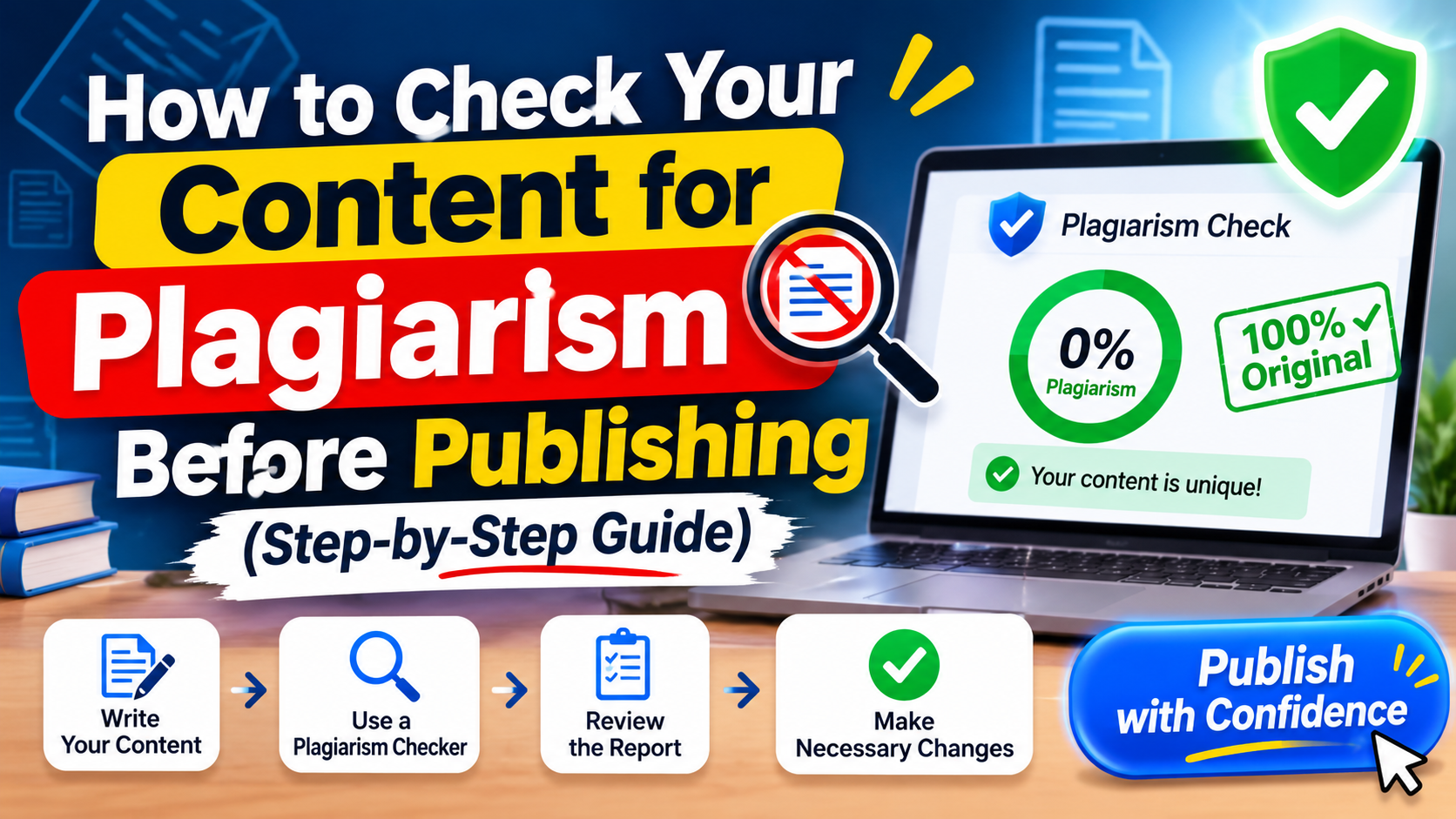
Publishing writing that accidentally overlaps with someone else's work can damage trust quickly. Readers lose confidence, editors reject your pitches, and search engines have little reason to show a page that adds nothing new. The good news is that a few minutes of checking before you publish can prevent most of these problems. This guide explains what plagiarism really means, how checkers work, and what to do with the results.
What Counts as Plagiarism?
Plagiarism is more than copying and pasting. It can take several forms:
-
Direct copying: Using someone else's sentences without quotation marks or credit.
-
Close paraphrasing: Changing a few words but keeping the original structure and ideas.
-
Mosaic writing: Stitching together phrases from several sources.
-
Missing credit: Using another person's data, ideas, or examples without naming the source.
-
Self-plagiarism: Reusing your own published work without telling the editor or reader.
Some of these happen by accident, especially when you take notes while researching and later forget which sentences were yours.
Why Checking Before You Publish Matters
Reputation. One accusation of copying can follow a writer or a website for years.
Search performance. Search engines try to surface helpful, original content. A page that repeats what already exists online gives them little reason to rank it.
Copyright risk. Reproducing protected text can lead to takedown requests or legal trouble.
Editor and client trust. Many publishers run every submission through a checker. Fixing issues first saves you a rejection.
How Plagiarism Checkers Work
A plagiarism checker compares your text against large collections of web pages, publications, and sometimes academic databases. When a string of words closely matches something in its index, the tool highlights it and shows the source.
The tool does not decide whether you plagiarized. It only reports similarity. You still need to read each flagged passage and judge it yourself.
How to Check Your Content: 6 Steps
Step 1: Prepare Your Text
Paste only the article itself. Remove extras such as meta descriptions, keyword lists, reference lists, and author bios, because these lines often match other pages and inflate the score.
Step 2: Run the Scan
Paste your draft into a free plagiarism checker and start the check. Longer articles may need to be scanned in sections if the tool limits word count. Keep the original draft saved so you can compare changes later.
Step 3: Read the Report Carefully
Look at the overall percentage, but do not stop there. Open each highlighted passage and ask:
-
Is this a quote I forgot to mark?
-
Is it a common phrase or a standard definition?
-
Is it too close to the source in structure and wording?
Step 4: Rewrite What Needs Fixing
Genuine rewriting means understanding the idea and explaining it in your own structure and words. Swapping synonyms is not enough. A reliable method is to read the source, close it, and write the point from memory, then check facts afterward.
Step 5: Quote and Cite Properly
If exact wording matters, such as a definition or an official statement, keep it short, put it in quotation marks, and name the source. For data or research, mention where the information came from and link to it when possible.
Step 6: Scan Again and Do a Human Review
Run the checker once more after your edits. Then read the article aloud. If a section still feels like something you have read elsewhere, rewrite it with your own example or experience.
How to Read a Plagiarism Report
|
What the report shows |
What it usually means |
What to do |
|
Long exact match from one source |
Likely copied or quoted text |
Rewrite, or quote and cite |
|
Several short matches from many sources |
Common phrases or loose similarity |
Review, then rephrase where needed |
|
Match on a quote with credit |
Intentional and acceptable |
Check that quotation marks and source are present |
|
Match on headings, names or keywords |
Usually harmless |
Leave, but consider more original headings |
|
Match on your own older article |
Self-reuse |
Rewrite or disclose to the editor |
Common False Positives
A score above zero does not automatically mean a problem. Checkers often flag:
-
Names of people, products, and organizations
-
Standard phrases, such as terms and conditions language
-
Properly cited quotations and bibliography entries
-
Common FAQ questions that many sites ask
-
Short technical definitions with few ways to say them
Focus on matches that are long, exact, or close in structure.
How to Write Original Content From the Start
-
Take notes in your own words while researching, and mark any copied text immediately.
-
Use several sources, then form your own conclusion instead of following one article.
-
Add original value, such as a real example, a step you tested, a comparison, or a simple table.
-
Keep a source list as you write so citing is easy.
-
Outline before drafting. Your own structure naturally differs from existing articles.
Limits of Plagiarism Checkers
No checker finds everything. Some cannot access paywalled or offline material, and different tools use different databases, so results can vary. Treat a clean result as a good sign, not a guarantee. If originality is critical, such as academic or legal work, use more than one tool and have a person review the text.
Frequently Asked Questions
How much plagiarism is acceptable?
There is no universal number. Many schools and publishers set their own thresholds, and a low percentage can still hide one copied paragraph. Review what is flagged instead of relying on the score alone.
Can a plagiarism checker catch paraphrased text?
Some tools detect close paraphrasing, but many mainly spot exact or near-exact matches. Good paraphrasing changes both wording and structure and still credits the idea.
Does AI-written content need a plagiarism check?
Yes. AI tools can produce wording that resembles existing text, and they can state facts without sources. Run the same check and edit before publishing.
Is duplicate content the same as plagiarism?
Not exactly. Duplicate content is a technical issue where the same text appears on multiple URLs. Plagiarism is about using someone else's work without credit. Both can reduce trust and performance.
Do I need to check content I wrote myself?
It is still a good habit. You may have reused phrases from your notes or older posts without noticing.
Conclusion
Checking for plagiarism is a quick habit that protects your reputation, your readers, and your search performance. Prepare your text, run a scan, read the report with judgment, rewrite in your own words, cite what you quote, and scan again. Original content takes a little more effort, but it is the content people trust and return to.

 Arabic
 French
 Spanish
 Portuguese
 Deutsch
 Turkish
 Dutch
 Italiano
 Russian
 Romaian
 Portuguese (Brazil)
 Greek