


Document Verification Software: Simplify Document Authentication with Arista Document Verification Software
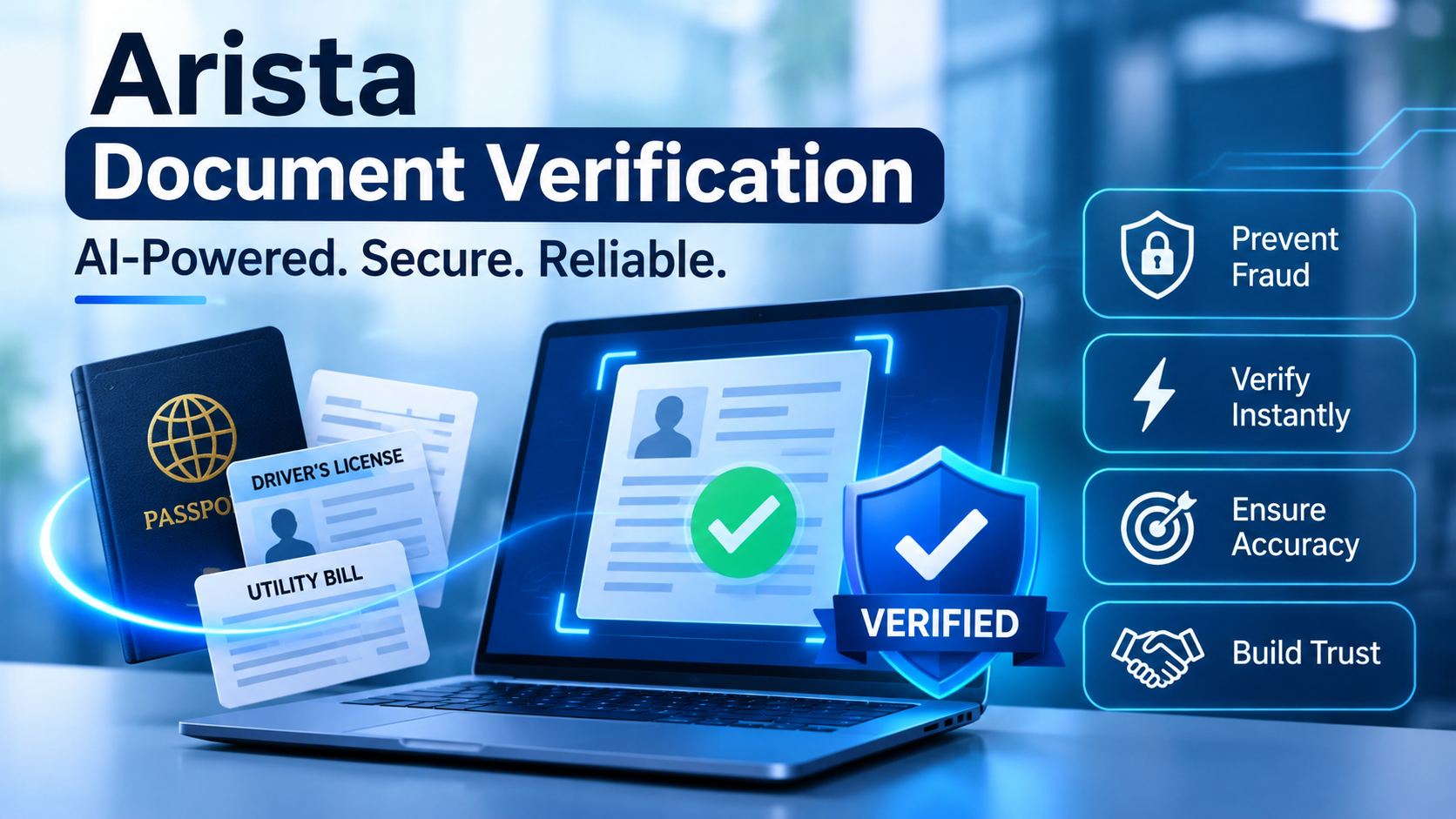
In today's digital business environment, organizations handle a large volume of documents every day. From identity cards and educational certificates to financial statements and business records, verifying document authenticity is essential for maintaining trust, security, and operational accuracy.
However, traditional document verification methods often involve manual checks, repetitive data entry, and time-consuming approval processes. These challenges can increase operational costs and create opportunities for document fraud. This is where document verification software becomes valuable.
Document verification software helps businesses examine, validate, and authenticate documents through digital processes. By simplifying document management and verification workflows, organizations can improve efficiency and make more informed decisions.
With Arista Document Verification Software, businesses can explore a more organized approach to document verification and digital document management.
In this blog, we will explore what document verification software is, its benefits, essential features, applications across industries, and how Arista can support modern document verification requirements.
What Is Document Verification Software?
Document verification software is a digital solution designed to check, validate, and authenticate documents to determine whether they are genuine and meet specific verification requirements.
It helps organizations examine submitted documents, extract relevant information, identify inconsistencies, and support verification decisions.
Common documents that can be reviewed through digital verification processes include:
- Government-issued identity cards.
- Passports and driving licences.
- Educational certificates and mark sheets.
- Bank statements and financial documents.
- Address proof documents.
- Employment certificates.
- Business registration documents.
- Customer onboarding records.
By reducing dependence on manual verification, document verification software can make document processing more organized and efficient.
Why Is Document Verification Software Important for Businesses?
Document verification plays an important role in industries where organizations depend on accurate customer, employee, and business information.
Here are some reasons why businesses are adopting digital document verification solutions.
1. Helps Reduce Document Fraud
Fake, altered, and manipulated documents can expose organizations to financial losses and reputational damage.
Document verification software can help identify suspicious patterns, inconsistencies, and potential signs of document manipulation.
2. Saves Time and Operational Effort
Manual document verification can be time-consuming, especially when organizations process hundreds or thousands of documents.
Automated verification workflows can reduce repetitive tasks and help employees focus on more important activities.
3. Improves Verification Accuracy
Manual data entry and visual document inspection can result in human errors.
Software-assisted verification can help improve consistency by extracting information and checking selected document details systematically.
4. Enhances Customer Experience
Customers expect fast and convenient digital services. A simplified document submission and verification process can reduce unnecessary delays and improve the onboarding experience.
5. Supports Compliance Requirements
Many industries have regulatory requirements related to identity verification, customer onboarding, and recordkeeping.
Document verification software can support structured verification processes and maintain useful records for auditing and compliance activities.
Key Features of Document Verification Software
Choosing the right document verification software requires understanding the capabilities that make the verification process efficient and reliable.
Here are some important features to consider.
1. Automated Document Scanning
Document scanning allows users to capture digital copies of documents for further processing and examination.
It reduces the need for physical paperwork and makes document handling more convenient.
2. Optical Character Recognition (OCR)
OCR technology extracts readable text from scanned documents and images.
It can help organizations capture information such as names, identification numbers, dates, and addresses without entering every detail manually.
3. Document Authenticity Checks
Document authenticity checks examine different document characteristics to identify potential inconsistencies.
Depending on the technology used, these checks may include examining document layouts, text alignment, image quality, and signs of alteration.
4. Identity Information Validation
Identity validation helps compare submitted information across documents and identify discrepancies that may require additional review.
5. Secure Document Management
Documents often contain sensitive personal and financial information. Security features such as encryption, access controls, and appropriate data retention policies are important for protecting confidential records.
6. Verification Reports and Audit Trails
Verification reports help organizations review document processing activities, maintain records, and understand the status of verification requests.
How Arista Document Verification Software Helps Simplify Verification
As businesses increasingly adopt digital workflows, managing document verification efficiently has become an important operational requirement.
Arista Document Verification Software is the featured solution for organizations looking to improve their document verification processes and simplify digital document handling.
A suitable document verification solution can help businesses organize document submissions, reduce repetitive manual activities, and support more consistent verification workflows.
Here are some key areas businesses can evaluate when considering Arista Document Verification Software:
- Efficient document processing: Support a more organized approach to reviewing submitted documents.
- Improved verification workflows: Help reduce repetitive manual document handling.
- Better information management: Support structured handling of important document information.
- Fraud prevention support: Help identify suspicious documents and inconsistencies through appropriate verification checks.
- Operational efficiency: Reduce administrative effort associated with routine document processing.
- Document security: Support responsible handling of confidential business and customer information.
Whether your organization manages customer onboarding, employee records, educational certificates, or financial documents, an effective verification workflow can improve daily operations.
Before implementation, businesses should evaluate Arista's supported document types, authentication capabilities, integration options, security controls, and reporting features to ensure that the solution meets their requirements.
Industries That Benefit from Document Verification Software
Document verification software has applications across multiple industries. Any organization that collects and validates documents can benefit from a more structured verification process.
Banking and Financial Services
Banks and financial institutions handle sensitive customer information and financial records.
Document verification software can support identity verification, customer onboarding, KYC workflows, and financial document review.
Healthcare
Healthcare organizations manage patient identification, medical records, insurance documents, and professional credentials.
Digital verification processes can help organize and validate important healthcare documentation.
Education
Educational institutions regularly review academic certificates, student identification, mark sheets, and admission records.
Document verification software can help streamline admission and credential verification workflows.
Human Resources and Recruitment
HR departments handle employee identity documents, educational qualifications, experience certificates, and employment records.
Digital verification can simplify employee onboarding and reduce administrative workloads.
Insurance
Insurance providers process policy applications, customer identity documents, and claims-related records.
Document verification solutions can help organize supporting documents and identify inconsistencies during the review process.
E-commerce and Digital Businesses
Online businesses frequently collect customer information and supporting documents.
Document verification software can help improve digital onboarding and support secure customer verification workflows.
Manual Document Verification vs. Automated Document Verification
Manual and automated document verification methods have different advantages and limitations.
| Manual Document Verification | Automated Document Verification |
|---|---|
| Requires significant human involvement | Uses software-assisted workflows |
| Can take more time | Can accelerate document processing |
| Prone to manual data entry errors | Helps improve consistency |
| Difficult to scale for large volumes | Can support higher document volumes |
| Requires repetitive administrative tasks | Reduces repetitive activities |
| Depends heavily on visual inspection | Can use OCR and automated checks |
Automated document verification does not completely eliminate human involvement. Documents that are unclear, suspicious, or difficult to validate may still require manual review.
How to Choose the Best Document Verification Software
Selecting the right document verification software is important for maintaining accuracy, security, and operational efficiency.
Consider these factors before choosing a solution:
1. Document Compatibility
Check whether the software supports the document formats and document types your organization regularly processes.
2. Verification Accuracy
Evaluate how the software identifies inconsistencies, suspicious information, and potential signs of document manipulation.
3. OCR Capabilities
If your organization processes large volumes of scanned documents, OCR functionality can help simplify information extraction.
4. Data Security
Review security features, encryption standards, access controls, and privacy policies before handling sensitive documents.
5. Integration Options
Ensure that the solution can work with your existing applications, databases, and business workflows.
6. Scalability
Choose software that can support your current requirements and accommodate future increases in document processing volumes.
7. Reporting and Monitoring
Verification reports and audit trails can help organizations monitor document processing activities and maintain accountability.
Common Challenges in Document Verification
Although digital verification offers many benefits, organizations may still face certain challenges.
Poor Document Quality
Blurry images, damaged documents, and incomplete scans can make verification difficult.
Document Manipulation
Digitally altered documents may contain inconsistencies that require advanced checks and human investigation.
Data Privacy Concerns
Organizations must protect sensitive information throughout the document submission, processing, storage, and deletion lifecycle.
Integration Difficulties
Connecting verification software with existing business applications may require technical planning and customization.
False Rejections
Legitimate documents may sometimes be flagged because of poor image quality or unusual formatting. Human review is important for resolving such cases.
Choosing suitable software and implementing clear verification procedures can help address these challenges.
Best Practices for Effective Document Verification
Businesses can improve their document verification processes by following a few practical recommendations.
- Use reliable verification tools: Select software that supports your organization's document types and verification requirements.
- Maintain document security: Protect sensitive information with appropriate access controls and encryption.
- Verify information consistently: Establish clear document review procedures for employees.
- Use high-quality scans: Encourage users to submit clear and complete document images.
- Maintain audit records: Keep appropriate verification records for accountability and compliance.
- Review suspicious documents: Escalate unclear or potentially manipulated documents for manual investigation.
- Update verification processes: Regularly review workflows to address changing fraud techniques and business requirements.
The Future of Document Verification Software
The future of document verification is closely connected to advancements in artificial intelligence, machine learning, OCR, and digital identity technologies.
These technologies are helping organizations build more intelligent and efficient verification workflows.
Some important developments include:
- AI-powered document analysis.
- Advanced image and document manipulation detection.
- Improved OCR and information extraction.
- Automated identity verification.
- Digital identity and biometric verification.
- Integration with enterprise document management systems.
As these technologies continue to develop, document verification solutions are expected to become more sophisticated and adaptable.
Organizations exploring Arista Document Verification Software can evaluate how its capabilities align with these emerging requirements and their long-term digital transformation goals.
Why Consider Arista Document Verification Software?
Efficient document verification is essential for businesses that want to reduce manual effort, improve information accuracy, and maintain organized digital operations.
Arista Document Verification Software is worth exploring for organizations seeking a dedicated approach to document verification and authentication.
By evaluating its available features and compatibility with existing workflows, businesses can determine whether Arista is suitable for their document processing requirements.
A well-planned document verification strategy can help organizations improve operational efficiency, strengthen document handling practices, and create a more reliable verification experience.
Conclusion
Document verification software has become an important solution for modern businesses that handle large volumes of customer, employee, financial, and official documents.
From reducing manual work to identifying suspicious documents and supporting digital onboarding, automated document verification can improve the way organizations manage important records.
Arista Document Verification Software is a solution worth considering for businesses looking to streamline document verification and improve their digital document management processes.
By choosing the right software and following effective verification practices, organizations can build a more secure, accurate, and efficient document verification environment.

 English
 Arabic
 Spanish
 Portuguese
 Deutsch
 Turkish
 Dutch
 Italiano
 Russian
 Romaian
 Portuguese (Brazil)
 Greek