


Copilot Training: Build Practical AI Skills for Business
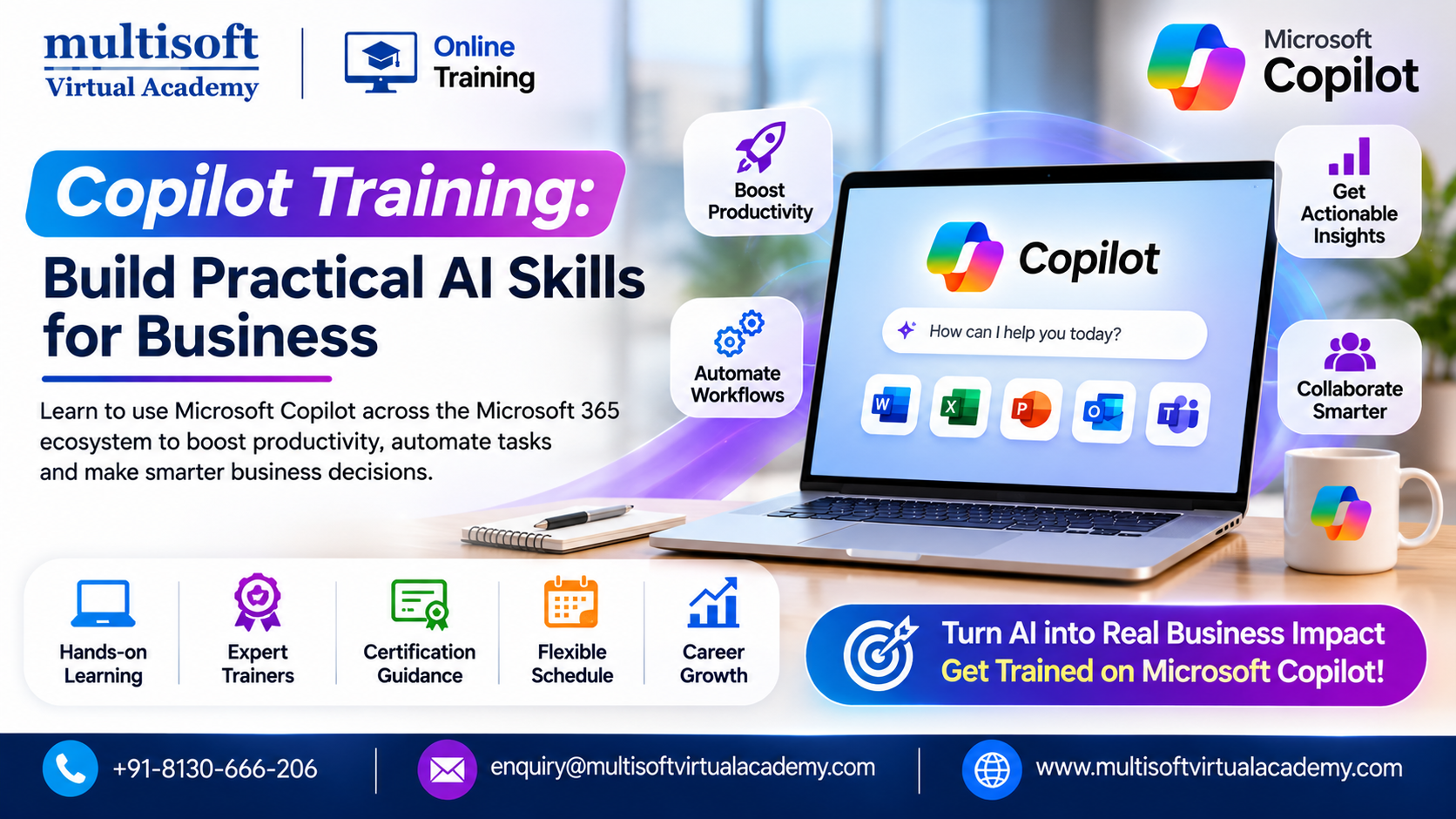
Artificial intelligence is changing how businesses create content, analyze information, manage workflows, and communicate with customers. Organizations are increasingly adopting AI-powered assistants to improve productivity and reduce repetitive tasks. Microsoft Copilot is one such technology, helping individuals and businesses use AI across everyday applications and business processes.
Copilot Training helps professionals understand how to use AI assistants effectively, create better prompts, automate routine activities, and explore intelligent business solutions. From generating documents and analyzing spreadsheets to building customized AI agents, Copilot offers several capabilities that can support different professional roles.
As organizations continue exploring generative AI and automation, learning Microsoft Copilot can help employees, developers, business analysts, and IT professionals develop practical skills for modern workplaces.
What Is Microsoft Copilot?
Microsoft Copilot is an AI-powered assistant integrated into various Microsoft products and services. It uses natural language interactions to help users complete tasks, retrieve information, generate content, and improve productivity.
Depending on the product and available license, Copilot capabilities are available across applications such as Microsoft Word, Excel, PowerPoint, Outlook, and Teams. Microsoft Copilot Studio provides additional capabilities for creating and managing customized agents and workflows.
For example, users can ask Copilot to summarize lengthy documents, prepare presentation outlines, analyze spreadsheet information, draft professional emails, or summarize meeting discussions.
Businesses can also explore AI agents that support specific tasks and business processes. These capabilities make Copilot relevant to organizations looking to introduce AI into their daily operations.
Why Is Copilot Training Important?
Learning to use AI tools effectively requires more than entering simple instructions. Professionals need to understand prompt creation, output verification, application features, data protection, and responsible AI practices.
A structured Copilot Training Course helps learners develop these capabilities through guided explanations and practical exercises.
1. Improve Workplace Productivity
Copilot can assist with everyday tasks such as drafting documents, summarizing information, preparing presentations, and organizing emails. Learning how to use these features can help professionals manage routine responsibilities more efficiently.
2. Develop Effective Prompt Engineering Skills
The quality of AI-generated responses often depends on the instructions provided. Prompt engineering teaches users how to communicate their requirements clearly by defining context, objectives, expected formats, and relevant information.
Training helps learners create structured prompts and refine instructions to achieve more useful results.
3. Understand AI-Powered Business Automation
Businesses frequently handle repetitive activities involving data collection, document preparation, customer communication, and internal coordination. Copilot and related automation tools can help streamline selected workflows.
Understanding these capabilities allows professionals to identify suitable opportunities for AI adoption.
4. Explore Customized AI Agents
With Microsoft Copilot Studio, users can create agents designed for specific business requirements. These agents can respond to questions, use configured knowledge sources, and perform supported actions through connected systems.
Training introduces learners to agent creation, configuration, testing, and publishing.
Key Topics Covered in Copilot Training
A comprehensive Microsoft Copilot Training program should cover both everyday productivity features and advanced AI capabilities. The exact curriculum depends on whether the course focuses on Microsoft 365 Copilot, Copilot Studio, or a combination of both.
Introduction to Generative AI and Microsoft Copilot
Learners begin by understanding generative AI, large language models, conversational AI, and the role of Copilot in business applications.
This foundation helps participants understand how AI assistants process instructions and generate responses.
Microsoft Copilot Chat
Copilot Chat supports research, brainstorming, content drafting, and information analysis. Training may cover:
- Asking questions using natural language
- Researching business topics
- Summarizing information
- Generating ideas and outlines
- Analyzing uploaded files
- Creating structured content
- Working with Copilot Pages and available agents
Learners also explore the importance of reviewing AI-generated information before using it in professional work.
Copilot in Microsoft Word
Microsoft Word users can explore AI-assisted document creation and editing.
Training may include generating initial drafts, summarizing documents, rewriting paragraphs, improving clarity, adjusting tone, and organizing information.
These features can support professionals who regularly prepare reports, proposals, business documents, and internal communication.
Copilot in Microsoft Excel
Copilot in Excel can assist with understanding datasets, identifying patterns, generating formulas, and exploring data insights.
Important learning areas may include:
- Analyzing spreadsheet information
- Understanding data patterns
- Creating and explaining formulas
- Summarizing tables
- Exploring charts and visualizations
- Supporting data interpretation
Users should verify calculations and validate important business results rather than relying on AI-generated outputs without review.
Copilot in Microsoft PowerPoint
PowerPoint capabilities help users work on presentation planning and content development.
Training may introduce presentation outlines, slide generation, content summarization, visual improvements, and editing existing presentations.
These features can be useful for project managers, trainers, business professionals, and marketing teams.
Copilot in Microsoft Outlook
Outlook users can explore AI-assisted email drafting, conversation summaries, and inbox management.
Training can cover writing professional responses, summarizing lengthy email threads, improving message clarity, and organizing communication activities.
Copilot in Microsoft Teams
Microsoft Teams provides collaboration and meeting-related capabilities. Depending on licensing and configuration, Copilot can assist with meeting summaries, discussion highlights, action items, and information retrieval.
Learning these features can help employees manage meetings and follow-up activities more effectively.
Microsoft Copilot Studio: Building Customized AI Agents
Microsoft Copilot Studio is an important learning area for professionals interested in developing customized AI assistants and business automation solutions.
Unlike everyday Copilot usage, Copilot Studio provides tools for creating agents that address specific organizational requirements.
A practical Copilot Studio Training program may cover the following areas.
Creating and Configuring AI Agents
Learners understand how to create agents, define their purpose, configure instructions, and establish appropriate knowledge sources.
Topics and Conversation Design
Topics help structure conversations and guide how agents respond to particular requests. Training may cover conversation flows, triggers, variables, and related components.
Generative AI and Orchestration
Learners explore how generative AI can help agents interpret requests and determine appropriate responses or actions.
Knowledge Sources and Data Integration
Agents can use configured knowledge sources to provide relevant information. Training may introduce supported connectors, data sources, and integration considerations.
Power Automate Integration
Power Automate can support workflow automation by connecting applications and services. Learners may explore how agents interact with automated processes to perform supported business activities.
Testing, Publishing, and Analytics
Before deployment, agents should be tested against expected scenarios. Training may cover testing, publishing, monitoring, and analyzing agent performance.
These activities help learners understand the complete process of developing and maintaining customized AI solutions.
Real-World Applications of Microsoft Copilot
Copilot can support different departments depending on their requirements, available applications, and organizational policies.
Human Resources: HR teams can use AI assistance to draft job descriptions, prepare employee communication, summarize policies, and organize recruitment-related information.
Marketing: Marketing professionals can explore content ideas, prepare campaign outlines, analyze information, and develop presentation materials.
Finance: Finance teams can use AI-assisted spreadsheet analysis, summarize financial information, and support reporting activities. Important financial calculations must always be validated.
Sales: Sales professionals can prepare meeting summaries, draft customer communication, organize proposals, and review business information.
Customer Support: Customized agents can help respond to common questions and retrieve information from approved knowledge sources.
IT Operations: IT teams can explore AI-assisted documentation, project planning, knowledge retrieval, and workflow automation.
These applications demonstrate how Copilot can support different business functions when implemented with suitable controls and human oversight.
Who Should Enroll in Copilot Training?
Copilot training can benefit professionals from different educational and professional backgrounds.
- Business professionals: Individuals who want to improve productivity across everyday office applications.
- IT professionals: Specialists interested in enterprise AI adoption, administration, and automation.
- Developers: Professionals exploring customized AI agents and integrations.
- Business analysts: Learners interested in identifying AI opportunities and improving business processes.
- Marketing professionals: Individuals looking to use AI for research, content development, and campaign planning.
- HR professionals: Employees interested in AI-assisted documentation and administrative workflows.
- Project managers: Professionals seeking better ways to organize information, prepare reports, and manage communication.
- Students and fresh graduates: Learners who want to develop practical AI skills for future workplace requirements.
Basic familiarity with Microsoft 365 applications can be useful for productivity-focused courses. Advanced Copilot Studio programs may require additional knowledge of Power Platform, workflow automation, or application development.
Career Opportunities After Copilot Training
Developing Copilot skills can complement existing professional expertise and support career development in AI-enabled workplaces.
Depending on prior experience and technical capabilities, relevant career paths may include:
- Microsoft 365 Copilot Specialist
- Copilot Studio Developer
- AI Automation Consultant
- Power Platform Developer
- Business Process Automation Analyst
- AI Business Analyst
- Microsoft 365 Administrator
- AI Solutions Consultant
- Workflow Automation Specialist
These are related career directions rather than guaranteed job outcomes. Employers may also expect knowledge of Microsoft 365, Power Platform, cloud services, security, integration, and business process management.
How to Choose the Right Copilot Training Course
Selecting the right course depends on your professional goals and the type of Copilot capabilities you want to learn.
Review the curriculum: Check whether the program covers Microsoft 365 Copilot, Copilot Chat, Copilot Studio, AI agents, or workflow automation.
Look for practical sessions: Hands-on exercises help learners understand how to apply Copilot features to realistic business scenarios.
Check trainer experience: An experienced trainer can explain both the technical features and their practical business applications.
Understand software access: Confirm the required Microsoft licenses, application availability, and practice environment before enrolling.
Choose the appropriate learning level: Beginners may start with Copilot Chat and Microsoft 365 applications, while advanced learners can explore Copilot Studio and agent development.
Explore certification preparation: If certification is one of your goals, verify whether the training aligns with a current Microsoft credential or examination. Course-completion certificates and official Microsoft certifications are different.
Frequently Asked Questions About Copilot Training
What is Copilot Training?
Copilot Training teaches participants how to use Microsoft AI assistants across supported applications and services. It may cover prompt engineering, Microsoft 365 Copilot, Copilot Chat, Copilot Studio, AI agents, and workflow automation.
Is Microsoft Copilot Training suitable for beginners?
Yes. Productivity-focused courses can be suitable for beginners with basic computer and Microsoft 365 knowledge. Advanced agent development courses may require additional technical experience.
What is the difference between Microsoft 365 Copilot and Copilot Studio?
Microsoft 365 Copilot helps users perform tasks within supported Microsoft applications. Copilot Studio provides tools for creating and managing customized agents and business workflows.
Do I need coding knowledge to learn Copilot?
Basic Copilot usage generally does not require programming knowledge. Copilot Studio supports low-code development, although advanced integrations and custom solutions may require technical skills.
Can Copilot help automate business processes?
Yes. Depending on the configuration, connected applications, and permissions, Copilot agents and Power Automate workflows can support selected business processes.
What are the benefits of learning Copilot?
Learning Copilot can help professionals improve AI-assisted productivity, develop prompt engineering skills, understand workflow automation, and explore customized AI agents.
Conclusion
Microsoft Copilot is creating new possibilities for workplace productivity, intelligent automation, and AI-assisted business operations. Developing practical knowledge of Microsoft 365 Copilot, Copilot Chat, prompt engineering, and Copilot Studio can help professionals understand how AI fits into modern business workflows. Choosing a structured course with practical exercises, relevant tools, and experienced instruction is an important step toward building these capabilities. Multisoft Virtual Academy offers Copilot Training designed to help professionals explore Microsoft Copilot features, develop practical AI skills, and understand the use of intelligent assistants and automation in business environments.
Originally Content Posted at: https://www.multisoftvirtualacademy.com/blog/copilot-training-build-practical-ai-skills-for-business

 English
 Arabic
 French
 Spanish
 Portuguese
 Deutsch
 Turkish
 Dutch
 Italiano
 Russian
 Romaian
 Portuguese (Brazil)